Symmetry Lab
iOS Universel / Graphisme et design
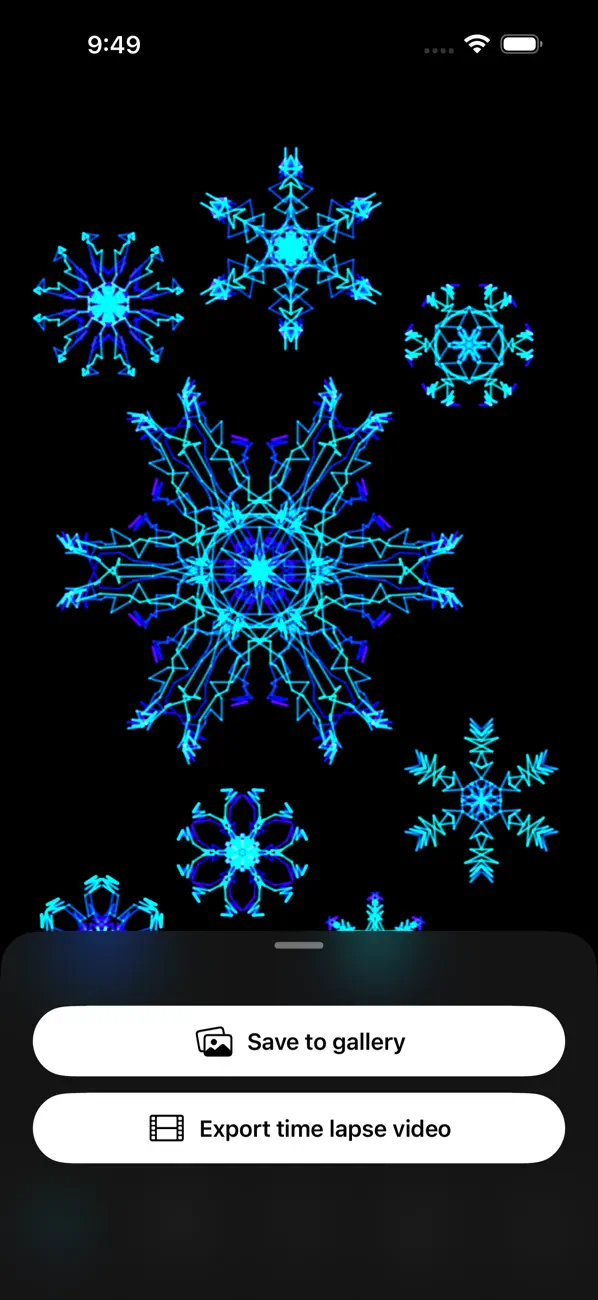
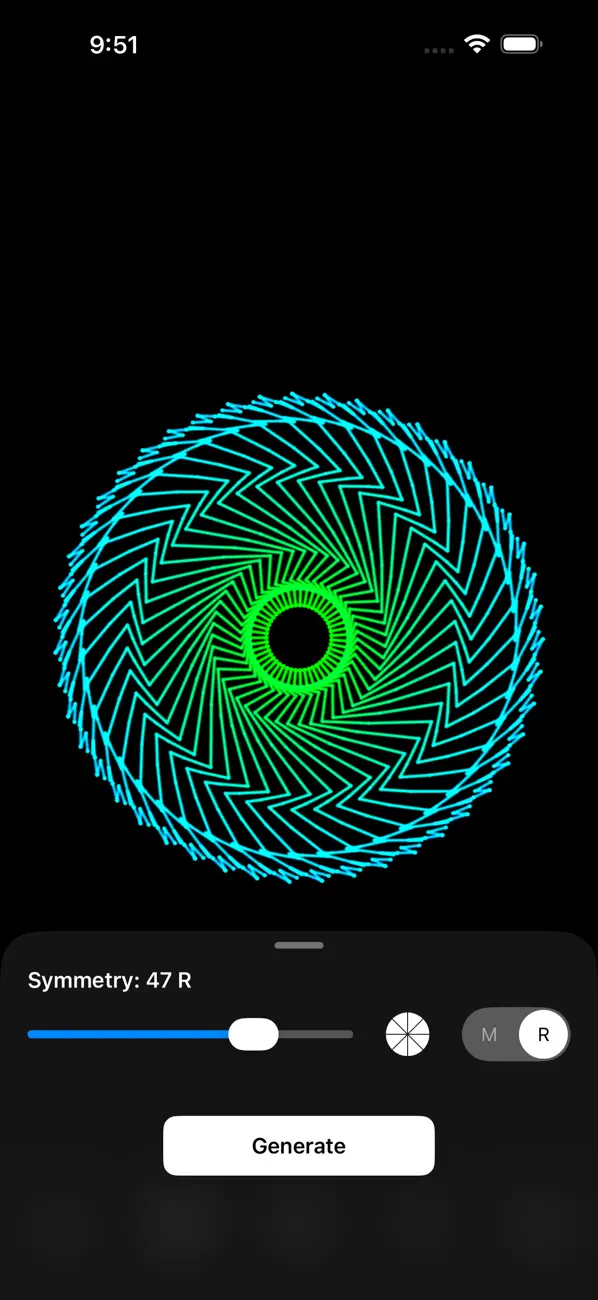
Créez de superbes œuvres symétriques du bout du doigt. Symmetry Lab Basic met instantanément vos traits en miroir et transforme des gestes simples en motifs complexes et fascinants.
Aucun talent artistique requis : tracez quelques lignes et voyez naître quelque chose d'extraordinaire. Des enfants aux artistes confirmés, tout le monde obtient des résultats impressionnants en quelques secondes.
NOUVEAU : une galerie intégrée conserve chaque motif que vous créez. Parcourez, revisitez et partagez votre collection — votre travail vous suit partout.
CE QUE VOUS POUVEZ FAIRE
• Dessinez à main levée avec une variété de styles de pinceau
• Appliquez une symétrie jusqu'à 32 axes, à la fois rotative et en miroir
• Utilisez les modes d'alignement sur la grille pour créer des motifs géométriques et en mosaïque
• Laissez le générateur de motifs autonome créer des œuvres tout seul
• Enregistrez chaque motif dans la galerie intégrée
• Partagez vos créations sur les réseaux sociaux
ENVIE DE PLUS ?
La version complète de Symmetry Lab débloque encore plus de possibilités créatives — jusqu'à 128 axes de symétrie, des couleurs supplémentaires comme arc-en-ciel, feu et glace, d'autres styles de grille, des préréglages et bien plus encore.
Symmetry Lab est sorti en 2009 et n'a cessé d'être amélioré au fil des ans. L'application a été entièrement repensée en 2026, avec une interface moderne, des performances accrues et une nouvelle galerie qui garde votre travail à portée de main.
Des questions ou des commentaires ? Touchez « Envoyer un commentaire » dans les Réglages.
Conditions d'utilisation (CLUF) : https://www.apple.com/legal/internet-services/itunes/dev/stdeula/
Quoi de neuf dans la dernière version ?
Sharing a pattern now includes a caption so people can find the app that made it.
Under the hood: the app uses less memory while you pinch, zoom and draw during long sessions, and an iPad bug that could freeze the Restore Purchases screen has been fixed.