Tile Matcher
iOS Universel / Graphisme et design
TileMatch is the precision tile-planning workspace for installers and tile professionals. Photograph each tile in your batch, lay out every surface in your project, and let the on-device solver arrange them so the natural veining flows continuously across the wall — before a single tile gets cut.
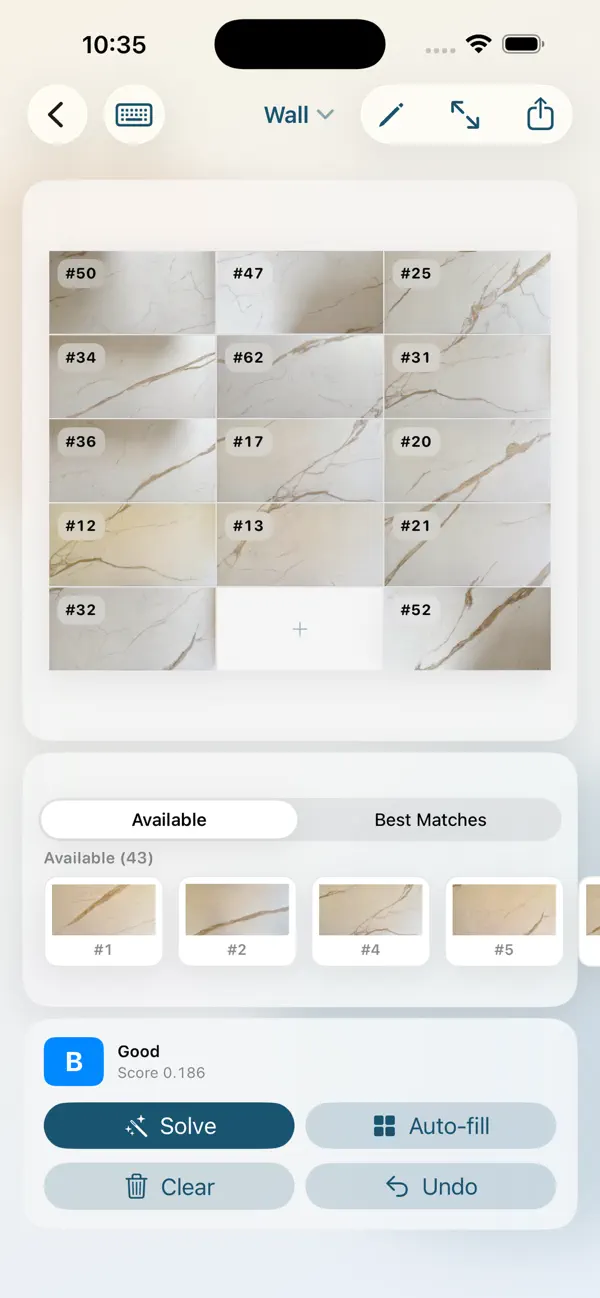
Stone tiles, marbles, and quartzites all carry unique patterns. Random placement wastes the visual story locked inside each piece. TileMatch reads the veining at every tile edge and arranges the layout so adjacent tiles continue each other's lines, producing a finished surface that looks like one continuous slab.
THE WORKFLOW
• Capture each tile with your iPad or iPhone camera, or import from Photos
• TileMatch detects the tile boundary, perspective-corrects it, and normalizes white balance across the whole batch
• Group visually duplicate tiles into pattern sets
• Lay out one or more surfaces (floor, wall, backsplash) at the actual cell count
• Tap Solve — the app analyzes every adjacency, scoring vein continuity and structural matching, and produces the best arrangement it can find
• Cut tiles to size with a guided splitter that tracks both pieces and remembers their dimensions
• Export the finished plan as a PDF for the cutting station
WHY VEIN MATCHING MATTERS
Most tile installations look like a grid of unrelated patterns because the placement was random. Veined stone wants to extend across the seam — the eye picks up the discontinuity instantly. TileMatch's solver doesn't average colors at the seam; it specifically looks for the directional features (veins) crossing each edge and rewards placements where they continue smoothly. The result is a wall that reads as one piece.
ON DEVICE, ON YOUR TERMS
• Everything runs on the iPad — no servers, no uploads, no accounts to create
• Apple's Vision and Core Image frameworks handle the heavy lifting, so processing is fast and private
• Projects sync between your iPad and iPhone through your iCloud account — no third-party cloud, no subscription, no data harvesting
• Export and share project archives as a single file when you need to send a layout to a colleague or another device
WHAT'S INSIDE
• Tile capture with auto rectangle detection and subpixel corner refinement
• Manual perspective correction with a four-handle adjuster for tricky shots
• Project-wide white balance that matches background tones across all tiles
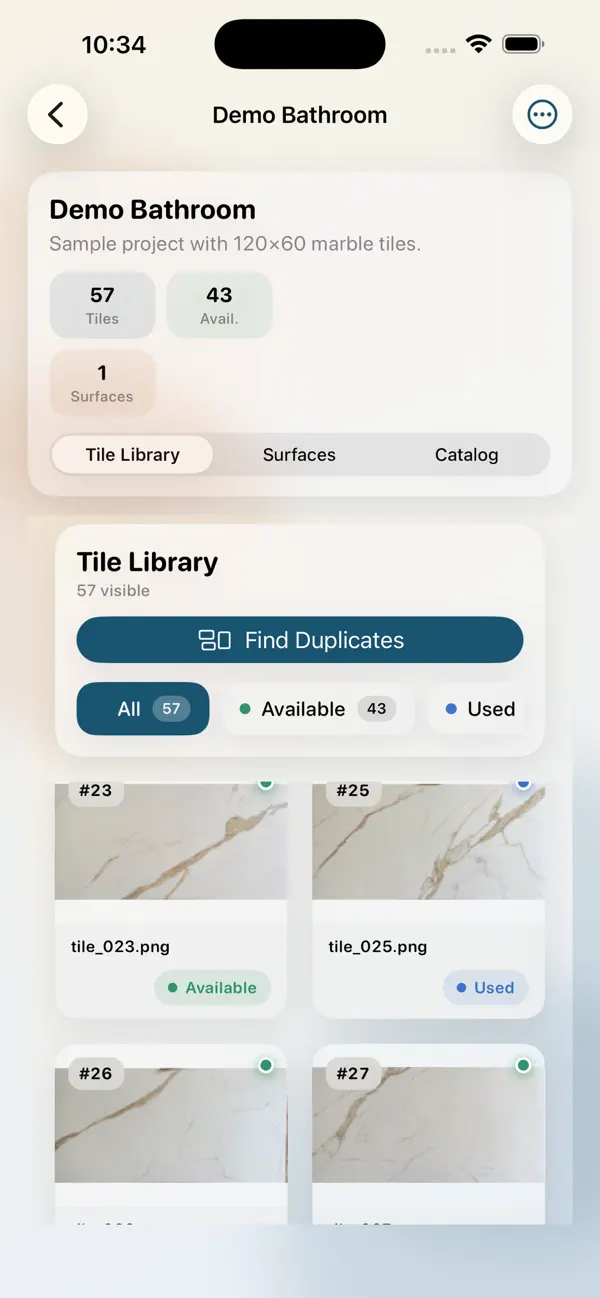
• Pattern duplicate detection using on-device Vision feature prints
• Multi-restart simulated-annealing solver that returns the best of 5 independent runs
• Drag-and-drop tile catalog with pattern groups
• Cut tool with horizontal/vertical splitting, swap-keep/rest, and dimensioned cut pieces
• 180° rotation support for tiles where flipping improves the match
• PDF export with the grid, tile reference table, and cutting plan
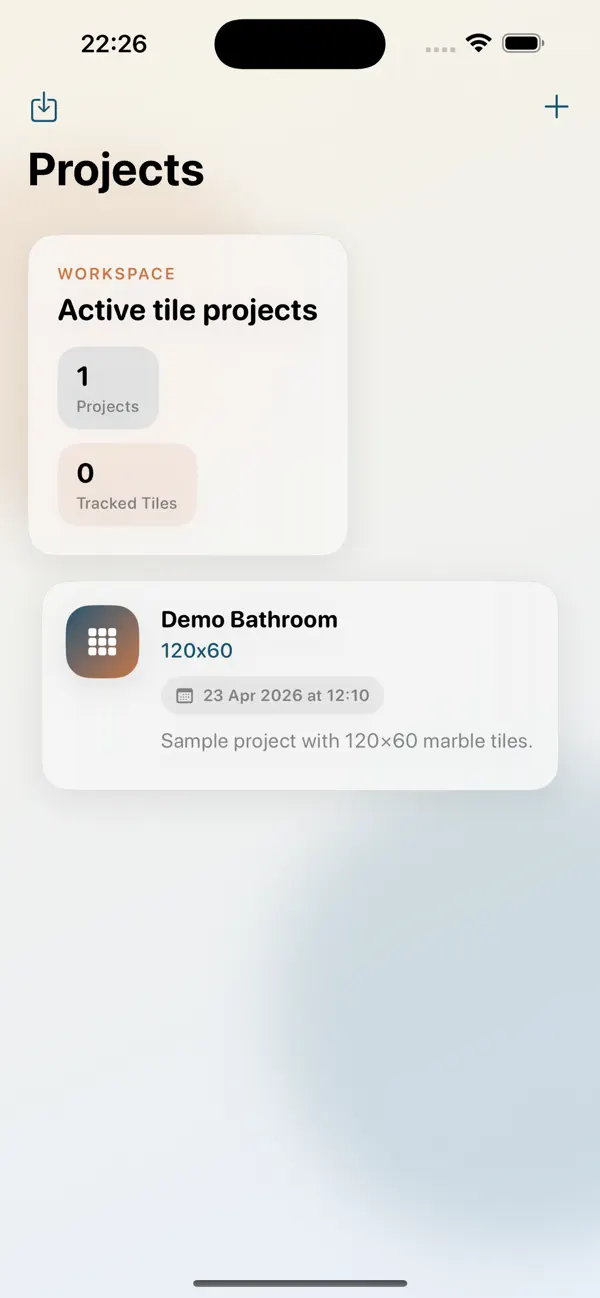
• Demo Bathroom project pre-loaded so you can explore everything immediately
BUILT FOR PROS
If you cut and lay stone for a living, TileMatch is built for the way you actually work: standing in a workshop with the tiles spread out, an iPad in one hand, deciding what goes where before the saw runs. The solver is a starting point you can edit by hand — drag tiles around, lock the ones you like, run Solve again, refine until the layout looks right. Then export the plan and start cutting with confidence.
Quoi de neuf dans la dernière version ?
- Filenames handled better when cutting tiles
- Multiple tile-cuts allowed on each tile