Designs for Google Slides Pro
iOS Universel / Graphisme et design
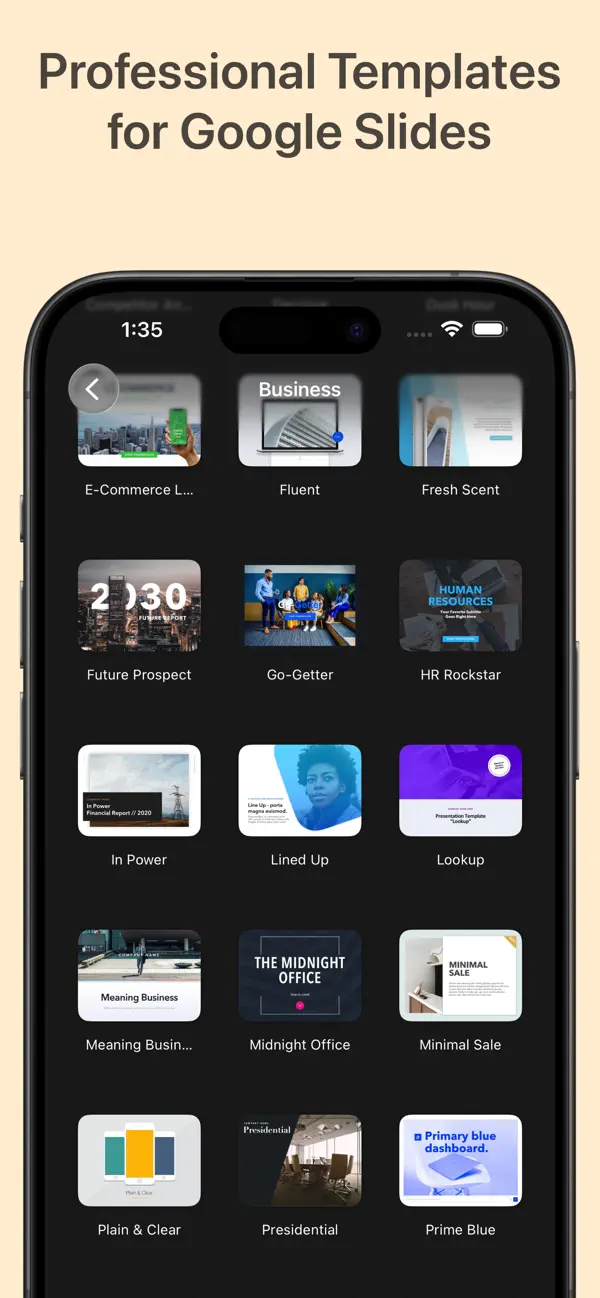
Designs for Google Slides Pro est le kit créatif ultime pour créer des présentations impressionnantes. Plus de 30 000 diapositives, modèles, pitch decks, infographies, thèmes et ressources créatives pour Google Slides.
MODÈLES DE PRÉSENTATION
Pitch decks investisseurs, présentations professionnelles, sales decks, marketing, profils d'entreprise, lancements produits, rapports trimestriels, stratégie.
PITCH DECKS
Modèles pitch deck pour investisseurs, startups, levées de fonds, plans d'affaires, demo day.
INFOGRAPHIES
Infographies statistiques, processus, comparatives, chronologies, organigrammes, mind maps.
GRAPHIQUES
Graphiques à barres, lignes, camemberts, donuts, dispersion, bulles, radar, entonnoirs, Gantt.
DIAGRAMMES
Diagrammes de flux, swim lane, ishikawa, SWOT, chaîne de valeur, organigrammes, réseaux.
PRÉSENTATIONS ÉDUCATIVES
Plans de cours, présentations de classe, modèles pédagogiques, ateliers, matériel académique.
MARKETING ET VENTES
Decks de campagnes, sales pitch, brochures, branding, présentations promotionnelles.
THÈMES ET STYLES
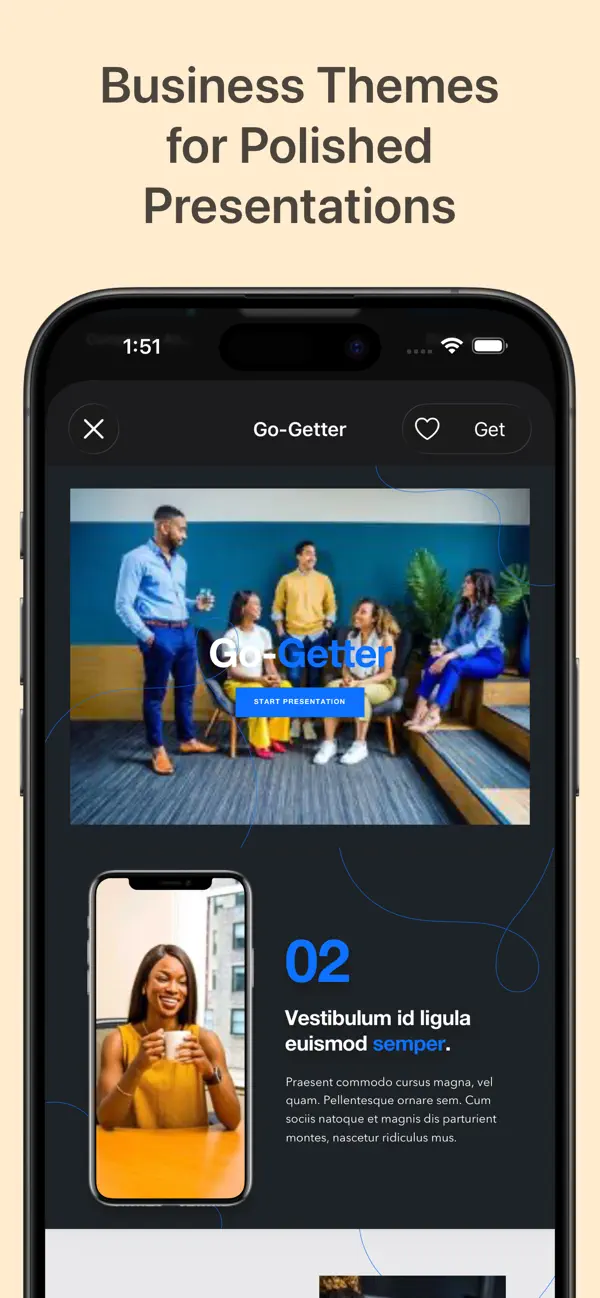
Thèmes complets avec polices, couleurs et mises en page cohérentes. Moderne, minimaliste, corporate, créatif.
ICÔNES ET GRAPHIQUES
Milliers d'icônes, illustrations, vecteurs, formes, badges, cadres, arrière-plans.
CARTES
Cartes du monde, pays, continents, régions éditables.
- Plus de 30 000 diapositives et ressources
- Ouverture directe dans Google Slides en un clic
- Chaque diapositive entièrement modifiable
- Fonctionne avec Google Slides sur iPhone, iPad et Mac
- Esthétiques : moderne, minimaliste, corporate, créatif
Téléchargez maintenant !
Quoi de neuf dans la dernière version ?
Nouveaux modèles pitch deck et diapositives. Nouveaux designs d'infographies et graphiques. Nouveaux thèmes modernes. Performances améliorées.