Add-Ons Studio for Minecraft
iOS Universel / Jeux
The makers of the official Minecraft Skin Studio app bring you: Add-On's Studio for Minecraft! Are you ready to change your world? This is JUST THE START of something epic — we're going to be adding support for so much more in the very near future. We hope you enjoy our first release.
=== Features ===
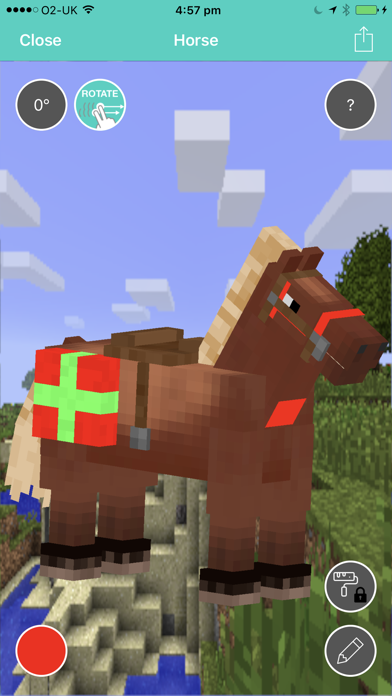
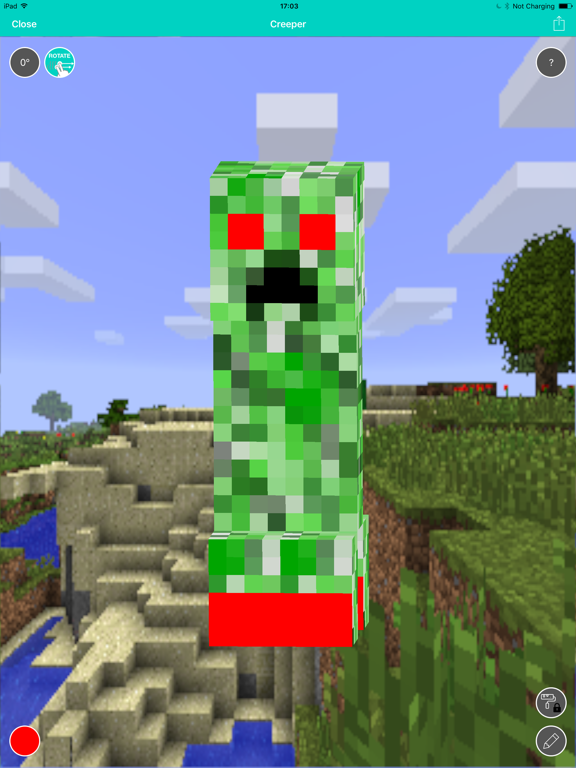
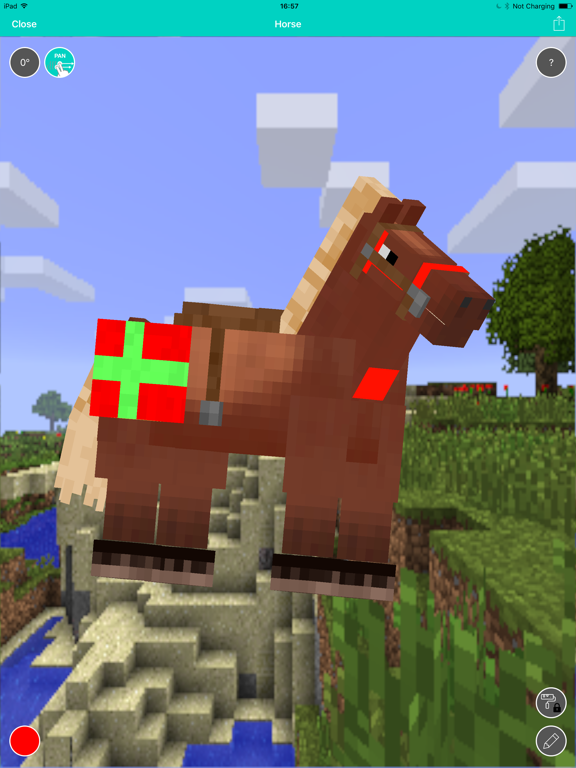
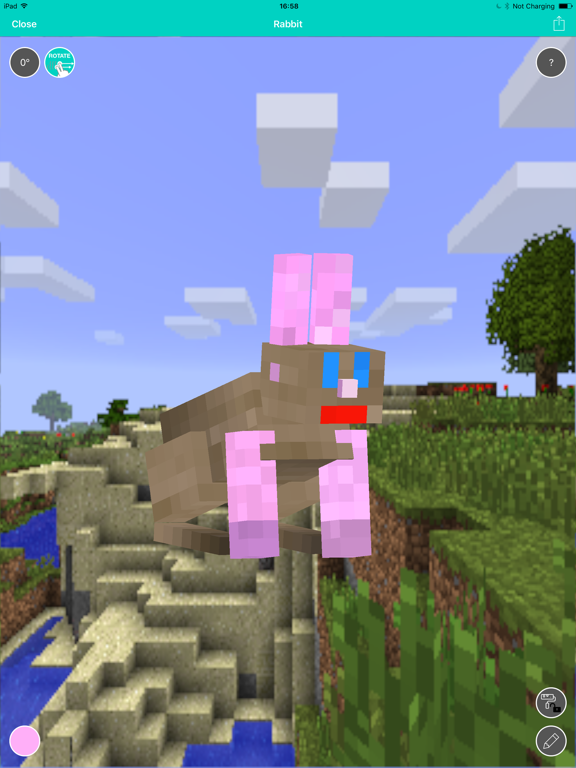
• Edit mob skins in our powerful 3D editor †
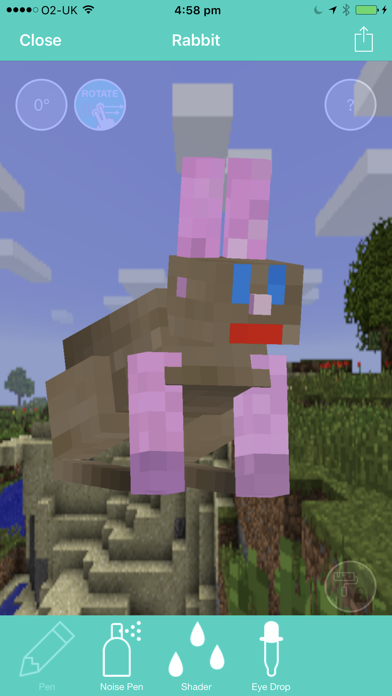
• Intuitive tools to design skins just the way you like them (+ more tools coming soon inc. undo and part picker!)
• Edit each body part in isolation or as a whole model (body part picker menu coming soon, for those who have asked!)
• Easy-import into the game, it only takes a couple of taps and you're in! (still stuck? see below!) ††
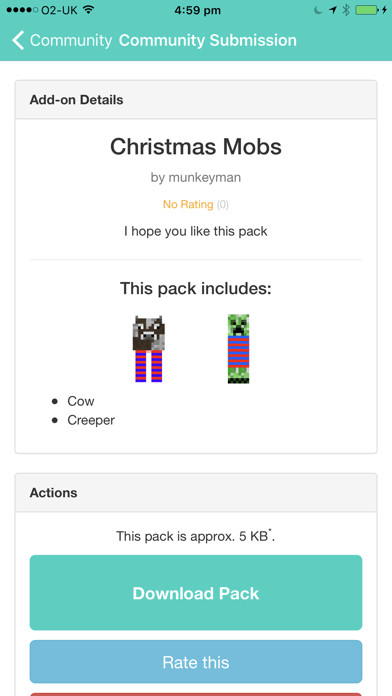
• Collaborative community tools! Share your masterpieces with the world or import someone else's pack and change it to suit you
• Share packs with your friends via e-mail or social network
• Zero ads, in-app purchases or distractions
=== HOW TO EXPORT TO MINECRAFT PE ===
(PS: this guide is also now in-app!)
• (1) Press "Export as Minecraft Pack".
• (2) Press "Copy to Minecraft PE". If you don't see this option, scroll to "More" and re-order your apps so that Minecraft PE is first. Try again. If you don't see Minecraft PE, you are more than likely using an old version of Minecraft; update your game via the App Store.
• (3) Minecraft will open. Hit Play, select the "Edit" button next to the world you want to apply the pack to. Press "Resource Packs" (on the left) and then scroll down until you find your pack. Select it and add it to your world. Then hit Play!
• (4) Have fun! ^_^
=== HOW TO EXPORT TO A NON-IOS PLATFORM ===
Right now, the only way to export to another platform (such as your Windows PC), you need to e-mail the pack to yourself. Add-Ons are not supported on OSX (Minecraft Java) or Xbox.
† Mobs supported so far: Chicken, Cow, Creeper, Charged Creeper, Ghast, Ghast (Shooting), Horse (Black), Horse (Brown), Horse (Chestnut), Horse (Creamy), Horse (Dark Brown), Horse (Gray), Horse (Skeleton), Horse (White), Horse (Zombie), Iron Golem, Mile (Donkey), Mule, Ocelot (Black), Ocelot, Ocelot (Red), Ocelot (Siamese), Pig, Rabbit, Rabbit (Black), Rabbit (Brown), Rabbit (Gold), Rabbit (Salt), Rabbit (Toast), Rabbit (White Splotched), Rabbit (White), Silver Fish, Skeleton, Villager, Villager (Butcher), Villager (Farmer), Villager (Librarian), Villager (Priest), Villager (Smith), Wither Boss (Wither), Wither Boss (Wither Invulnerable), Zombie, Zombie Pigman, Zombie Villager (Smith/Priest/Librarian/Farmer/Butcher) — phew, thats a lot of mobs.
†† Importing to Minecraft: Pocket Edition requires the game to be installed. It's available on the App Store however, it is NOT required to run this app. You can still create your own Add-ons and share with the community without the game. You may also export the pack and e-mail it to yourself to play on another Add-ons supported platform.
TRADEMARKS: Minecraft is a trademark of Mojang AB. This app is not officially endorsed, however it follows the brand guidelines at https://account.mojang.com/terms#brand. This app uses the term "Minecraft" as a secondary title and the app icon is our custom designed illustration, it is not an in-game asset.
Quoi de neuf dans la dernière version ?
This app has been updated by Apple to display the Apple Watch app icon.
• New cube selector UI - making it easier to select the part you want to edit
• New grid display system when focused on a single part
• New privacy settings option
• iPhone X support
• General UI and bug fixes