• KultureGeek
  • Comparateur de prix
       
iPhoneAddict
 iAddictv5Notre Application iPhone/iPad
  • Accueil Apps
  • Actualité Apple
  • Keynote Apple
  • Firmwares & iTunes
  • Contactez-nous
Accueil » Liste des Apps » Apps iPad » Jeux » Flip Box 3D
2.3 iOS €Gratuit 星明 黄 0 0 Flip the box to the designated color block area, let the box drop to complete the task. How to play: Slide the screen to control the block to flip in different directions, so that the block will eventually stand on the specified color block, the...
Flip Box 3D

Flip Box 3D

iPad / Jeux

Gratuit
Obtenir sur l'App Store

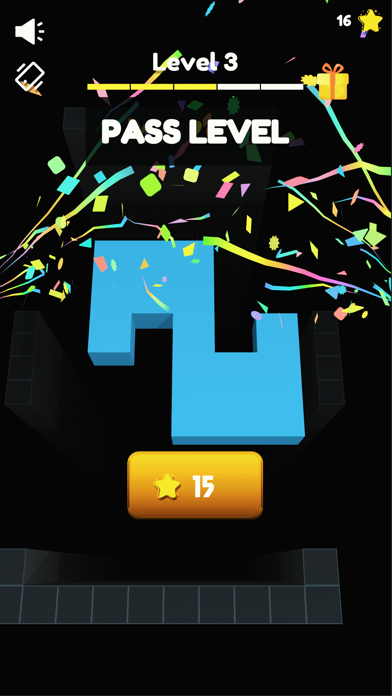
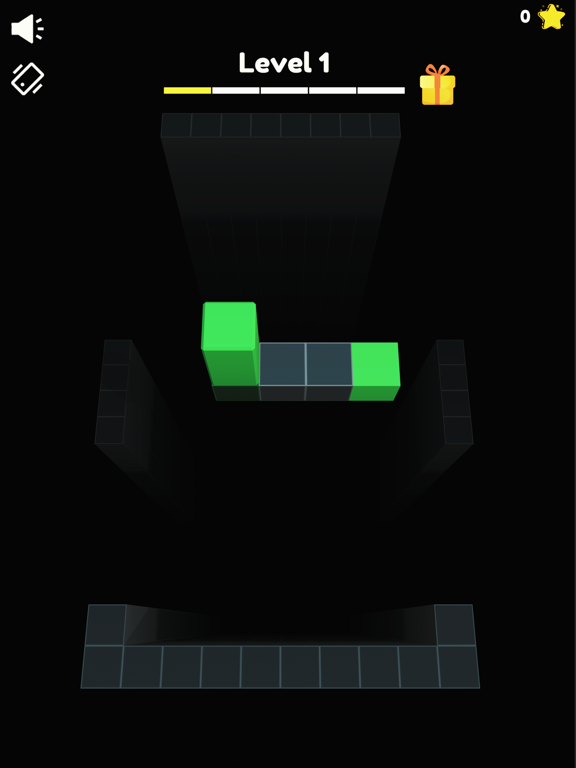
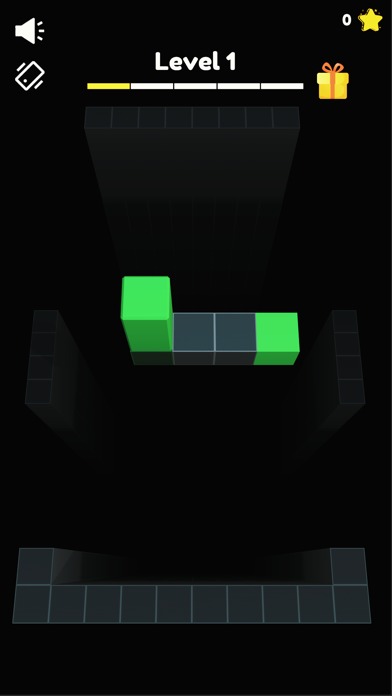
Flip the box to the designated color block area, let the box drop to complete the task.

How to play:
Slide the screen to control the block to flip in different directions, so that the block will eventually stand on the specified color block, the block will fall and you can pass the level!

More levels are being prepared in full swing, and more fun gameplay planning is also in preparation, so stay tuned!

En voir plus...

Quoi de neuf dans la dernière version ?

- Add localized language adaptation
- Modify the game icon
- Modify the game style
  • Screenshot #1 pour Flip Box 3D
  • Screenshot #2 pour Flip Box 3D
  • Screenshot #3 pour Flip Box 3D
  • Screenshot #4 pour Flip Box 3D
  • Screenshot #5 pour Flip Box 3D
  • Screenshot #6 pour Flip Box 3D

D'autres applications du développeur

Gun War Skeletons: Shooting
/ iPad
Tank Shooting 3D
Tank Shooting 3D
/ iOS Universel

Note

(0 note)

Détails sur l'application

Version
2.3
Taille
76.1 Mo
Version minimum d'iOS
12.0
Game Center
Non
Dernière mise à jour
23/07/2021
Publié par
星明 黄

Newsletter App Store

Recevez chaque jour les meilleures promos

Actualité Apple

Image Coruna, un kit pour pirater les iPhone, se propage chez les hackers
Coruna, un kit pour pirater les iPhone, se propage chez les hackers
Image iPad Air M4 : les premiers benchmarks dévoilent la puissance
iPad Air M4 : les premiers benchmarks dévoilent la puissance
Image Les Studio Display (XDR) ne fonctionnent pas avec les Mac Intel
Les Studio Display (XDR) ne fonctionnent pas avec les Mac Intel
Image Le Studio Display XDR ne propose pas le 120 Hz avec certains Mac
Le Studio Display XDR ne propose pas le 120 Hz avec certains Mac
Partenaires : Actualité iPhone - Culture Geek
©2009-2026 i2CMedia | A propos |