HappyStone
iPhone / Jeux
Let's mine a stone, complete a stone pictorial book or design accessories!
-- Menu --
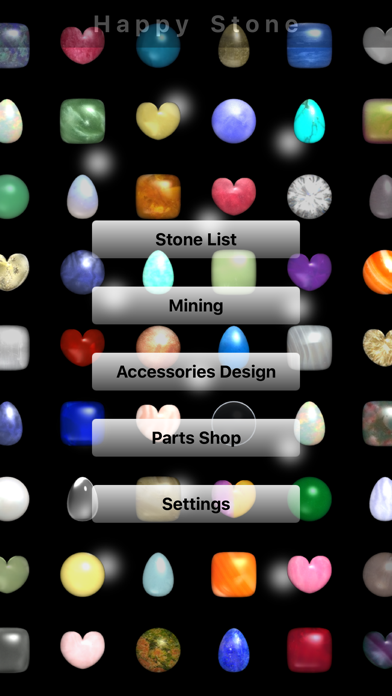
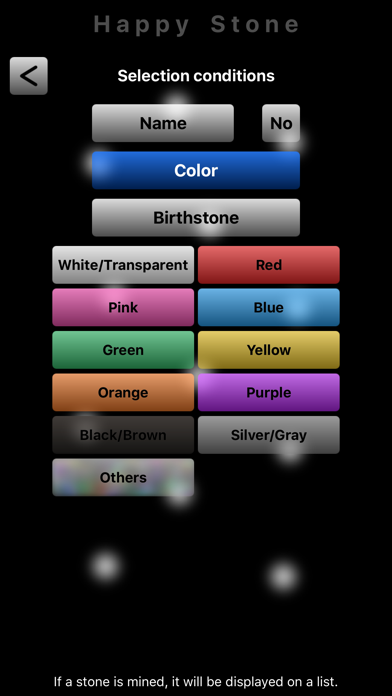
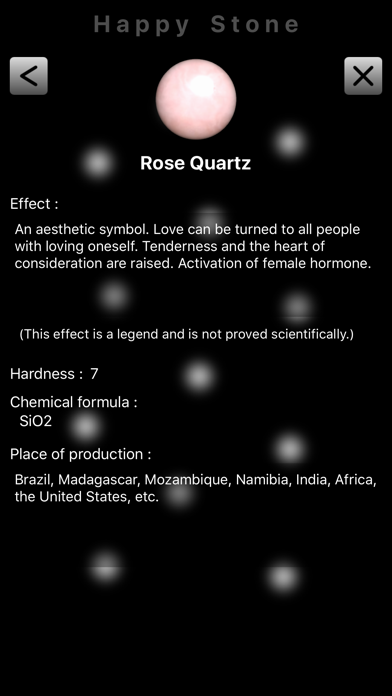
"Stone List" : The stone gained by mining can be seen by a list. It can use also as a stone pictorial book.
"Mining" : A mining game is played after choosing area. The game is Breakout. The next area can be chosen if the last stage (10th stage) of the area is cleared. Let's play a mining game and gain a stone and a point! When the last area is cleared, there may be something!?
"Accessories Design" : A background and accessories can be chosen and the gained stone can be arranged. Let's obtain a background and accessories using a point by Parts Shop. If 300 points are used, an image can be saved in the Photos of iPhone. (In the case of a charged version, it can save, without using the point.)
"Parts Shop" : A background and accessories can be obtained using a point.
"Settings" : ON/OFF of a sound. Advertising ON/OFF (function of the charged version). ON/OFF which displays all stones (function of the charged version). The purchase of the charged version.
All the stones and items can be collected for free.
In the case of the charged version, if "All stones are displayed" is turned ON, all stones can be displayed even if it has not mined the stone.
- About preservation of an image -
In a Retina display, it can choose "Saves by high resolution", and "Saves with screen size".
Saves by high resolution : 5.5-inch screen (1242x2208px), 4.7-inch screen (750x1334px), 4-inch screen (640x1136px), 3.5-inch screen (640x960px)
Saves with screen size : 5.5-inch screen (414x736px), 4.7-inch screen (375x667px), 4-inch screen (320x568px), 3.5-inch screen (320x480px)
*In iOS6 or later that, please permit access to Photos. (When a permission is not granted, please access effectively by [Settings] - [Privacy] - [Photos] of iPhone.)
Quoi de neuf dans la dernière version ?
This app has been updated by Apple to display the Apple Watch app icon.
*As for the version 2.0, requires iOS 6.0 or later.
---- Optimized for iPhone6 and iOS 9 ----
Even if the iPhone Language is set as Japanese in case of iOS 9 or later, the defect indicated in English is corrected.
Correspondence of 5.5 inch screen and 4.7 inch screen was done.
---- Other correction ----
The appearance of the list indication was corrected a little.