• KultureGeek
  • Comparateur de prix
       
iPhoneAddict
 iAddictv5Notre Application iPhone/iPad
  • Accueil Apps
  • Actualité Apple
  • Keynote Apple
  • Firmwares & iTunes
  • Contactez-nous
Accueil » Liste des Apps » Apps Universelles » Jeux » No Paint
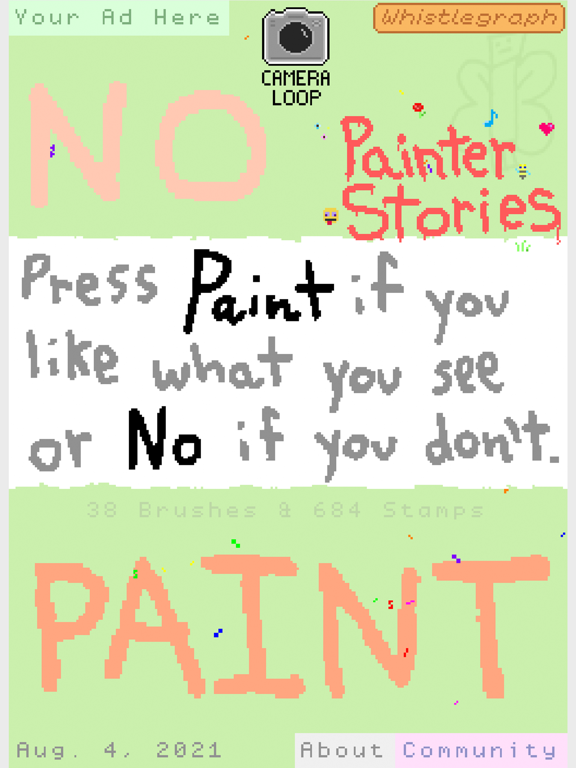
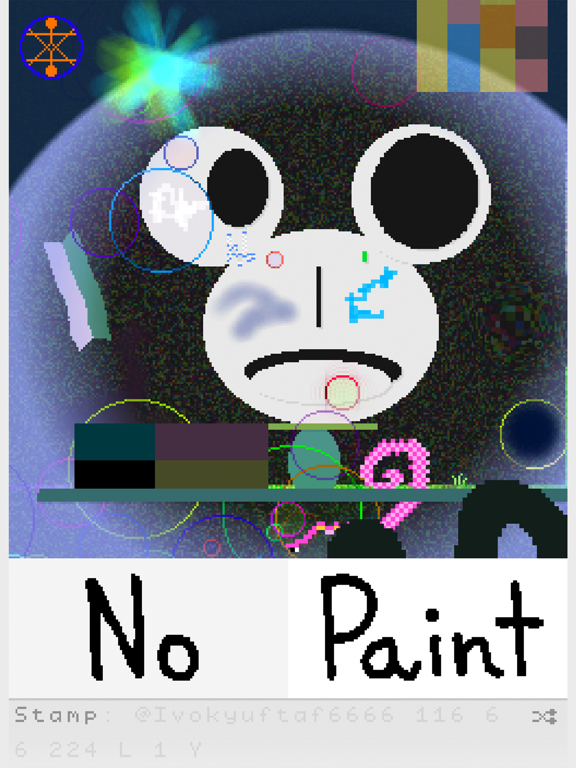
2.4 iOS €Gratuit Jeffrey Scudder 4.8 5 Press "Paint" if you like what you see or "No" if you don't! Move a finger on the painting to "Nudge" and tap the painting to pause, title, and save.
No Paint

No Paint

iOS Universel / Jeux

Gratuit
Obtenir sur l'App Store

Press "Paint" if you like what you see or "No" if you don't! Move a finger on the painting to "Nudge" and tap the painting to pause, title, and save.

En voir plus...

Quoi de neuf dans la dernière version ?

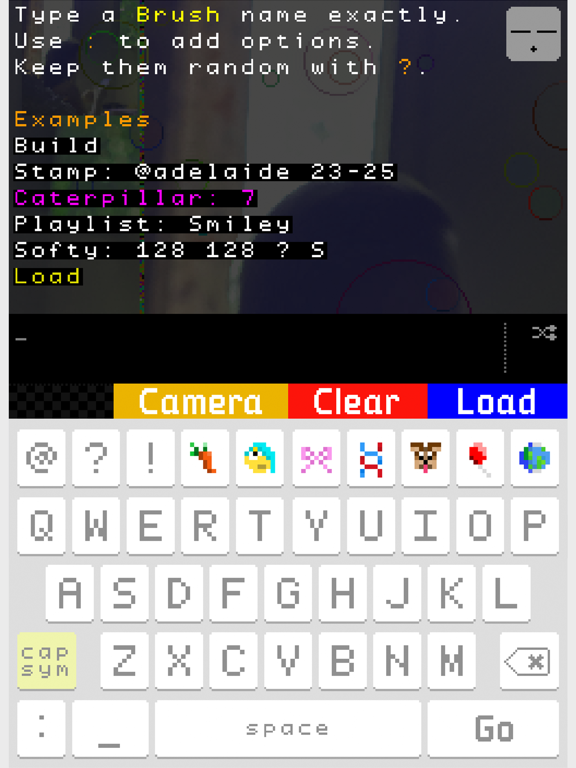
New Brushes: Bubble, Box, Camera, Ellipse, Frame, Line, Load, Noise, Playlist, Sharpen, Triangle, Walker
Total Stamps: 684
Painter Stories: Adelaide, Wilsans, Sean
- And many more improvements. Please explore!
- Read the manual by tapping the Command Prompt, then the Peek face in the top right corner, followed by the Book icon!

  • Screenshot #1 pour No Paint
  • Screenshot #2 pour No Paint
  • Screenshot #3 pour No Paint
  • Screenshot #4 pour No Paint
  • Screenshot #5 pour No Paint
  • Screenshot #6 pour No Paint

D'autres applications du développeur

Finger Quilt
Finger Quilt
/ iPhone
aesthetic computer
aesthetic computer
/ iOS Universel

Note

(5 notes)

Détails sur l'application

Version
2.4
Taille
14.3 Mo
Version minimum d'iOS
14.0
Game Center
Non
Dernière mise à jour
05/08/2021
Publié par
Jeffrey Scudder

Newsletter App Store

Recevez chaque jour les meilleures promos

Actualité Apple

Image [#BonPlan] Les AirPods Pro 3 en promo pour seulement 198 €
[#BonPlan] Les AirPods Pro 3 en promo pour seulement 198 €
Image Nouvelle pub d’Apple pour les AirPods Pro 3 et la réduction de bruit avec Vinicius Jr
Nouvelle pub d’Apple pour les AirPods Pro 3 et la réduction de bruit avec Vinicius Jr
Image Le MacBook avec écran tactile est « 100% confirmé » selon un leaker
Le MacBook avec écran tactile est « 100% confirmé » selon un leaker
Image Siri AI : comment contourner la file d’attente sur macOS 27 Golden Gate
Siri AI : comment contourner la file d’attente sur macOS 27 Golden Gate
Partenaires : Actualité iPhone - Culture Geek
©2009-2026 i2CMedia | A propos |