Smartivity Magico
iOS Universel / Jeux
IMPORTANT: This is a FREE companion app for Smartivity Magico activity.
This app requires Magico Stand and Letter, Number, and Shape Tiles. It will NOT WORK without the Magico set.
Smartivity Magico is available on www.smartivity.com , www.amazon.in and various retailers such as Hamley's etc.
Magico is an educational and fun app which presents the child with basics of Maths, Spellings, and Shapes in the form of engaging games and activities.
Transform your smartphone into a powerful educational tool for your child and elevate the passive screen-time to constructive, learning time.
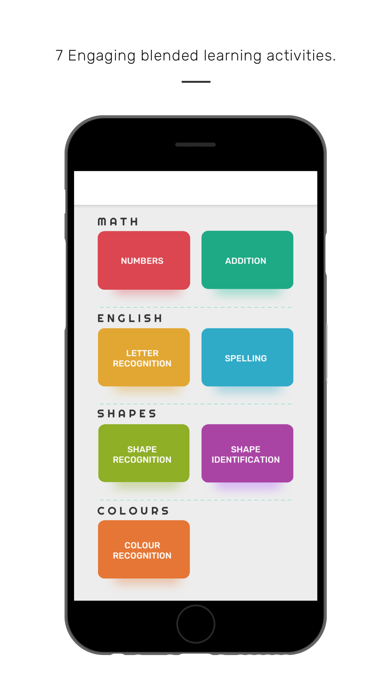
The games and activities included in the app are-
1. Number recognition.
2. Addition.
3. Letter recognition.
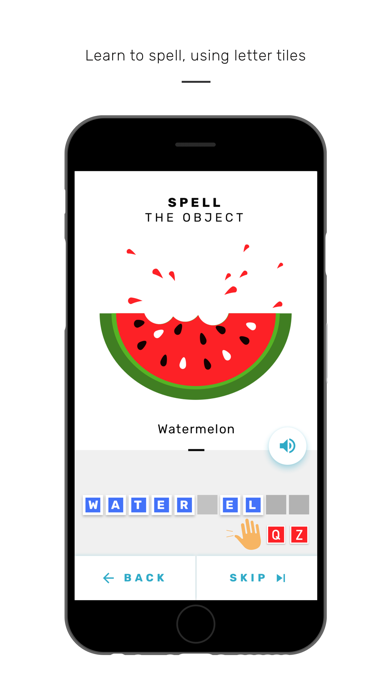
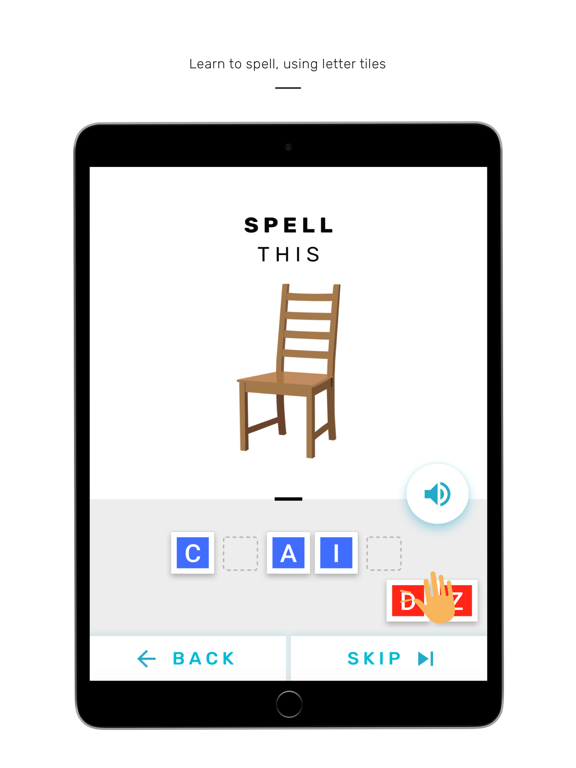
4. Spellings.
5. Shape recognition.
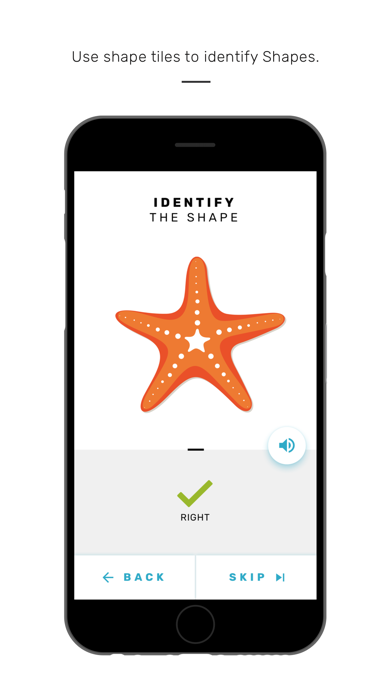
6. Shape identification.
7. Colour recognition.
HOW DOES IT WORK?
Magico blends cutting edge Computer Vision technology with sensory play to deliver a magical, mind-body engagement-focussed experience that next generation demands and deserves.
Place your smartphone on the Magico stand and open the app.
The app presents a series of games and activities which your child can interact with, using the tiles provided in the box. Different tiles are provided for different activities which are recognised by the app.
This is AI driven learning at its best, just like having your personal AI tutor. It's magic!
Intuitive sounds, visuals and a kid friendly interface make sure that your child finds it easy to browse through the app.
HOW TO USE IT?
1. Assemble the Magico stand.
2. Install the Magico app on your smartphone.
3. Give the permissions to the app by tapping the ‘ALLOW’ button.
4. Place your Smartphone on the Magico stand.
5. Slide the Magico Hat onto the stand.
6. Tap any game to launch it.
7. Place the appropriate tiles on the white area of the board to play.
8. If the answer is correct, the next activity will appear. Else, the app will ask you to answer correctly.
TIPS:
1. Ensure that the Tiles are placed in the Play Area (white coloured area) only.
2. Ensure that the Magico Hat is placed in such a way that it rests snugly and straight on top of your smartphone.
3. Ensure that the lighting is appropriate and the surroundings are well lit.
4. Make sure that you update the app regularly.
Keep the play area neat and clean.
HAVE FUN!
Quoi de neuf dans la dernière version ?
Minor bug fixes.