Book Highlighter
iOS Universel / Livres
Book Highlighter helps you turn passages from paper books into organized digital highlights, ready to export to Obsidian, Markdown files, or any app through the share sheet.
Build a personal library, capture the quotes you want to keep, add page numbers and notes, then export everything as clean Markdown when you are ready.
Capture highlights your way
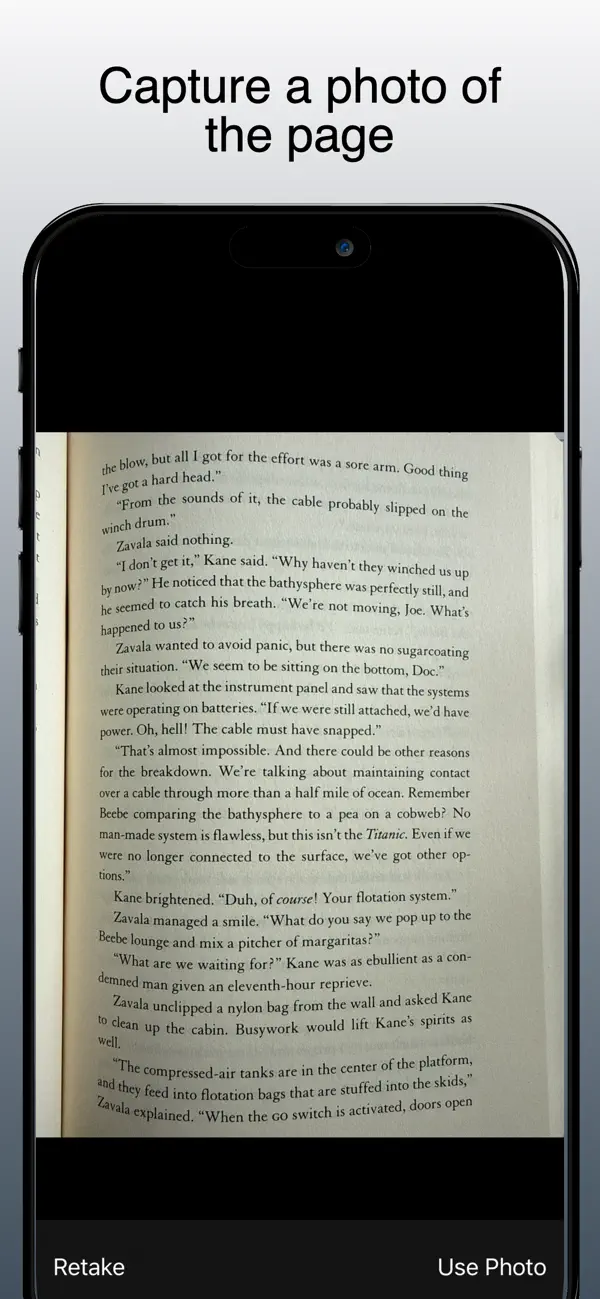
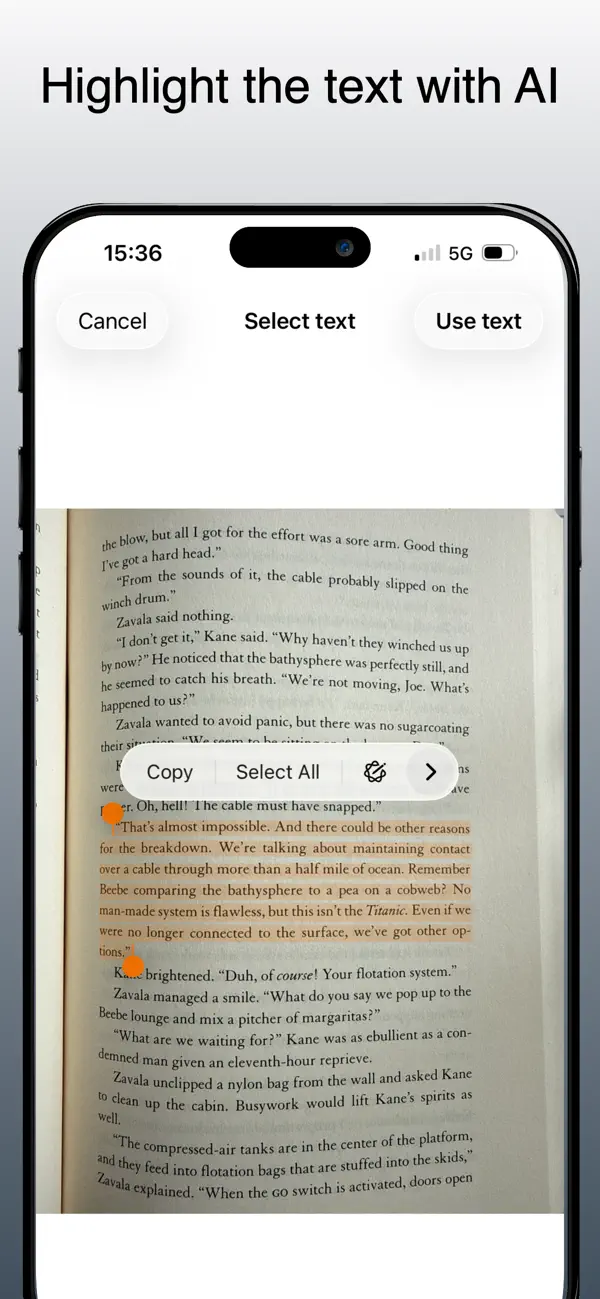
Take a photo of a book page, choose an image from your library, or type a passage manually. When you use an image, Book Highlighter uses Apple's built-in Live Text technology so you can select exactly the text you want from the page.
Organize by book
Search for books by title, author, or ISBN using Open Library, or add a Google Books API key in Settings to use Google Books. Each book can include metadata such as author, year, publisher, ISBN, and cover image. You can add highlights, page numbers, optional notes, and a personal note for the book.
Import from other apps
Book Highlighter includes an iOS share extension. Select text in another app, open the share sheet, choose Book Highlighter, then save the passage to one of your existing books.
Export clean Markdown
Write each book to folders you choose as complete Markdown files, or use the standard iOS share sheet for one-shot Markdown, plain text, CSV, RTF, and PDF exports. Generated Markdown files include book metadata, page headings, quotes, notes, and dates, and are overwritten when you update them from the app.
Backup and restore
Create a JSON backup of your books and highlights, save it wherever you prefer, and import it later with smart merge to avoid duplicate books and duplicate highlights.
Private by design
Book Highlighter stores your library locally on your device. There is no account, no analytics, and no developer-controlled server for your books, highlights, or notes. Network requests are used only when you search book metadata through Open Library or, if configured by you, Google Books.
Book Highlighter is made for readers who still love physical books but want their best passages available in a durable, portable digital format.
Quoi de neuf dans la dernière version ?
- Added a *Request a feature* action in Settings so users can suggest improvements.
- Camera flash mode is now configurable from the Scan view and remembered between sessions.
- Google Books metadata lookups now retry transient `502`/`503`/`504` errors.
- ISBN barcode scanning is more reliable: manual capture, macro camera selection, and close-range focus tweaks.
- Flash mode selector moved inside the camera picker overlay.