InstaCards - Business Card
macOS / Economie et entreprise
With InstaCards - Business Card you can easily design a fancy and organized contact card for you or your company without wasting much time. We bring to you 300 beautiful and exclusive templates to create your business card. You can find an amazing variability of templates and you'll certainly find the perfect one for you!
Using one of the templates, you'll easily add your information using the text font and color you like to perfectly match with the template you chose. You can also add your logo to your card and create a QRCode. With a very easy to use interface, you'll create a fancy card and you don't need to be a designer to do it!
••••••••••••••••••••••••••••••••••••••••••••••••••••••••••••
Enjoy our amazing features:
••••••••••••••••••••••••••••••••••••••••••••••••••••••••••••
• 300 Business Cards.
• Text with multiple fonts and colors.
• Add Images and Logos.
• Add QR Code.
• Add Text with multiple fonts.
• Share on social media.
• Print images.
• Save Images with PNG, JPEG, JPEG2000, TIFF and BMP formats.
••••••••••••••••••••••••••••••••••••••••••••••••••••••••••••
How to use:
••••••••••••••••••••••••••••••••••••••••••••••••••••••••••••
1. Select the business card you want in Image Options on the left of the app.
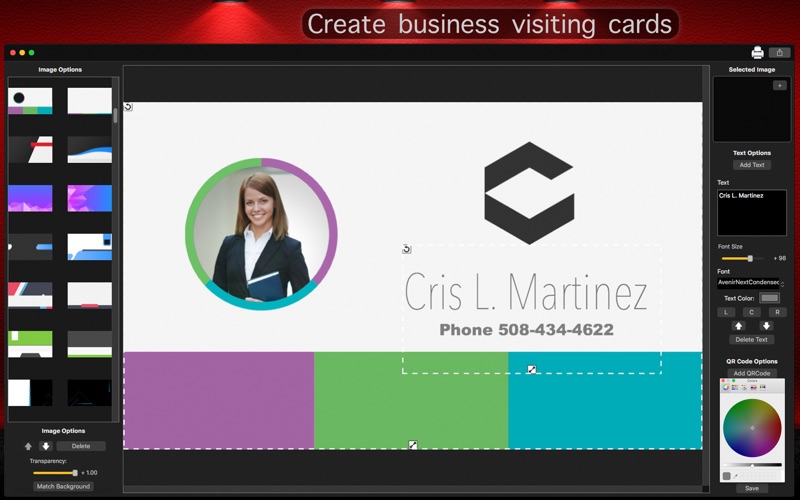
2. You can add your image or logo on the right of the app, using the [+] button on Selected Image box.
3. Set the Transparency of your image using the slide, click [ Match Background ] button if you want to match with the background and use the Backward and Forward arrow buttons if you want.
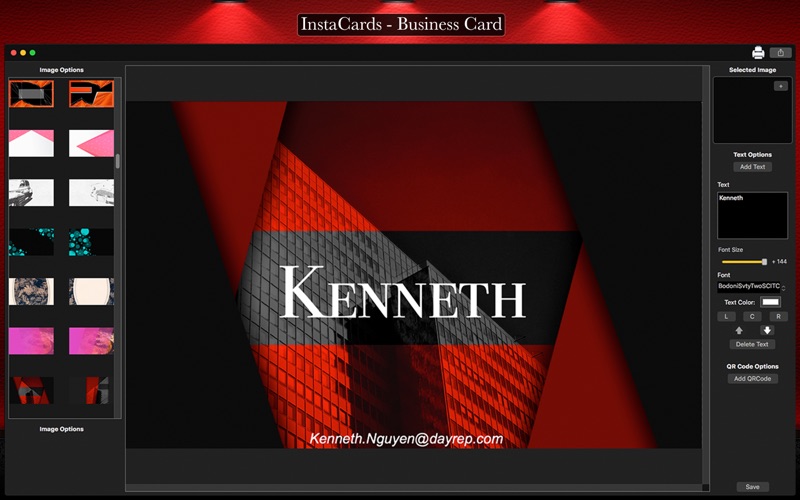
4. To add text on your card, click the [ Add Text ] button, click and drag the text to change its position and write on Text box. You can resize the text to fit the desired location of your business card, simple take your mouse over it.
5. Change the Font Size, Font, Alignment (L, C, R), Backward/Forward and Text Color if you want bellow the Text box. Click [ Delete Text ] to delete the selected text.
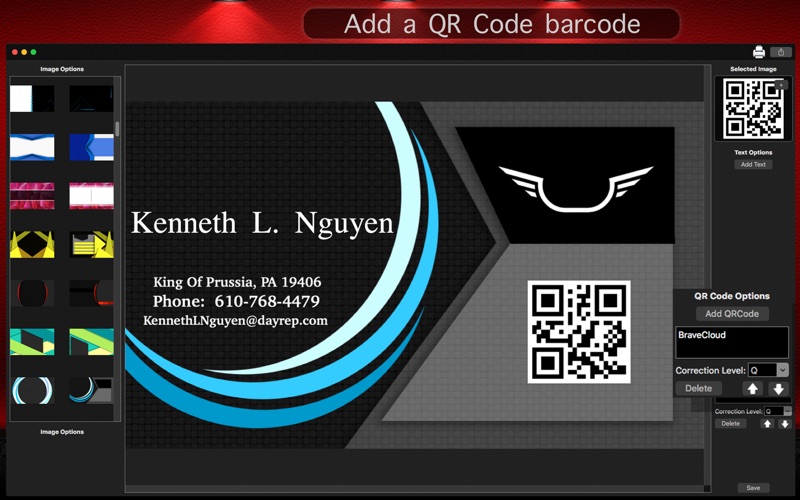
6. To add a QRCode, click [ Add QRCode ] button, type the message you want to be on QRCode and select the Correction Level.
7. Click [ Save ] to save your card and select the format you want.
8. To instant print your card, click the Printer button.
9. To share your card on social media, click Share button and select the social network you want (Facebook, Twitter, E-mail and more).