Swyx Desktop
macOS / Economie et entreprise
Swyx Desktop for macOS
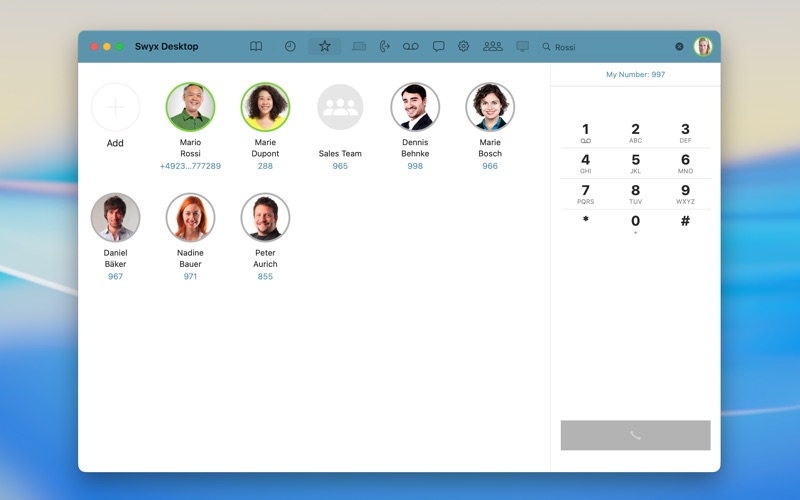
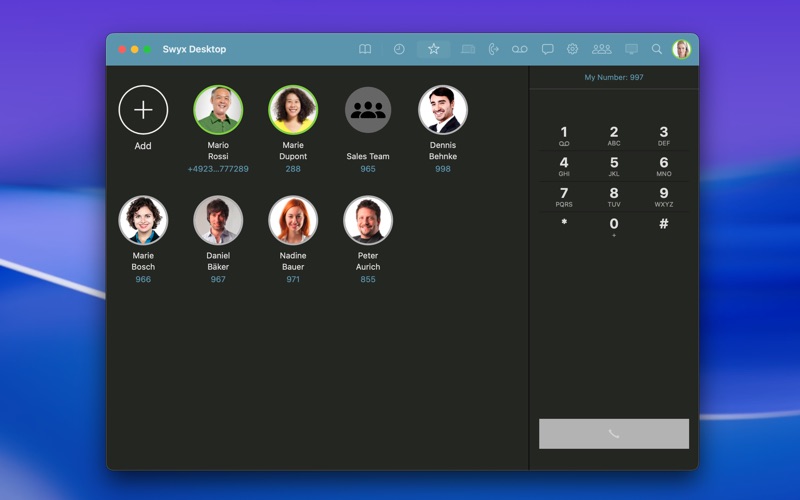
With the “Swyx Desktop for macOS” client, you can integrate your Apple macOS workstations into your corporate communications. Thanks to a dynamic operating concept, this is achieved easily and in a particularly user-friendly way. By seamlessly integrating into the macOS notification system, Swyx feels right at home on your Apple desktop.
HIGHLIGHTS:
• User experience (UX) optimised for intuitive operation
• Excellent audio quality with HD (High Definition) voice calls
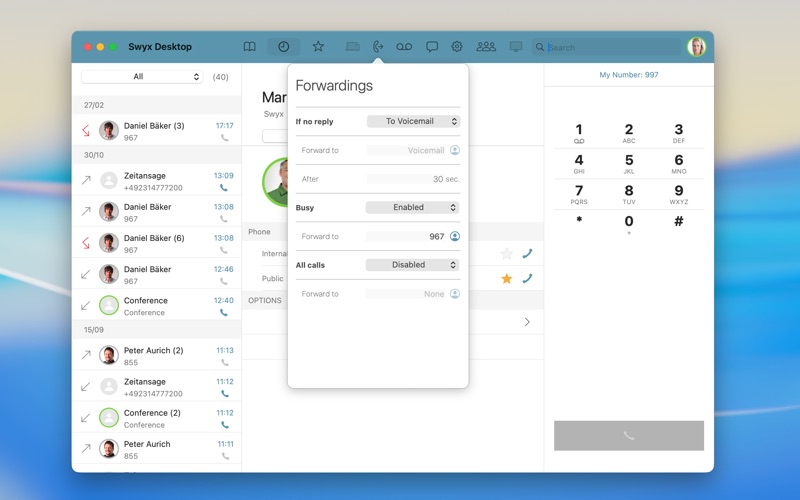
• Easy handling of presence status and call forwarding for optimal availability within the organisation
IMPORTANT SYSTEM REQUIREMENT:
• Important: The client requires a server-side installation of SwyxWare 13 (or later).
• The client requires Apple macOS 13.5 Ventura (or later). For optimal use, macOS 14 or higher is recommended.
A TALENT FOR COMMUNICATION
• Voice communication in HD audio quality
• Convenient navigation through contacts, favourites, and call history
• Send messages to colleagues
• View presence status of server-based business contacts
• Place calls via direct dial, contacts/phonebook with filtering, redial list, call history, or from any application using hotkeys
FURTHER FEATURE RICH FUNCTIONS:
• Comprehensive call management (transfer, divert, mute, hold, swap calls, and transfer active calls to other devices)
• Calling Line Identification (CLI) & caller ID suppression for external calls, block dialling, vanity numbers, and name resolution for numbers
• Selection of outgoing caller ID (individual or group number)
• Simple call routing: “Do not disturb” and forwarding on busy/delayed/immediate/unavailable
• Support for various audio modes: headset, hands-free, call alerting, and second call indication, configurable
• Voicemail support with message waiting indicator (MWI) and voicemail playback
• Use of different ringtones for incoming calls
• Easy configuration via “Easy Configuration”
• Logging functionality
CONTACT, CALL, COORDINATE
• Intelligent filtering, searching and browsing of contact and caller lists
• Mark contacts as favourites
• Call logs (incoming, outgoing, missed calls)
• HD conferences, user-initiated ad hoc conferences, three-way conferences
• Simple presence and profile management with manual status, status message and profile picture
• Supports simple call routing: “Do not disturb” and forwarding on busy/delayed/immediate/unavailable
RESTRICTIONS
• Call control buttons on external USB or Bluetooth devices are not supported
Quoi de neuf dans la dernière version ?
• The app is now available as a universal version supporting both Intel and Apple Silicon (ARM) devices.
• Several causes of crashes have been resolved, and various display issues in the user interface have been corrected.
• All web links to help and support pages have been updated and brought up to date.
• For the moment, we have had to remove the deep integration for controlling calls via headset buttons.