TickerPad: Crypto Tracker
macOS / Finance
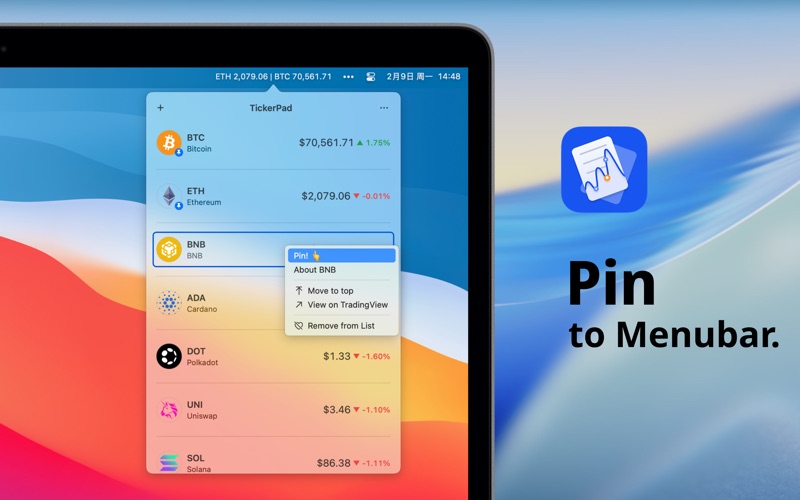
Le meilleur suivi de cryptomonnaies pour macOS - suivez les prix directement depuis votre barre de menu.
SUIVI DES PRIX EN TEMPS RÉEL
- Affichez plusieurs devises simultanément dans votre barre de menu
- Styles d'affichage personnalisables : prix, symbole, évolution en pourcentage
- Données fournies par CoinGecko et Binance - prend en charge plus de 9 000 cryptomonnaies
ESTHÉTIQUE & NATIF
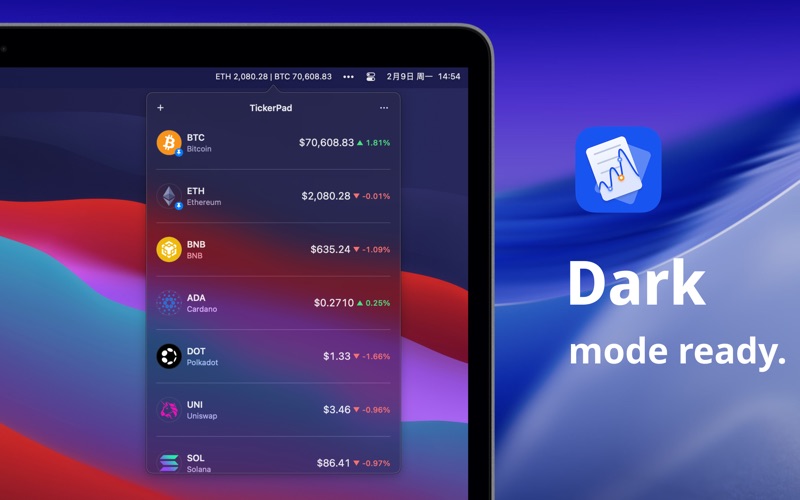
- Prise en charge transparente des modes sombre et clair
- Design épuré et minimaliste qui s'intègre parfaitement à macOS
- Graphiques sparkline sur 7 jours en un coup d'œil
FONCTIONNALITÉS AVANCÉES
- Raccourcis clavier globaux pour afficher ou masquer la fenêtre de prix
- Basculez en un clic vers les graphiques TradingView
- Accès rapide à votre plateforme d'échange préférée
- Infos détaillées sur les cryptos : capitalisation boursière, offre, historique, GitHub, Twitter & bien plus
SUPPORT MONDIAL
TickerPad formate désormais intelligemment les devises et les dates en fonction de vos préférences et prend en charge nativement 11 langues, dont le français, l'anglais, le chinois, le japonais, le coréen, l'espagnol, le portugais, l'allemand, le russe et le turc !
Restez à l'affût du marché des cryptomonnaies sans quitter votre flux de travail.
Quoi de neuf dans la dernière version ?
Nouveautés de la v2.4.1
- Nouvelle fonctionnalité : Ajout d'une option dans les paramètres permettant de masquer les décimales pour les prix supérieurs à 100 $, gardant ainsi votre barre de menus (MenuBar) propre et ordonnée.