Highlight Color
macOS / Graphisme et design
••• 60% Off Time Limited Offer •••
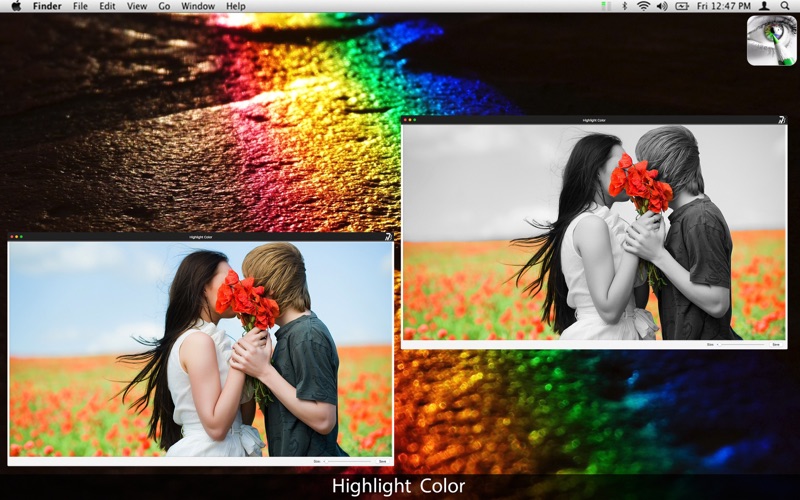
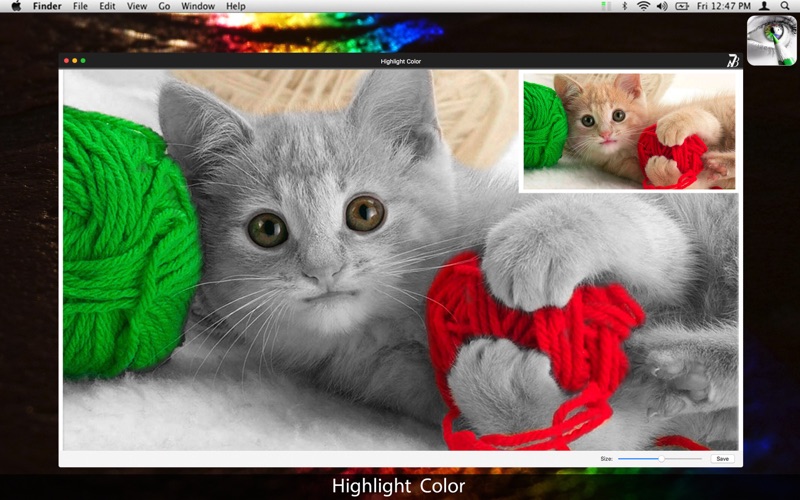
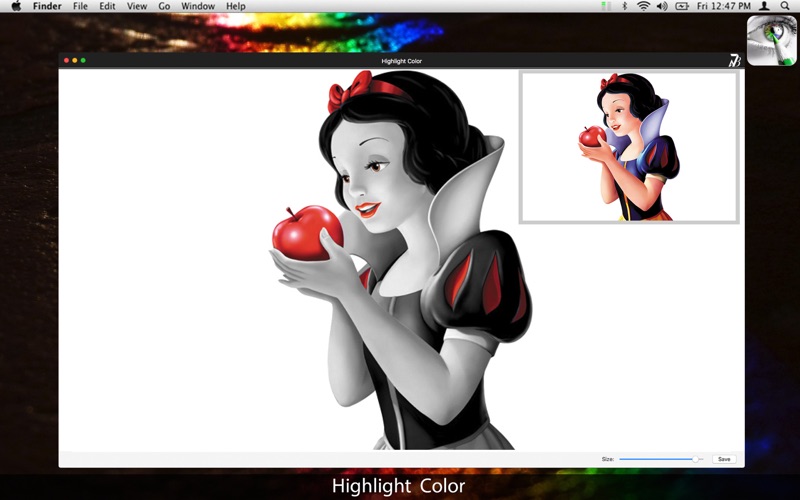
Highlight Color is a great tool for everyone who likes to give stylish effects on their photos. This app uses the grayscale effect and highlight portions of the picture on its original color.
The Highlight Color is perfect for you who want to color specific parts of pictures. It is simple and makes it easy to use, so you do not have to be an image editing expert. Add a personal touch and you won't need to waste time with complicated professional applications.
* Highlight effect: Selecting a specific spot you can highlight that place with its original picture while the rest of the picture remains in black and white.
* Export Images: Select the format you want: you can choose between PNG, JPEG, JPEG200, TIFF and BMP.
••••••••••••••••••••••••••••••••••••••••••••••••••••••••••••
Enjoy our features:
••••••••••••••••••••••••••••••••••••••••••••••••••••••••••••
• Grayscale filter on the chosen image.
• Coloring Tool.
• Brush Set.
• Option to change the size range to save the image.
• Zoom.
• Export to PNG, JPEG, BMP and TIFF.
••••••••••••••••••••••••••••••••••••••••••••••••••••••••••••
How to use:
••••••••••••••••••••••••••••••••••••••••••••••••••••••••••••
1. To load an image, go to File > Open.
2. Select the image and open the application.
3. Use the 'size' bar to set the brush size to color.
4. Edit the parts you want.
5. Use the SAVE tool next to the brush adjustment bar to save the image.
6. Select the picture format and the desired size.
7. Save.
••••••••••••••••••••••••••••••••••••••••••••••••••••••••••••
If you need help?
••••••••••••••••••••••••••••••••••••••••••••••••••••••••••••
Do you need any help? If you have any doubt or trouble with our products and company, like to make a suggestion or submit a request for a new feature, you can use the following tools:
Go to our website: ••• bravecloud.org
There you can find:
• Frequently Asked Questions
• List of applications
• Tutorials
and more…
You can also send an email to: ••• support@bravecloud.org
We’ll respond as soon as we can. Your contact is very important and with it we can constantly improve our apps.
Quoi de neuf dans la dernière version ?
* Minor improvements.