iPhoneAddict Apps
  • Actualités
  • Accueil Apps
  • iPhone
  • iPad
  • Universelles
  • Mac
  • Apple TV
KG KultureGeek
App
iPhone / iPad Télécharger iAddict v5 Mac Télécharger iAddict Mac
  • Actualités
  • Accueil Apps
  • iPhone
  • iPad
  • Universelles
  • Mac
  • Apple TV
  • Archives keynotes
  • Firmwares & iTunes
  • Contactez-nous
  • Comparateur de prix
  • KultureGeek
Accueil » Liste des Apps » Apps Mac » Graphisme et design » Icon Creator - Dessin Icones
2.1 macOS €Gratuit CONTENT ARCADE (UK) LTD. 0 0 Want to resize your app icon design or make a new one? Well, it shouldn’t take you longer to generate or convert icons, and with this free icon maker and converter, it surely won’t! Now you can save time and focus on what’s actually important,...
Icon Creator - Dessin Icones

Icon Creator - Dessin Icones

macOS / Graphisme et design

Gratuit
Obtenir sur l'App Store
Facebook X E-mail

Want to resize your app icon design or make a new one? Well, it shouldn’t take you longer to generate or convert icons, and with this free icon maker and converter, it surely won’t! Now you can save time and focus on what’s actually important, which is creating the most amazing apps!
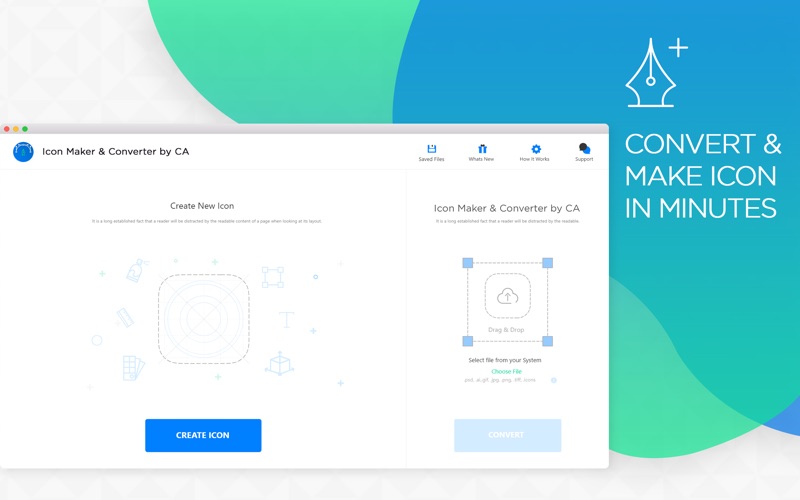
Icon Maker & Converter is a free maker or image to icon converter Mac app, which you can use as your very own icon creator to design icon generator or icon resize, whatever you may call it. The interface of this image to icon converter and maker is extremely user-friendly and straightforward. Simply drag and drop the image and Bingo! You are almost done.

Highlights of Icon Maker & Converter app:
•Free icon builder, converter and resizer for Mac
•.jpg, .png, and, jpeg image files are supported
•Resize and convert app icons in a matter of seconds
•Free Android, Mac OS, Watch and iOS app icon generator
•Customisable icon size and format
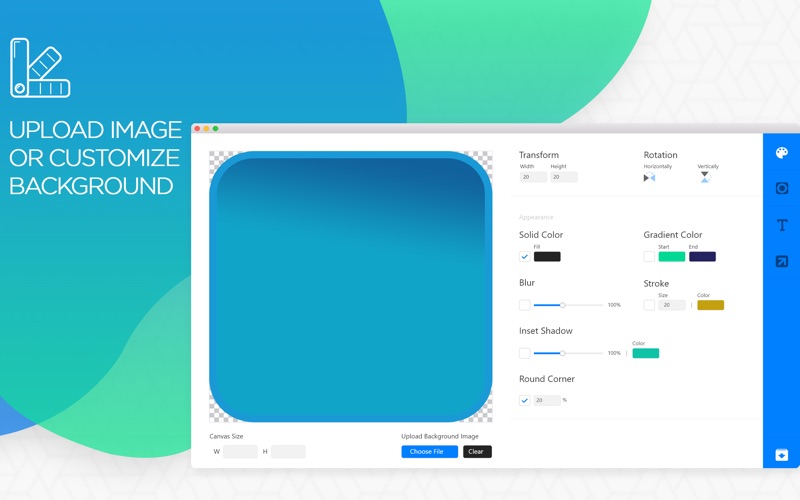
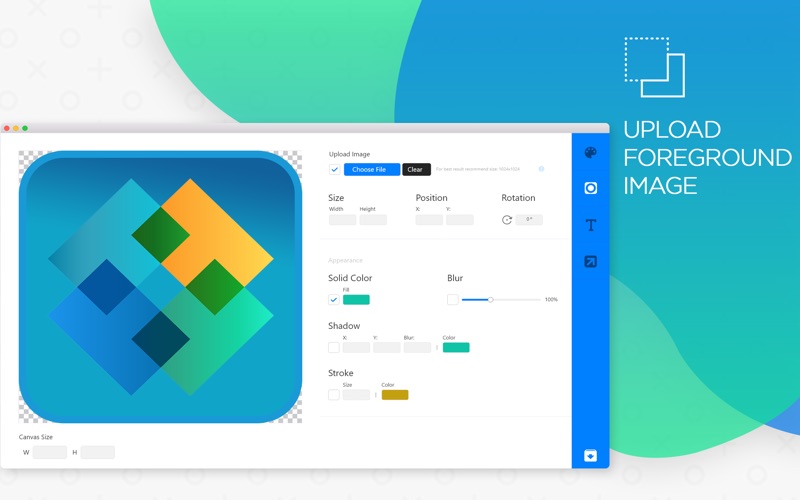
•Design your own foreground or background
•Customise foreground or background with solid colour​, gradient, stroke and shadow etc.
•Upload image as foreground or background
•Add text with custom fonts and shadows.

How to use Icon Maker & Converter app:
•Download and install our free icon maker or converter app on your Mac device.
•Open the app; drag and drop the image or choose the file (.jpg, png, .jpeg).
•If the selected file is not a square image, a dialogue box will appear, click ‘Yes’ to continue.
•Now choose the OS you want to use our icon creator and convert.
•Enter custom size, if you want to create customised icons.
•Enter ‘File Name’ and ‘Format’ and click "Convert".

This app icon set creator will create an app icon set, including all the sizes you might need for your apps. This icon generator app allows you to edit icon and export with a custom name and size.
Download Icon Maker & Converter on your Mac device now and get the best icons output for your apps.

Take out a moment to Rate Us five stars and write a helpful review!

En voir plus...

Quoi de neuf dans la dernière version ?

- A great user experience is now introduced in our app.
- Minor Bug Fixing
  • Screenshot #1 pour Icon Creator - Dessin Icones
  • Screenshot #2 pour Icon Creator - Dessin Icones
  • Screenshot #3 pour Icon Creator - Dessin Icones

D'autres applications du développeur

Reverse Image Search - OCRReverse Image Search - OCRiOS UniverselLogo Creator - Creer a DesignLogo Creator - Creer a DesigniOS UniverselImage Resizer - Resize PhotosImage Resizer - Resize PhotosiOS UniverselTo do list - Checklist AppTo do list - Checklist AppiOS UniverselPassword Manager & Safe LockPassword Manager & Safe LockiOS UniverselPhoto Vault Secret CalculatorPhoto Vault Secret CalculatoriOS UniverselVoir toutes les apps

Note

(0 note)

Détails sur l'application

Version
2.1
Taille
9.8 Mo
Version minimum de macOS
10.11
Dernière mise à jour
10/05/2019
Publié par
CONTENT ARCADE (UK) LTD.

Newsletter App Store

Recevez chaque jour les meilleures promos

Actualité Apple

Image AAPL : JP Morgan abaisse son objectif de cours face à la crise des composants
AAPL : JP Morgan abaisse son objectif de cours face à la crise des composants
Image Brevet : Apple imagine des AirPods capables de transformer un écran classique en affichage 3D interactif
Brevet : Apple imagine des AirPods capables de transformer un écran classique en affichage 3D interactif
Image Un iPhone 17 Pro survit à une chute de 1,1 km depuis un avion
Un iPhone 17 Pro survit à une chute de 1,1 km depuis un avion
Image Le récap Apple de la semaine : iPhone, IA, résultats records et AirPods au menu
Le récap Apple de la semaine : iPhone, IA, résultats records et AirPods au menu
iPhoneAddict Apps

Le catalogue iPhoneAddict pour suivre les nouveautés, mises à jour et baisses de prix de l’App Store.

Apps

Toutes les apps iOS iPhone iPad Universelles Mac Apple TV

iPhoneAddict

Actualité Apple Archives keynotes Contact À propos KultureGeek

Suivez-nous

©2009-2026 i2CMedia. Tous droits réservés.