Sketch Effect - Paint Styles
macOS / Graphisme et design
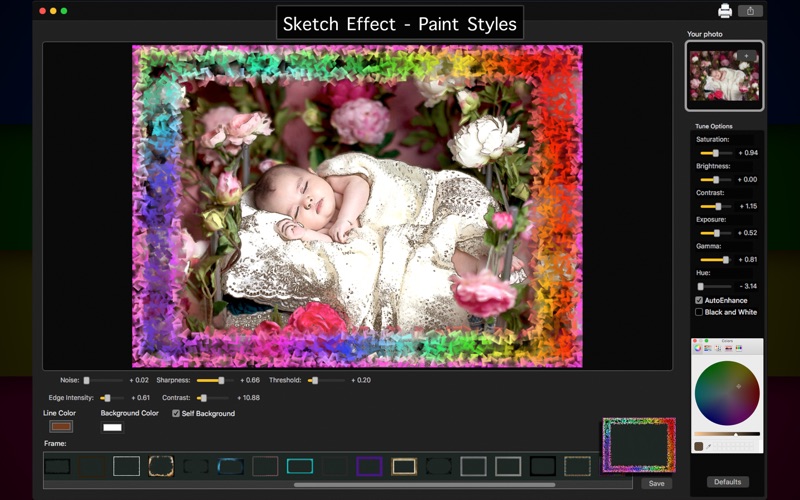
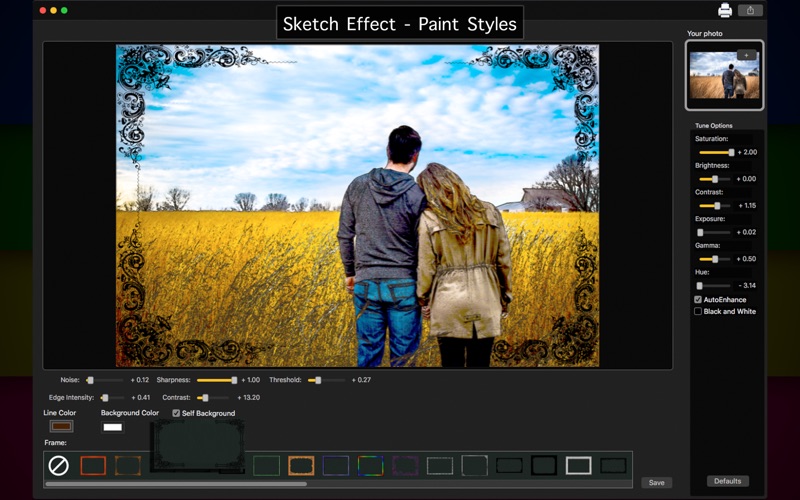
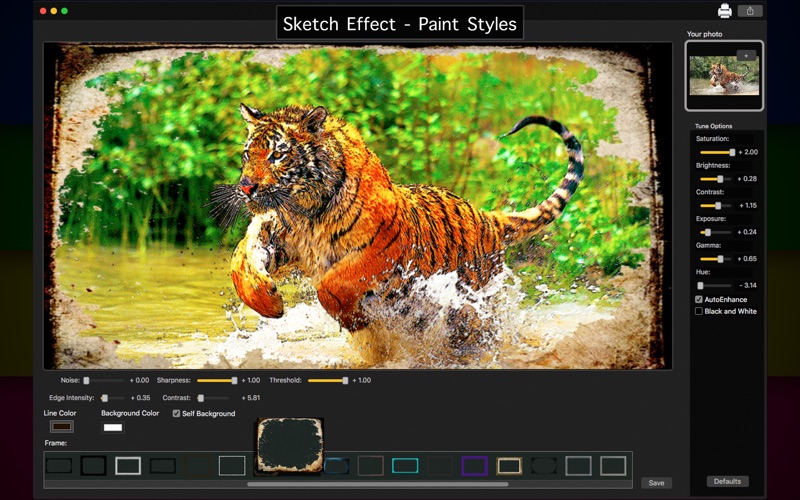
Searching for an app to do amazing sketch effects on your photos? Your search is over! With Sketch Effect - Paint Styles, you can do beautiful sketch effects on your images and also enjoy great color and image correction tools to make your photo the best without being a designer!
And isn't just that! With an easy to use interface, Sketch Effect - Paint Styles also brings to you 37 exclusive beautiful frames, improving your pictures to the best result and provides you the best features you need.
• Adding Images: You can add one image to apply frames.
• Color Correction: Enhance the quality of your pictures using the tools Auto-Enhance, Black and White effect, Saturation, Brightness, Contrast, Exposure, Gama and Hue.
• Image Correction: Restore the quality of your pictures using the tools Noise, Sharpness, Edge Intensity, Threshold and Constrast.
• Self Background: This tool allows you to make a beautiful colored sketch effect on your image.
• Using frames: Choose between 37 exclusive frames to apply on your pictures.
• Share on social media: With just a simple click, you can share your photo directly in social network.
• Print images: You can print your new image with just one click.
• Export Images: You can save your image with the formats PNG, JPEG, JPEG2000, TIFF and BMP.
••••••••••••••••••••••••••••••••••••••
Enjoy our amazing features:
••••••••••••••••••••••••••••••••••••••
• 37 exclusive frames.
• Self Background
• Auto-Enhance.
• Black and White.
• Color Correction.
• Image Correction.
• Noise adjustment.
• Easy to use interface.
• Export the pictures to anywhere you want.
• Share on social media.
• Easily print your photo.
• Save images with PNG, JPEG, JPEG2000, TIFF or BMP formats.
••••••••••••••••••••••••••••••••••••••
How to use:
••••••••••••••••••••••••••••••••••••••
1. Click the [ + ] button to add image to edit.
2. Right above the image, adjust the Correction settings like you want (Noise, Sharpness, Edge Intensity and more).
3. Adjust the settings like you want (Auto-Enhance, Black and White, Contrast, Brightness, and more) in Tune Options area.
4. Click on Line Color to adjust the line color of your sketch.
5. Click on Background Color to adjust the background color of your sketch.
6. If you want a colored sketch, active the Self Background option.
7. In Frame area, choose the frame you wanna use.
8. Use the [ Defaults ] button if you wanna use the default settings of your image.
9. Click [ Save ] button to save your image, choosing between PNG, JPEG, JPEG2000, TIFF and BMP formats.
10. To print your image, you can click on the Printer button.
11. To post your photo on social media, you can click on the Share button and choose the social network you wanna post.
Quoi de neuf dans la dernière version ?
- Bug Fixes.