ToyViewer
macOS / Graphisme et design
ToyViewer is an image viewer, which also provides various editing functions. Quick starting is one of the features. ToyViewer can display many kinds of image formats, and can save in popular image formats. You can also read and write in HEIC and WebP. Image files in a folder or a ZIP / RAR archive can be displayed one by one in full-screen (slideshow).
1. Image Formats
jpg, pdf, png, HEIC, gif, WebP, tiff, bmp, JPEG 2000(jp2, jpc, j2k), eps, svg, svgz, jbig(bie), pcx, pcd, pnm(ppm, pbm, pgm), xbm, mag, SUN Rasterfile, wbmp, TIFF Stacks
Others: Adobe Photoshop (psd), Adobe Illustrator (ai, as pdf).
2. Save as Formats
jpg, pdf, png, HEIC, gif, WebP, tiff, bmp, JPEG 2000(jp2, jpc, j2k), jbig(bie), pnm, xbm, or wbmp.
Vector images such as PDF can be converted into bitmap images such as jpg or png.
3. Scan Folder
You can automatically display the files in the specified folder. Images can be displayed full screen (i.e. as a slideshow), one image at a time, or two images side by side like a book. You can also mark certain files and move or delete them.
4. Scan Archives
You can also display each image file included in a ZIP archive or a RAR archive one by one in full-screen. Besides, you can extract marked images from the archive.
ToyViewer can read a RAR archive split into several files.
ToyViewer can also read comic book archive files in CBZ and CBR, because they are ZIP and RAR.
5. Full-Screen Mode
ToyViewer can display images in full-screen.
6. Image Operations
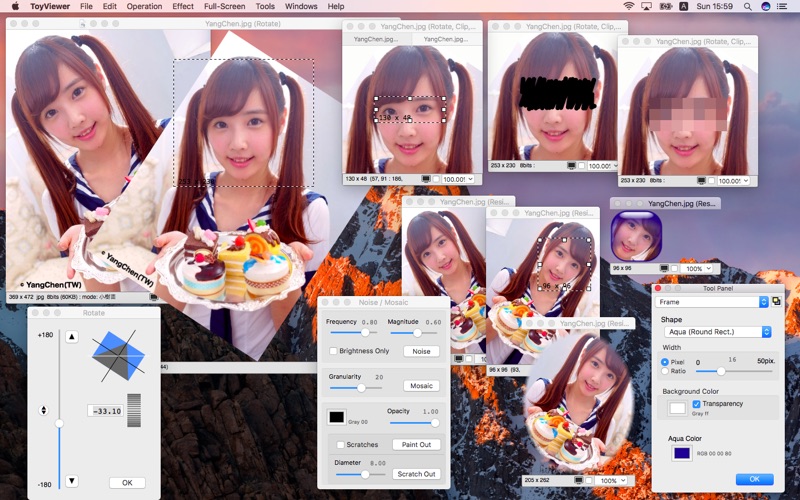
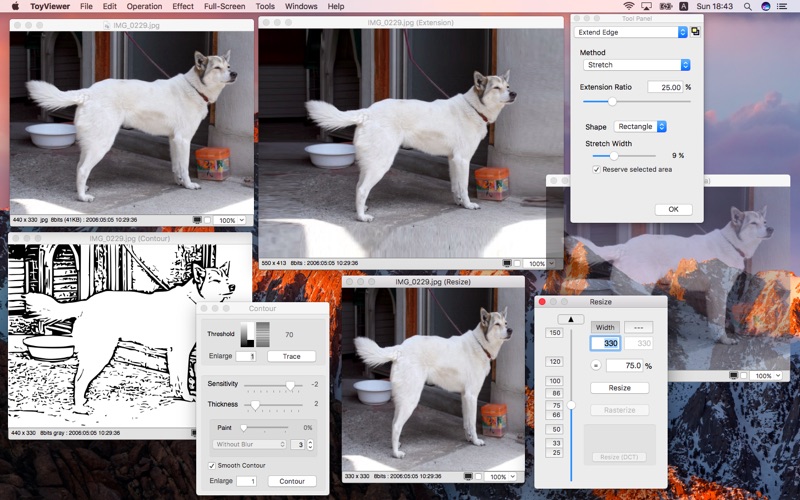
ToyViewer provides various image operations such as rotating and flipping an image, and selecting and cropping a part. In addition to enlargement and reduction, it is also possible to rasterize (to translate into bitmap) vector images.
7. Color Operations
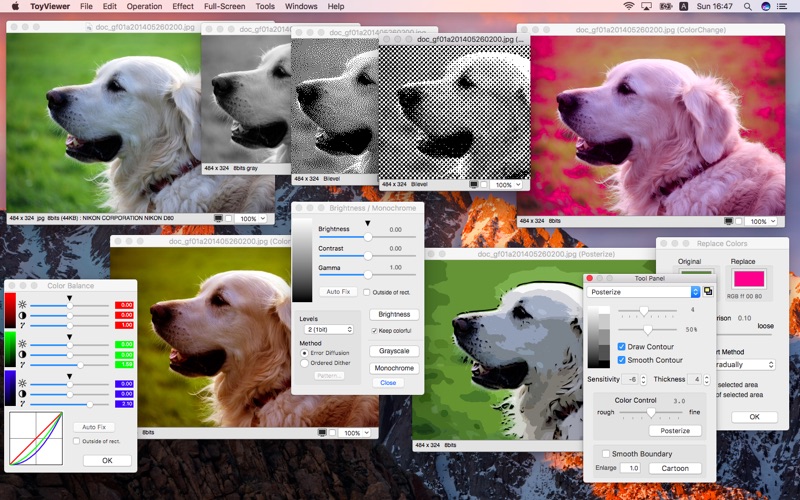
ToyViewer has the ability to adjust brightness, contrast, color tone of images. You can replace a specified color with other color or transparent color. You can also make images with palettes, monochrome images.
8. Effects
ToyViewer has some typical operations for images, such as enhancement, blur, mosaic, and so on. ToyViewer can also make Aqua-button-like images, make poster-like images, and provides more functions.
9. Custom Icon
ToyViewer can attach a custom icon to any file as well as newly saved image file.
10 Multi-Page Images
ToyViewer can display multiple pages / frames included in such as GIF animation or PDF one by one. Frames in a GIF or a TIFF Stack (TIFF file containing multiple frames) can be displayed as a simple animation.
11. Embedded Information
Color profiles embedded in image files can be replaced. Exif and GPS information are also displayed. You can save image files with/without Exif and GPS information.
12. Print
ToyViewer can print images. ToyViewer automatically shrinks an image to be printed on a sheet, or divides it into some pages.
Quoi de neuf dans la dernière version ?
Improved the full screen display (slideshow) of directories and archives. A slider has been added to the controller so that you can freely jump to any position. Moreover, you can now see the keyboard assignments for functions in Help. In addition, fixed the problems that WebP images are not displayed and that the marked files cannot be deleted.