Keyboard Keyboard
macOS / Musique
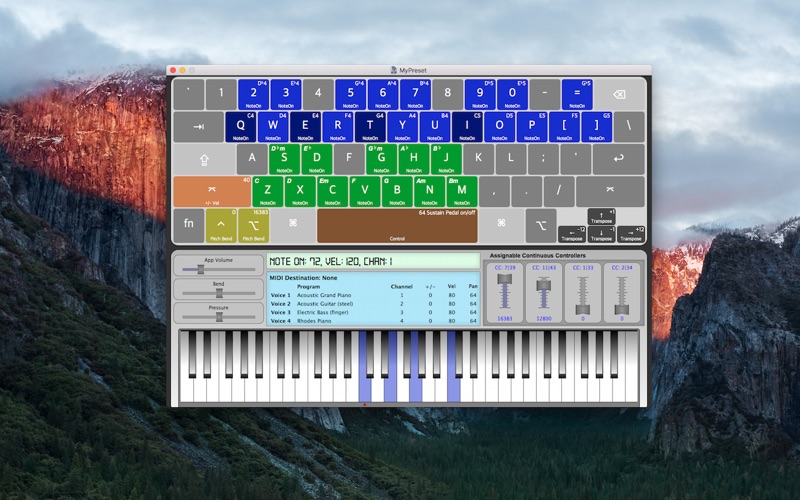
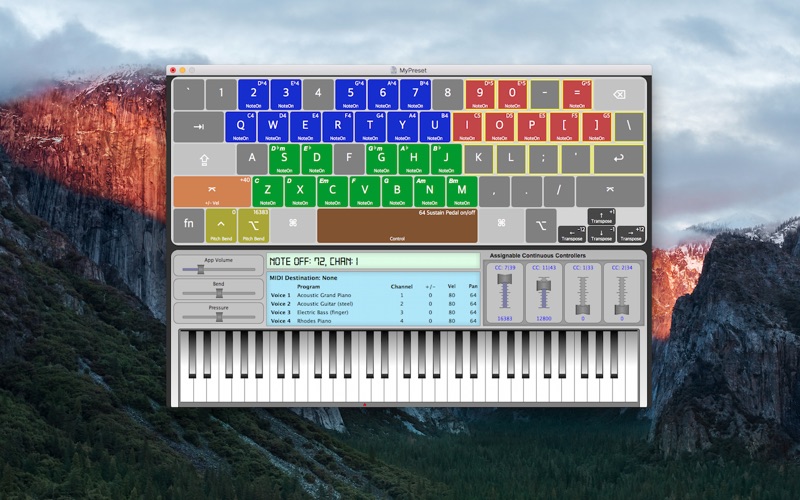
With Keyboard Keyboard, you can play keyboard with your keyboard! Map almost any key on your keyboard to a musical command: play a note, play multiple notes, play a chord, transpose the keyboard, activate the sustain pedal, and more.
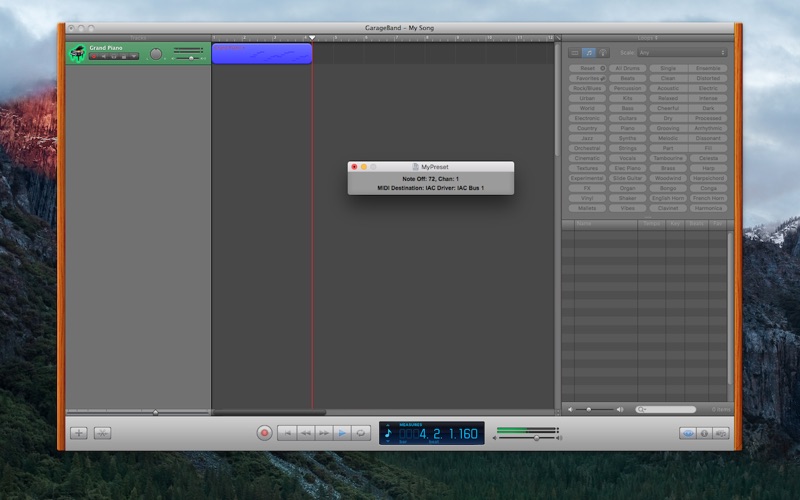
Use your Mac's built-in IAC Driver to record MIDI into a DAW (such as Logic or Garage Band) or play a softsynth with your computer's keyboard. You can also connect an external MIDI device and manipulate it with Keyboard Keyboard.
You can play and record up to four channels of MIDI simultaneously. Set a different General MIDI sound for each voice in the app, or use the instruments built into a DAW or softsynth. Each voice has its own velocity, transposition, and pan control.
The user interface includes ten MIDI continuous controller sliders, a pitch bend slider, and a pressure (aftertouch) slider.
MIDI data that can be sent to other software or devices includes:
- Note On / Note Off
- Continuous Controller
- Pitch Bend
- Aftertouch
Program change information is not recorded.
To map a key on the computer keyboard to a note on the piano, click the key on the interface, then click the note on the piano or play a note with an external controller. To map a key to multiple notes, click the notes on the piano with the Command key pressed. To map a key to a chord, continuous controller, transposition value, or velocity modifier, right-click the key and select the desired assignment.
Built-in presets include: Piano and Guitar, Piano and Bass, Guitar and Bass, Piano, Guitar, Drums, and Random.
Quoi de neuf dans la dernière version ?
- Includes a new option to receive key press events even when Keyboard Keyboard doesn't have focus, making it easier to send MIDI to a softsynth or another application
- Keys are now assignable to MIDI Pitch Bend
- Fixes a crash which may occur when opening a preset
- Fixes an issue where some keys didn't display correctly when toggling between the Apple Keyboard and Apple Keyboard with Numeric Keypad
- Fixes an issue where numbers might be displayed as 01 instead of 1, etc.