Caption Pro: Add Captions
macOS / Photo et vidéo
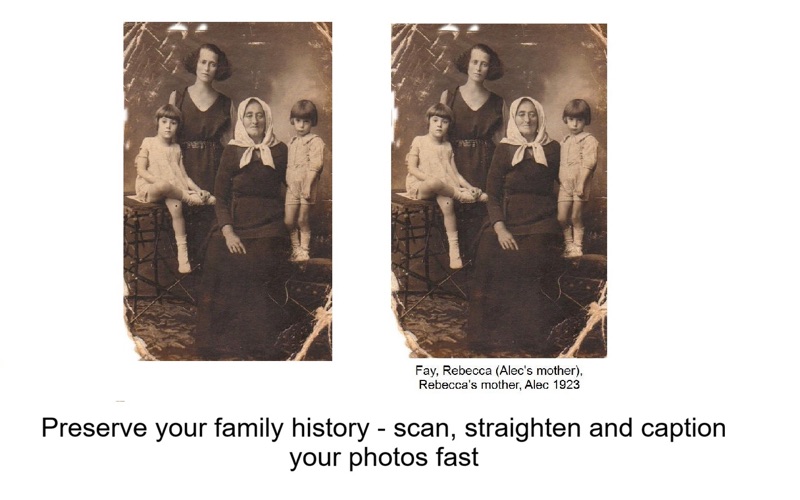
Preserve your family history with Caption Pro — the fastest way to scan, crop, label and organise old photos.
Whether you’re digitising paper prints or captioning thousands of digital images, Caption Pro automates the hard work so you can focus on the memories.
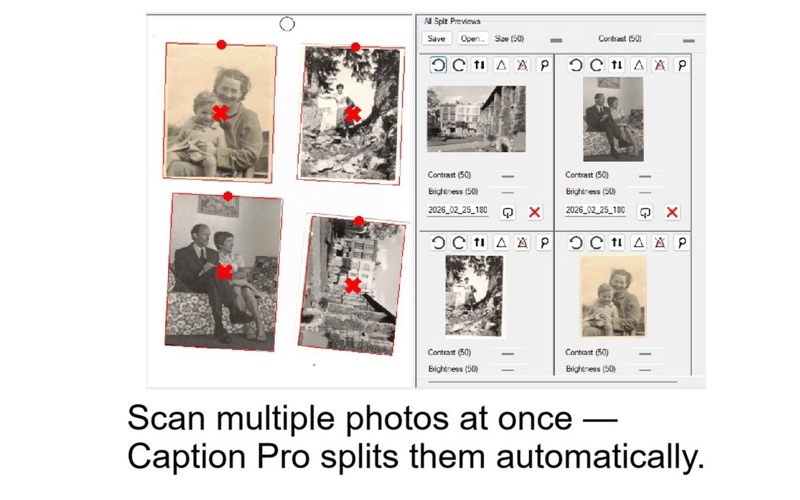
Scan & auto‑crop multiple photos at once
• Photograph up to 8 photos in one shot
• Automatic cropping, de‑skewing and straightening
• Perfect for albums, framed collections and loose prints
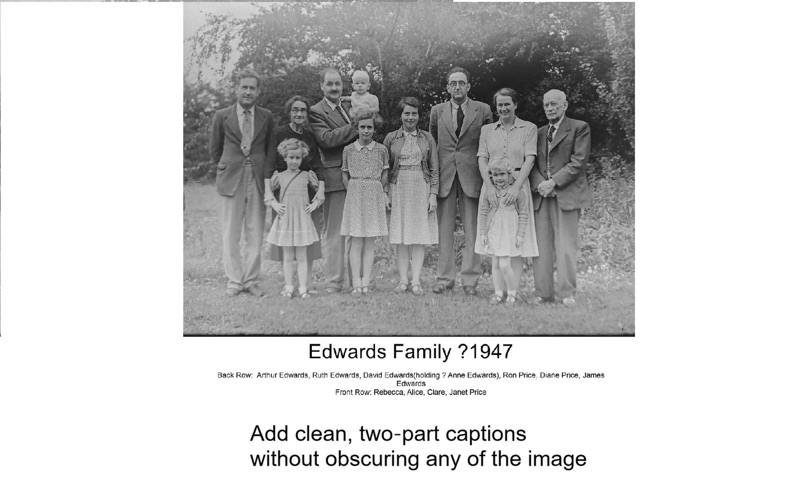
Add clean, two‑part captions
• Create a main caption and optional sub-caption with multiple lines
• Batch process multiple images, optionally using image metadata
• Captions never cover the original image
• Fix spelling mistakes instantly without retyping everything
Save captions into metadata
• IPTC metadata written automatically
• Captions become part of the image for any platform
• Works with Photos, Google Photos, Facebook and more
Digitise documents and books
• Split camera photos of books into individual pages
• Create clean, readable images or PDFs
Perfect for genealogy and family history
• Label old family photos
• Record names, dates, places and stories
• Preserve memories for future generations
Free Demo
Try Caption Pro free for 30 days or 25 captions/scans.
Quoi de neuf dans la dernière version ?
Fixed bug causing skipping of batch processing when image does not contain GPS data