Movist
macOS / Photo et vidéo
Movist is an easy-to-use and powerful movie player. You can choose either the QuickTime or FFmpeg decoder for each video codec and reopen with other decoders instantly. Movist supports many useful features to enjoy movies including H.264, H.265/HEVC hardware video decoder acceleration, digital audio out (S/PDIF), high-quality subtitles, a convenient & beautiful user interface and more.
Just Enjoy Movies with Movist.
• Ready for Apple Silicon and
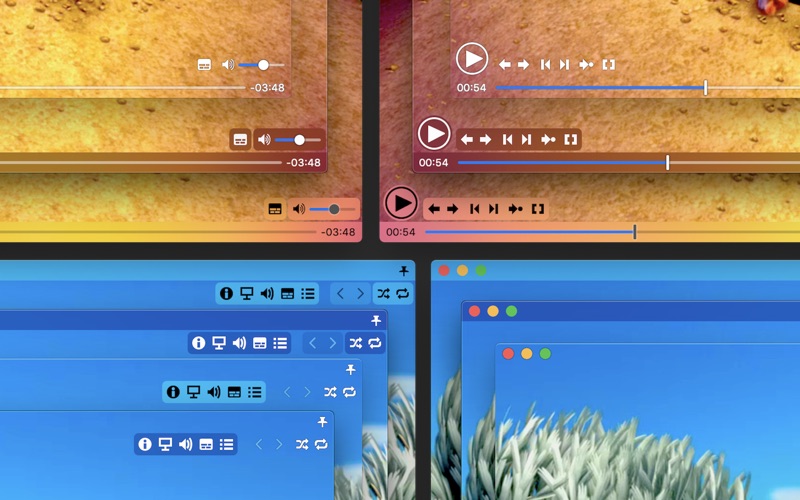
• Single Window Mode or Multiple Document Mode.
• App Sandbox supported.
• Retina Display supported.
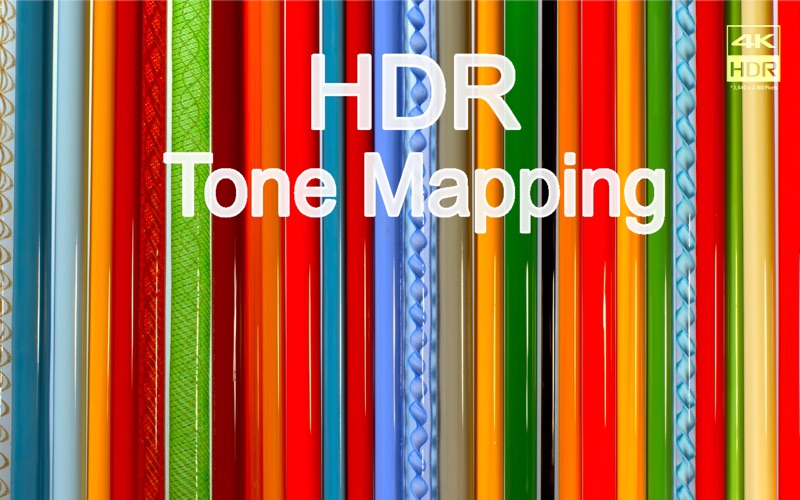
• HDR Tone Mapping
• Dolby Vision supported.
• Various File Formats supported.
• Various Video & Audio Codecs supported.
• H.264, H.265/HEVC Video Decoder Acceleration.
• Various Core Image Filters supported.
• Video Rotation & Flip.
• Deinterlacing
• Digital Audio Out (S/PDIF)
• Audio Equalizer supported
• A/V Sync Adjustment.
• High-Quality Subtitles.
• Various Subtitle Formats supported.
• Embedded Subtitles supported.
• Compressed Subtitles in .zip & .rar supported.
• 3D Subtitles supported.
• Subtitle Displayed in Letter Box.
• Unlimited concurrent subtitle display.
• Fully Customizable Subtitle Display.
• Subtitle Text Encoding auto-detection.
• Subtitle Sync Adjustment.
• Auto-Filling Playlist (searching series & subtitle files)
• Playlist Shuffle & Repeat Mode.
• Playlist Load & Save.
• Playback Speed Adjustment.
• Screenshot Capture.
Quoi de neuf dans la dernière version ?
• Fixed playback briefly pausing after entering full screen on MacBook Pro
• Fixed an issue with registering the Chrome browser extension
• Added Traditional Chinese localization
• Improved Japanese, Simplified Chinese, and Russian translations