Old World Maps Collection
macOS / Photo et vidéo
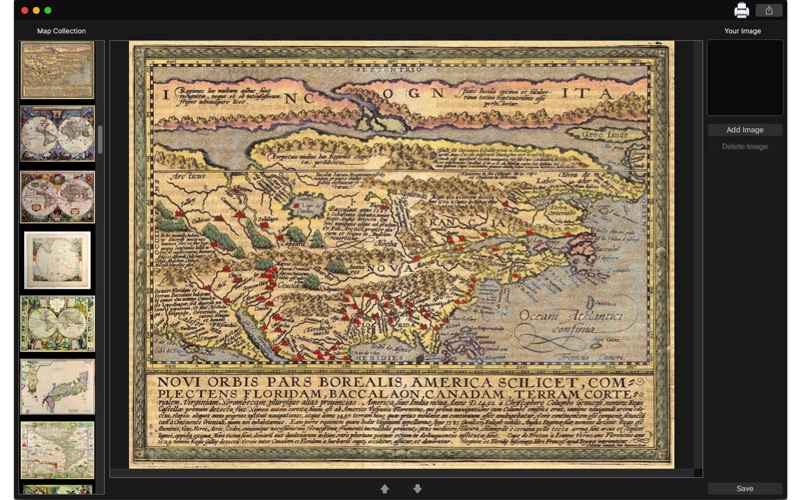
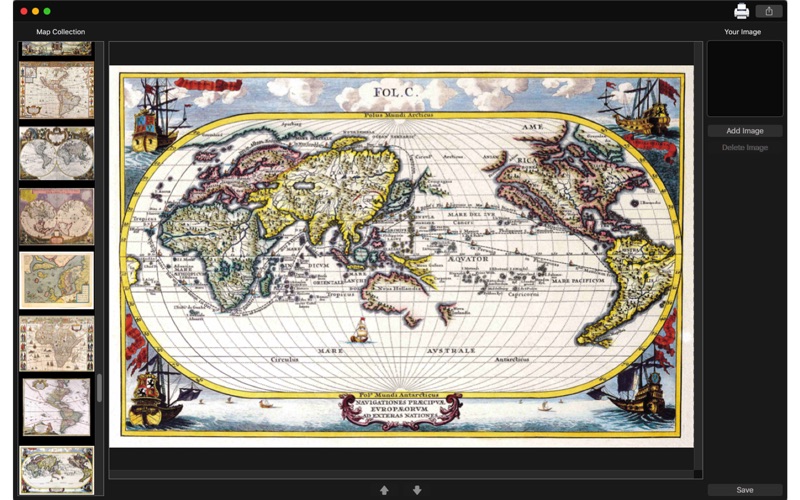
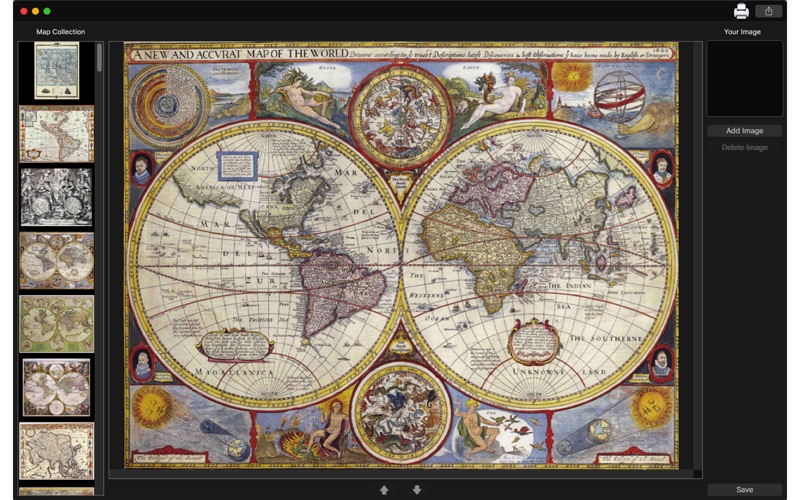
Old World Maps Collection delivers a huge collection of old world maps. You can use it for decoration, classes, lectures and anything you want.
Old World Maps Collection is a great collection of old world maps. It is simple and you just have to select the map you want and save it. You can also add images on it.
••••••••••••••••••••••••••••••••••••••••••••••••••••••••••••
Enjoy our amazing features:
••••••••••••••••••••••••••••••••••••••••••••••••••••••••••••
• 109 old maps.
• Add various images.
• Manipulate the position and size of the images.
• Share on social media.
• Print your picture.
• Export it to various formats - PNG, JPEG, JPEG2000, BMP and TIFF.
••••••••••••••••••••••••••••••••••••••••••••••••••••••••••••
How to use:
••••••••••••••••••••••••••••••••••••••••••••••••••••••••••••
1. On "Map Collection" area, select the map you want.
2. Click the button [ Add Image ] to add images to your map.
3. If you wanna delete an image you've added, click [ Delete Image ].
4. To rotate an image, select it and move the circular arrow button.
5. To change the size, select the image and move the button with two oposite arrows.
6. Click [ Save ] button to save your image, choosing between PNG, JPEG, JPEG2000, TIFF and BMP formats.
7. To print your image, you can click on the Printer button.
8. To post your photo on social media, you can click on the Share button and choose the social network you wanna post.
••••••••••••••••••••••••••••••••••••••••••••••••••••••••••••
If you need help?
••••••••••••••••••••••••••••••••••••••••••••••••••••••••••••
Do you need any help? If you have any doubt or trouble with our products and company, like to make a suggestion or submit a request for a new feature, you can use the following tools:
Go to our website: ••• bravecloud.org
There you can find:
• Frequently Asked Questions
• List of applications
• Tutorials
and more…
You can also send an email to: ••• support@bravecloud.org
We’ll respond as soon as we can. Your contact is very important and with it we can constantly improve our apps.
Quoi de neuf dans la dernière version ?
* Minor improvements.