Tutor for iMovie
macOS / Photo et vidéo
***** "Very, very good. This is a must have tutorial... worth the money."
***** "Super and absolutely worth the money!"
***** " I think this is just about the best tutorial I have ever purchased from the Apple Store."
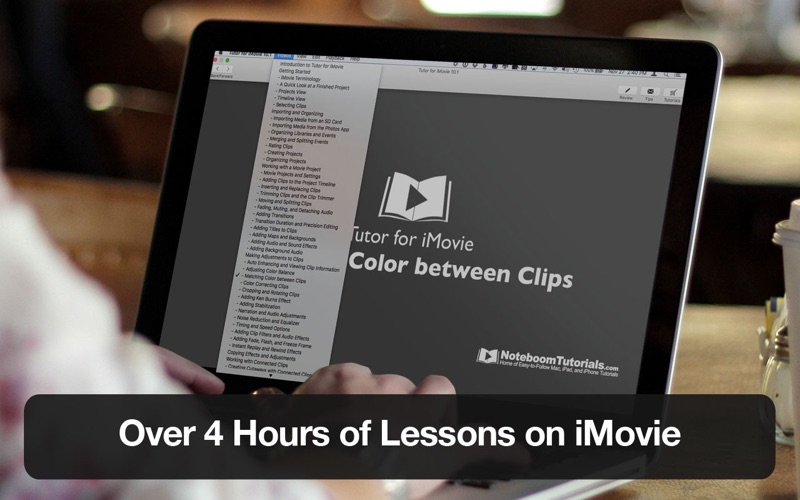
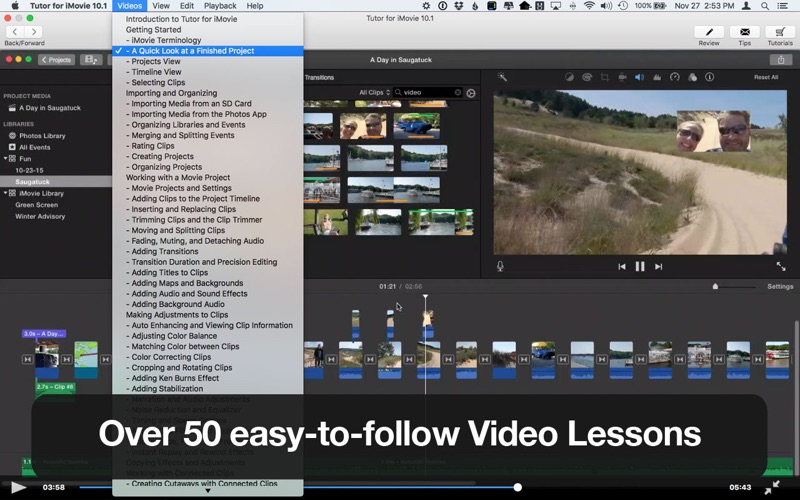
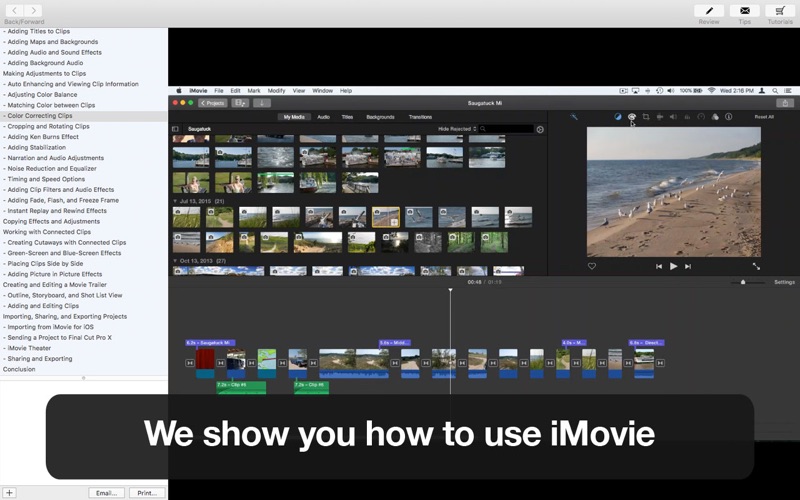
Tutor for iMovie is designed for the beginner user but not limited to first time users' learn iMovie. We cover everything from creating projects to using green-screen effects to sharing your finished iMovie project. If you are new to iMovie or even an intermediate user of iMovie, we can help you be more productive in creating your movie projects using iMovie on the Mac.
Lessons include:
• Introduction to Tutor for iMovie
• Getting Started
• iMovie Terminology
• What's New in Version 10.1.2
• A Quick Look at a Finished Project
• Projects View
• Timeline View
• Selecting Clips
• Selecting A Range in a Clip
• Importing and Organizing Introduction
• Importing Media from an SD Card
• Importing Media from the Photos App
• Organizing Libraries and Events
• Merging and Splitting Events
• Rating Clips
• Creating Projects
• Organizing Projects
• Working with a Movie Project
• Movie Projects and Settings
• Adding Clips to the Project Timeline
• Inserting and Replacing Clips
• Trimming Clips and the Clip Trimmer
• Moving and Splitting Clips
• Fading, Muting, and Detaching Audio
• Adding Transitions
• Transition Duration and Precision Editing
• Adding Titles to Clips
• Adding Maps and Backgrounds
• Adding Audio and Sound Effects
• Adding Background Audio
• Making Adjustments to Clips
• Auto Enhancing and Viewing Clip Information
• Adjusting Color Balance
• Matching Color between Clips
• Color Correcting Clips
• Cropping and Rotating Clips
• Adding Ken Burns Effect
• Adding Stabilization
• Narration and Audio Adjustments
• Noise Reduction and Equalizer
• Timing and Speed Options
• Adding Clip Filters and Audio Effects
• Adding Fade, Flash, and Freeze Frame
• Instant Replay and Rewind Effects
• Copying Effects and Adjustments
• Working with Connected Clips
• Creating Cutaways with Connected Clips
• Green-Screen/Blue-Screen Effects
• Placing Clips Side by Side
• Adding Picture in Picture Effects
• Creating and Editing a Movie Trailer
• Outline, Storyboard, and Shot List View
• Adding and Editing Clips
• Importing, Sharing, and Exporting Projects
• Importing from iMovie for iOS
• Sending a Project to Final Cut Pro X
• iMovie Theater
• Sharing and Exporting
Learn how to use iMovie with Tutor for iMovie.
-
A little about us - our tutorials have had over 250,000 downloads in the App Store with an average rating of 4.4 stars. We love to help people learn more about Apple technology. Download Tutor for iMovie and and we'll help become more productive with iMovie on the Mac.
Quoi de neuf dans la dernière version ?
FIXED: When playing a lesson, the timeline was not reflecting how far into the video you are.
Sorry about that!