App for Google Calendar
macOS / Productivité
Make your Google Calendar smarter and more efficient on macOS.
Calendar is designed specifically for Mac users, combining a clean interface with powerful features to deliver an all-in-one scheduling experience. Whether it’s a busy workday or a relaxing weekend, you’ll always stay on top of your time and boost productivity.
Key Features
• Optimized for Google Calendar
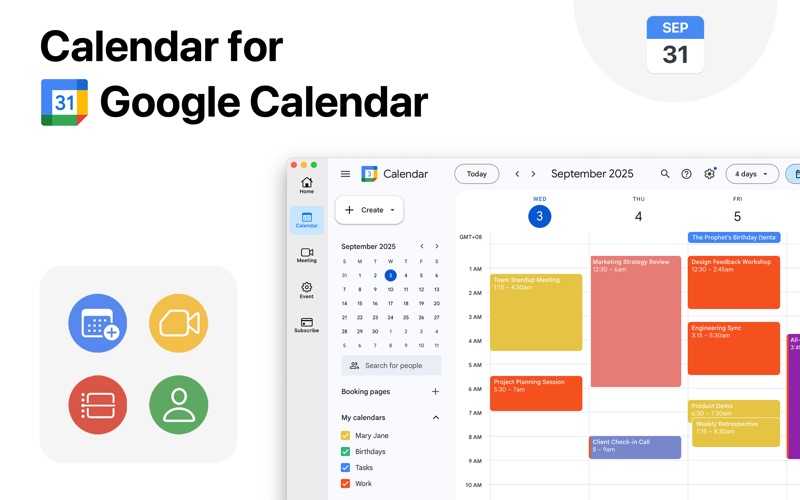
Deep integration with Google Calendar provides seamless synchronization. Browsing meetings, events, or subscribed calendars feels more intuitive than on the web or mobile, with every interaction tailored to the macOS experience—beautiful, fast, and efficient.
• Unified Home View
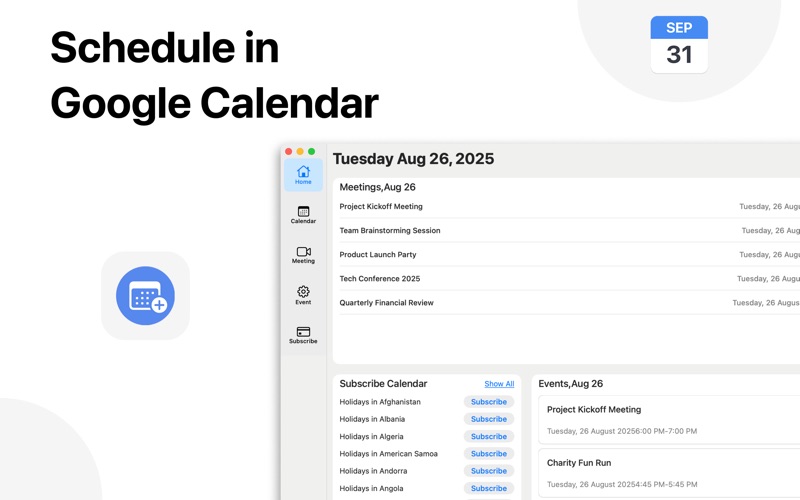
See meetings, events, and subscribed calendars all in one place. No more switching views or juggling multiple windows. Everything important is presented at a glance, helping you stay organized for today and beyond.
• One-Click Event & Meeting Creation
Create Google Meet links or add new calendar events instantly with just one click. Perfect for last-minute meetings or quick scheduling, it cuts down steps and keeps you in control.
• All Meetings in One Page
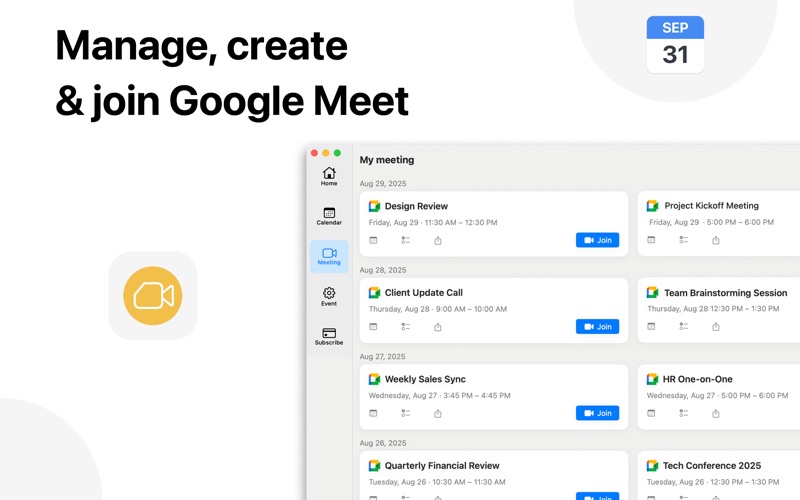
Automatically gathers all your Google Calendar meetings into a single view. Join meetings with one click—no more digging through email, web pages, or multiple calendars.
• Centralized Event Page
All events are clearly organized on one page. Print with one click or share directly with colleagues and friends for easier collaboration. Ideal for both team schedules and personal planning.
• Convenient Calendar Subscriptions
Subscribe to a wide variety of Google Calendar options, including public holidays and cultural events worldwide. Add them in just a few steps, with automatic updates so you never miss important moments.
Compared to the traditional web version, Calendar delivers a more intuitive workflow for macOS users. Its unified views, quick actions, and flexible sharing and printing tools simplify complex scheduling, making time management effortless for both individuals and teams.
License information:
One-Time purchase for the best offer of $14.99
The payment will be charged from your iTunes Account
The amount will be charged from your account at the confirmation of purchase
We offer one auto-renewing subscription option with a free trial
- Yearly: as low as $9.99
Subscriptions will auto-renew unless canceled.
- Payment will be charged to iTunes Account at confirmation of purchase
- Subscription may be managed by the user and auto-renewal may be turned off by going to the user's Account Setting after purchase.
- No cancellation of the current subscription is allowed during the active subscription period.
- Subscription automatically renews unless auto-renew is turned off at least 24 hours before the end of the current period.
- Your account will be charged for renewal for the amount of your current subscription within 24 hours prior to the end of the current period. All costs for subscriptions are mentioned above.
Privacy Policy: https://widgetswall.com/privacypolicy.html
Terms of Service: https://widgetswall.com/termsofservice.html
Disclaimer:
This app is independently developed and is not affiliated with or endorsed by Google or Google Calendar.
The app uses Google APIs (such as Google Calendar API) solely to provide calendar management features, in full compliance with the Google API Services User Data Policy.
Some interface elements may display icons or trademarks related to Google or Google Calendar for identification purposes only. All rights to these assets belong to Google.
Quoi de neuf dans la dernière version ?
- Enhanced user experience and fixed bugs