Bumpr
macOS / Productivité
Don’t stay locked to just one browser. Or one mail app. Bumpr lets you choose.
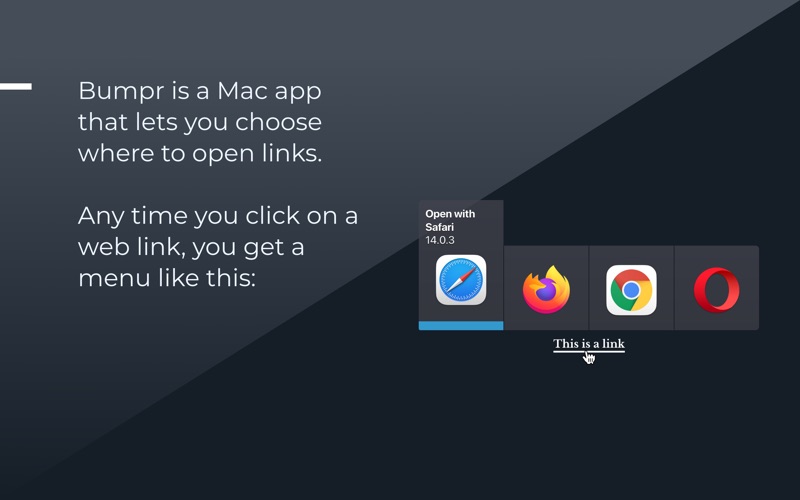
Your links don't have to all go to the same place. Bumpr gives you the freedom to choose—every single time. Click a link, pick your browser in one elegant click. Keep work and personal browsing separate. Test across browsers. Manage multiple email accounts. It's that simple.
Made for people who use more than one browser.
Whether you're testing web design across Safari and Chrome, maintaining separate Google accounts, keeping work browsing isolated, or just want to try Arc, ChatGPT Atlas, Brave or any other new browser—Bumpr gets out of your way and lets you decide.
Email handling with freedom.
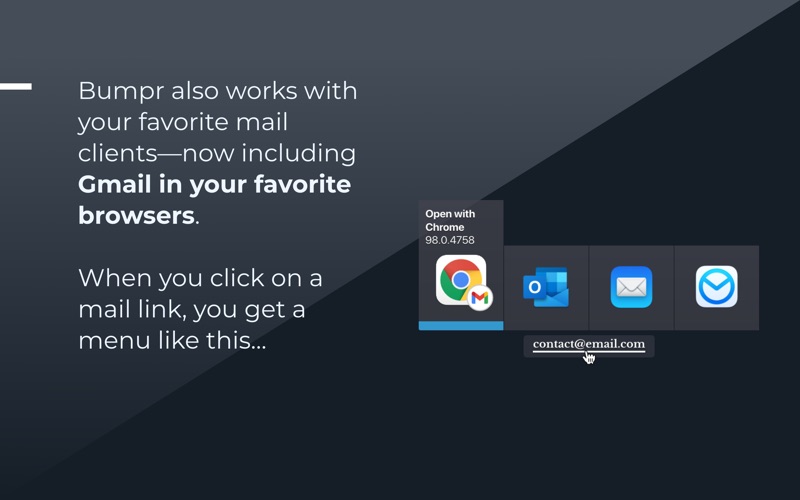
Bumpr opens mailto: links in your choice of email app or directly into Gmail in your favorite browser. Finally, one tool that handles both links and mail.
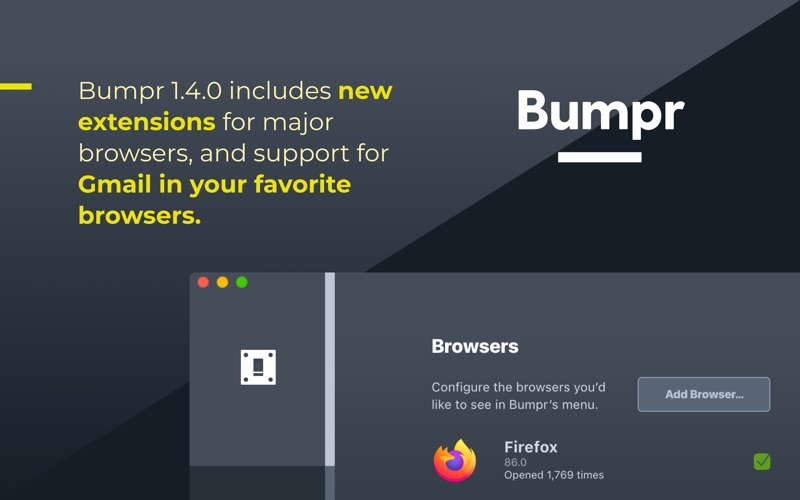
Install the free browser extensions for Safari, Chrome, Firefox, Opera, or Edge to enable Bumpr when right-clicking links. Works seamlessly across your entire workflow.
Get it today. You'll wonder how you ever browsed without it.
Quoi de neuf dans la dernière version ?
Want to remove the Bumpr icon from the menu bar? Open Bumpr's settings to show it in your Dock instead.