• KultureGeek
  • Comparateur de prix
       
iPhoneAddict
 iAddictv5Notre Application iPhone/iPad
  • Accueil Apps
  • Actualité Apple
  • Keynote Apple
  • Firmwares & iTunes
  • Contactez-nous
Accueil » Liste des Apps » Apps Mac » Productivité » PDF Restrictions Remover
L'application n'est plus disponible sur l'App Store français
1.0 macOS €9,99€ 方成 印 0 0 ◆◆◆ ON SALE FOR A LIMITED TIME: 50% OFF◆◆◆ DESCRIPTION: Do you have a PDF file which cannot be printed, copied, or edited? With PDF Restrictions Remover, you can remove the password and restrictions in a few seconds. EASY TO USE: ...
PDF Restrictions Remover

PDF Restrictions Remover

macOS / Productivité

9,99€ au lieu de 11,99€
Acheter sur l'App Store

◆◆◆ ON SALE FOR A LIMITED TIME: 50% OFF◆◆◆

DESCRIPTION:

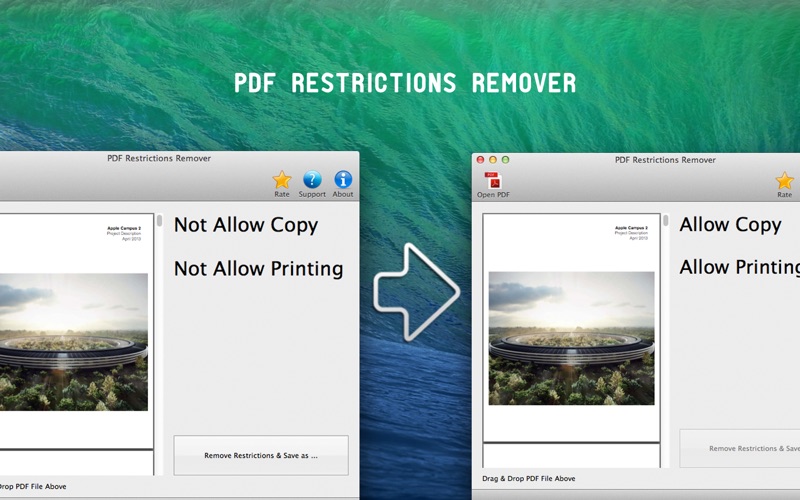
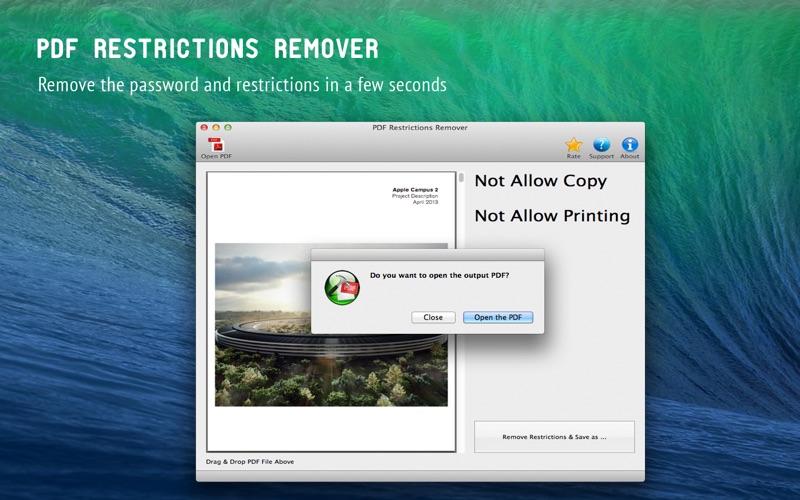
Do you have a PDF file which cannot be printed, copied, or edited? With PDF Restrictions Remover, you can remove the password and restrictions in a few seconds.

EASY TO USE:

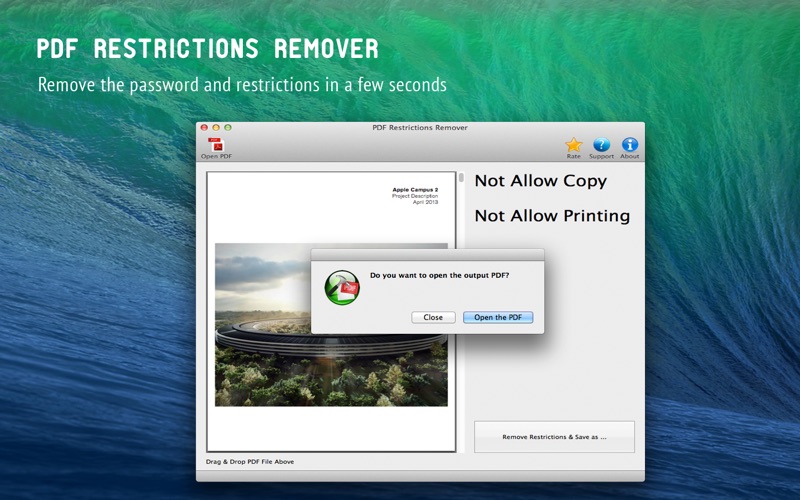
PDF Restrictions Remover is extremely easy to use. Just open the PDF file and click "Remove Restrictions & Save as..." button. In just a few seconds, you will have a PDF file with no restrictions. You can edit, print, copy, and more with your PDF files.

Can NOT DO:

PDF Restrictions Remover can work to remove the restrictions in standard password protected PDF file, you should have open password first.

BUT IT CAN:

Remove or find the user/open password automatically. (The product may help you to find it https://itunes.apple.com/us/app/pdf-password-cracker/id884661856?l=zh&ls=1&mt=12)
Remove other protections, such as DRM or third part plug-in.
Enable Acrobat Reader to
Save forms and data locally
Add comments
Add digital signatures
Command line version

FAQ

Can the program remove the user password?

For removing user password prompts for opening your PDF file, you must initially provide the password. The program can not find the password automatically or simply delete it.

But you do not need input owner password, the program can delete it simply.

We love to hear your feedback. Please remember, we cannot reply to your comments in the Mac App Store.
If you have a question, please contact us through our support mail. Thank you!

◆◆◆ Bug Fix & Feature Request ◆◆◆
If you have any problem, please email us at cokesoft@gmail.com
We will fix bugs and add features for you as soon as possible.
En voir plus...

  • Screenshot #1 pour PDF Restrictions Remover
  • Screenshot #2 pour PDF Restrictions Remover
  • Screenshot #3 pour PDF Restrictions Remover

D'autres applications du développeur

PDF to Image Converter Pro
/ macOS
Batch Image Resizer Pro
/ macOS
Memory Optimizer and Booster
/ macOS
Folder Icon Maker
Folder Icon Maker
/ macOS
Disk Cleaner
Disk Cleaner
/ macOS
PDF Attribute Editor
/ macOS
Voir toutes les apps

Note

(0 note)

Détails sur l'application

Version
1.0
Taille
5.7 Mo
Version minimum de macOS
10.6
Dernière mise à jour
04/07/2014
Publié par
方成 印

Newsletter App Store

Recevez chaque jour les meilleures promos

Actualité Apple

Image Bonne année 2026 !!!
Bonne année 2026 !!!
Image Nouvelle pub d’Apple pour vanter le zoom optique de l’iPhone 17 Pro
Nouvelle pub d’Apple pour vanter le zoom optique de l’iPhone 17 Pro
Image Le Vision Pro est un flop : Apple réduit drastiquement la production et le marketing
Le Vision Pro est un flop : Apple réduit drastiquement la production et le marketing
Image Apple considère l’iPhone 11 Pro comme ancien avec le dernier MacBook Air Intel et l’Apple Watch Series 5
Apple considère l’iPhone 11 Pro comme ancien avec le dernier MacBook Air Intel et l’Apple Watch Series 5
Partenaires : Actualité iPhone - Culture Geek
©2009-2026 i2CMedia | A propos |