QwikCards
macOS / Productivité
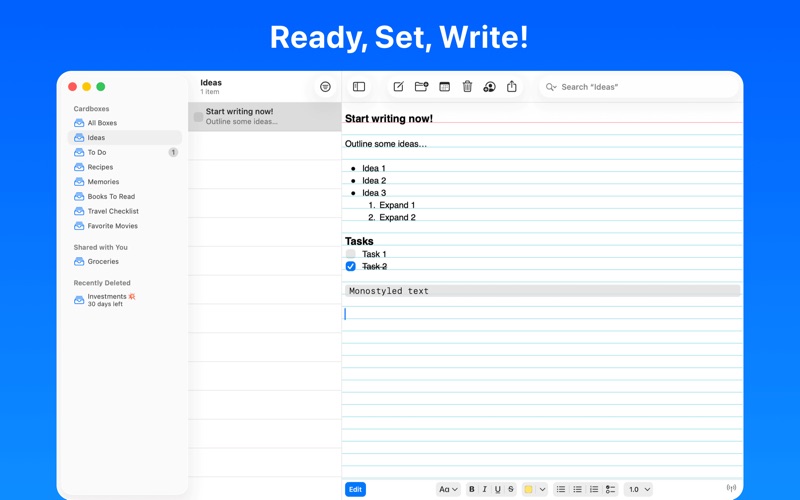
• Write thousands of notes. Use boxes to group them with colored dividers.
• Drag cards to organize them, or sort automatically by date, title, or task completed.
• Make lists of to-do items with due dates. Check each item when you‘re done. See at a glance which to-do items are due today or overdue.
• Automatically keep notes up-to-date on all your devices with free iCloud sync.
• Share notes with others. See when they make changes.
• Export to text, RTF, HTML, and Markdown.
• Publish cards in a portable zip file with built-in mini web viewer. View the cards anywhere using just a web browser.
• Print on real index cards.
• Start with 30 free note cards and use every feature. Buy unlimited cards with a subscription, or one-time purchase with free updates.
• Privacy Policy: https://qwikcards.com/privacy
• Terms of Use: https://www.apple.com/legal/internet-services/itunes/dev/stdeula/
Quoi de neuf dans la dernière version ?
• Highlight monospaced text copied and pasted from Gemini, ChatGPT, and Claude AI web browser queries.
• Capture snippets of code from Xcode as monostyled text blocks.
• Type Shift-Enter to continue list items on multiple lines.
• Automatically replace smart quotes and dashes in monostyled blocks with plain-text equivalents.
• Update card notify date after syncing (bug fix).