Savee for Safari
macOS / Productivité
Savee is where over a million designers and creatives find and save inspiration. The Chrome extension is the fastest way to bring anything you love on the web into your feed.
Four ways to save:
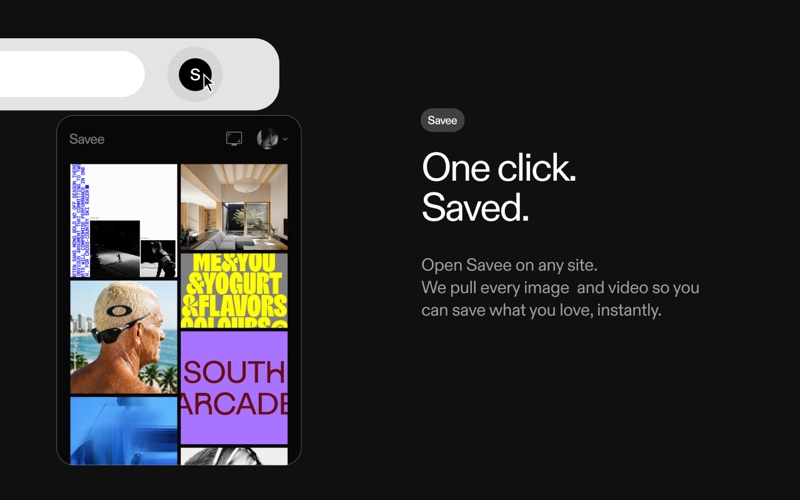
1. Open Savee on any site. We scan the page so you can save any image or video in one click.
2. Hover over any image or video. A Savee button appears. Click it and it lands in your feed.
3. Right-click any image or video and choose "Add to Savee" from the menu.
4. Use the screenshot tool to capture any part of a page straight to your profile.
Every save can go to the board you choose: client work, moodboards, private collections, whatever you're building.
Prefer a quieter browse? Every save method can be toggled on or off in settings, so the extension works the way you want.
Join over a million creatives at savee.com.
Quoi de neuf dans la dernière version ?
-The hover button is faster and smoother across every site
-You can now send saves straight to a specific board, right from the hover button
-A cleaner, more minimal UI that keeps the focus on what you're browsing
-Saving from Instagram works better than ever
-Don't want the hover button? Turn it off in settings