Times: World Clock & Timezones
macOS / Productivité
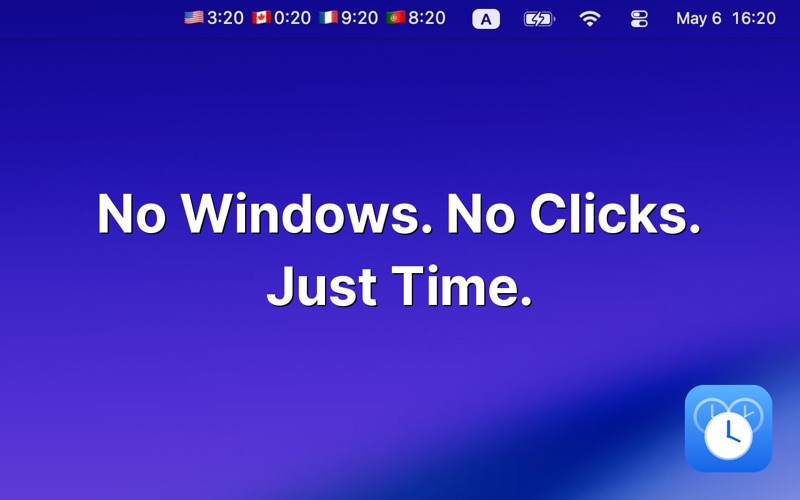
The world clock that lives in your menu bar. See every timezone at a glance — no windows, no clutter, just time.
For remote teams, traders, travelers, and anyone with people they care about overseas.
If you collaborate across timezones, scheduling a 9 AM call shouldn't require a calculator. Times shows the current hour in every city you care about, right next to the system clock — so you always know whether it's a good time to message Tokyo or wait until London wakes up.
KEY FEATURES
- Unlimited world clocks (as your screen allows)
- Country flag next to each clock for instant recognition
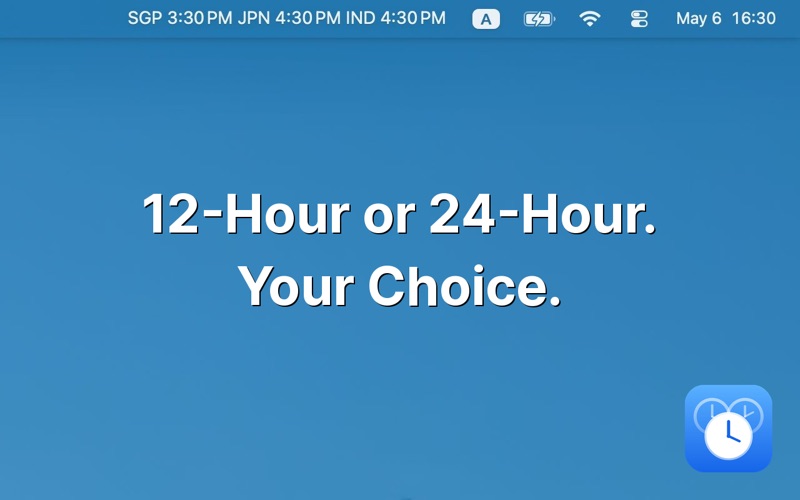
- 12-hour or 24-hour format — your choice
- Reorder clocks by drag-and-drop
- Configurable font size for any display
- Launch automatically at startup
- Every timezone, every country supported
- Custom labels: name clocks “Tokyo office” or “Mom”, or use emojis
- Day/night indicators
- Time converter
- Zero tracking, zero ads, zero accounts
HOW IT WORKS
1. Click the menu bar icon
2. Add the cities you care about
3. Glance up — that's it
PERFECT FOR
• Remote teams coordinating across continents
• Crypto and stock traders watching global markets
• Travelers staying in touch with home
• Customer support handling international clients
• Anyone with family or friends abroad
WHY MENU BAR?
Other world clock apps make you open a window or expand a menu. Times keeps your timezones visible at all times, where you already look — no extra clicks, no app switching, no broken focus.
No subscriptions. Premium unlocks advanced features when you need them.
Download Times and never do timezone math again.
Quoi de neuf dans la dernière version ?
We added two new premium features: Custom labels and day/night indicators.