Myro:Home Helper
macOS / Style de vie
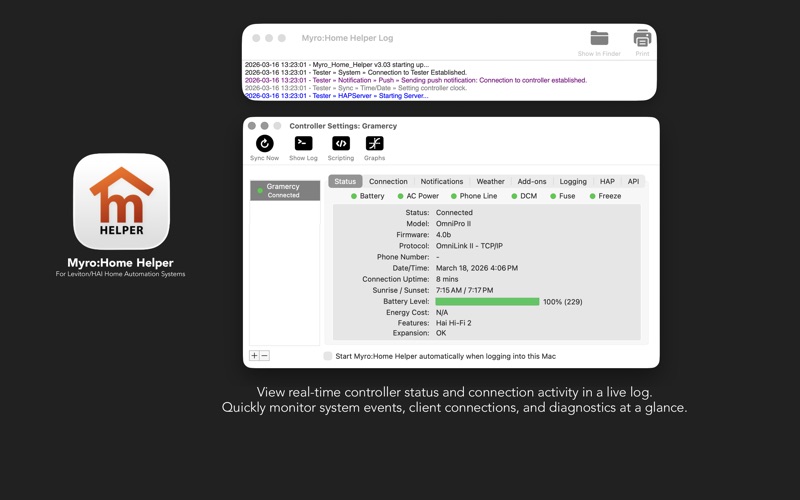
Bring powerful new capabilities to your Leviton/HAI Home Automation controller that go far beyond the standard experience. Use it standalone or pair it with the Myro:Home iOS/iPadOS/watchOS app for complete control of your home from anywhere.
Now works with the new Myro:Home Pro iOS app!
Features:
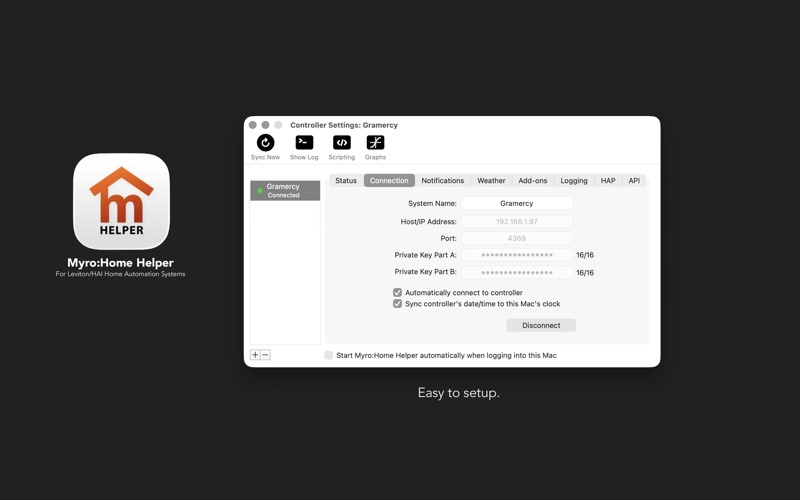
• Easy to setup and use interface.
• Enable true Push Notifications to your iOS/iPadOS/watchOS devices (when combined with the Myro:Home iOS app).
• Enable true Push Notifications with Live Activity support for our new Myro:Home Pro iOS app.
• Rain Advisory Flag perfect for automating sprinkler and rainfall based automation.
• Energy Cost synchronization allows for automation based on energy use when configured with a TED 5000 or Sense energy monitor.
• Graphing of Thermostat and Aux Sensors (Temperature & Humidity).
• Data logging of events and objects perfect for further analysis or debugging of system.
• HAP bridge exposes controller lighting and other units as HomeKit accessories allowing Siri control.
• Lutron LEAP integration for direct local control of Caseta, RA2 Select, RadioRA 3, and HomeWorks QSX lighting systems with real-time bidirectional state synchronization.
• Vestaboard integration displays controller messages on Vestaboard mechanical flip displays with automatic restore.
• LaMetric Time integration sends controller notifications to LaMetric smart clocks and LED displays.
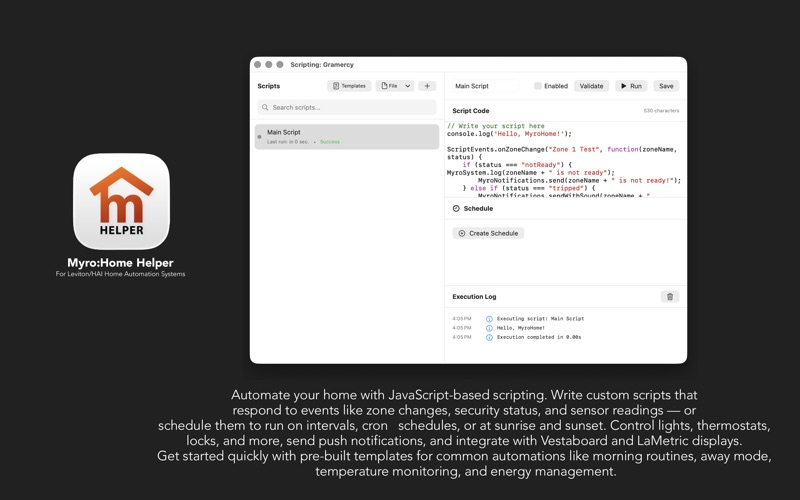
• JavaScript scripting engine for custom automation with event-based triggers, scheduling, and device control.
• HTTP request support in scripts for integration with local and cloud APIs (Home Assistant, Hubitat, IFTTT, and more).
• REST API for integration with third-party systems and external automation platforms.
Please note:
Myro:Home Helper runs in the background on your Mac utilizing minimal resources. It is required that your Mac is powered up and always running, like a server, for it to maintain connection to the Omni/Lumina controller and function properly.
Minimum Requirements:
• A Leviton/HAI Omni or Lumina ethernet based home automation controller running firmware 3.9 or higher is required (however, firmware 3.5 and greater works but extended setup like rooms, etc are not available).
• A Mac running macOS 10.11 or greater.
Privacy:
Myro Control, LLC does not use or collect any of your home usage data, private keys or connection details. They are only stored locally on your Mac's secure keychain. The communication between the Leviton/HAI controller and Myro:Home Helper directly flow between your Mac and the controller using an encrypted protocol. Myro Control, LLC does not store any data in the cloud or on their systems at any point.
Quoi de neuf dans la dernière version ?
Notifications tab improvements.
• Added download buttons next to each app in the Notifications tab — including Myro:Home Pro — making it easy to get the right companion app on each of your devices.