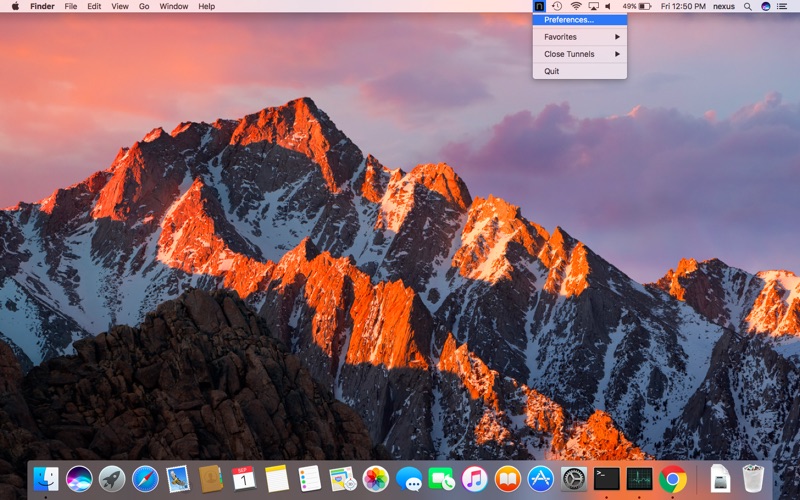
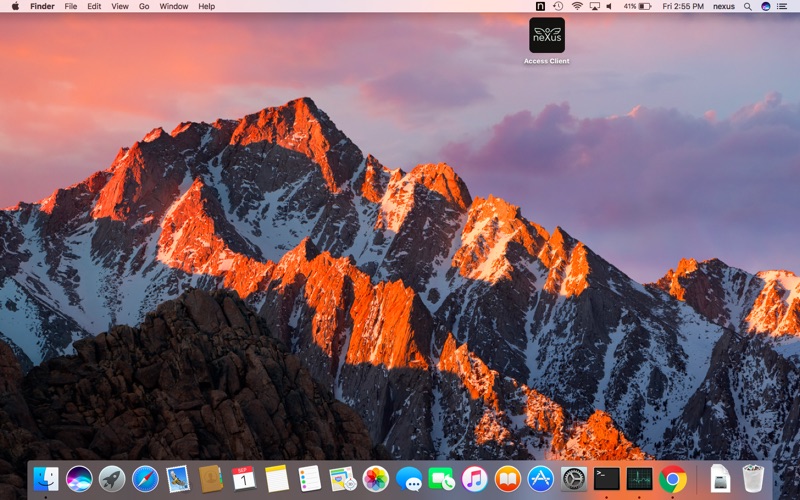
Access Client
macOS / Utilitaires
Access Client is a complement to Nexus Hybrid Access Gateway, that allows for secure remote access to internal client-server resources.
The Access Client creates a secure encrypted network tunnel between the user device and client-server applications. The client-server applications are registered in Hybrid Access Gateway as VPN tunnel resources. Hybrid Access Gateway is a product that provides secure access to your digital resources through its web portal. The Access Client creates a VPN tunnel to the server and sends HTTP traffic to server(Hybrid Access Gateway) and receives response, this way Access Client app enables user to access resource which are protected and secure. The app does not store or sends user information and only captures HTTP request for those NDS or ip address which user intended to access via VPN tunnel.
Compatibility
The Access Client is available for:
•Microsoft Windows 7 and newer
•macOS 10.11 and newer
How to use Access Client
After logging on to the Hybrid Access Gateway the client-server application resources are shown in the portal. To create a secure tunnel to the client-server application, the user simply clicks each resource icon. Access client will start and automatically create a secure tunnel. Access Client can be started from the Hybrid Access Gateway Portal as well as directly from Windows and macOS.
The user can add frequently used client-server applications as favorites in the Access Client. Favorites can be loaded directly from the Access Client without using the Hybrid Access Gateway portal.
Security features in Access Client
All communication is secured with strong encryption. Access Client also includes functions for device assessment and client firewall.
The Assessment feature checks the security status on the client before creating the tunnel. Access can then be restricted depending on certain preconditions, for example MAC address of client, running client processes, computer name and domain name.
The client firewall is used to restrict the client from communicating with other clients and servers outside the tunnel. The client firewall can block both incoming and outgoing traffic.
Statement of Data Usage
By using the Nexus Access Client application certain data may be sent to the Nexus Hybrid Access Gateway server. This depends on the configuration made by your company's administrator. Such data is used to evaluate your permission to access a certain resource. The data sent can be one or several of the following:
- Network Interface Information: Information about the network interface, such as Description, Name and Physical Address used.
- Process Information: Information about processes, such as Name, Digest and ID
The data never leaves the Nexus Hybrid Access Gateway server and will be deleted directly after usage. It won't be stored permanently.
No personal data of the user is ever sent to the Nexus Hybrid Access Gateway.
Quoi de neuf dans la dernière version ?
Minor improvements.