Download Shuttle: Speed Boost
macOS / Utilitaires
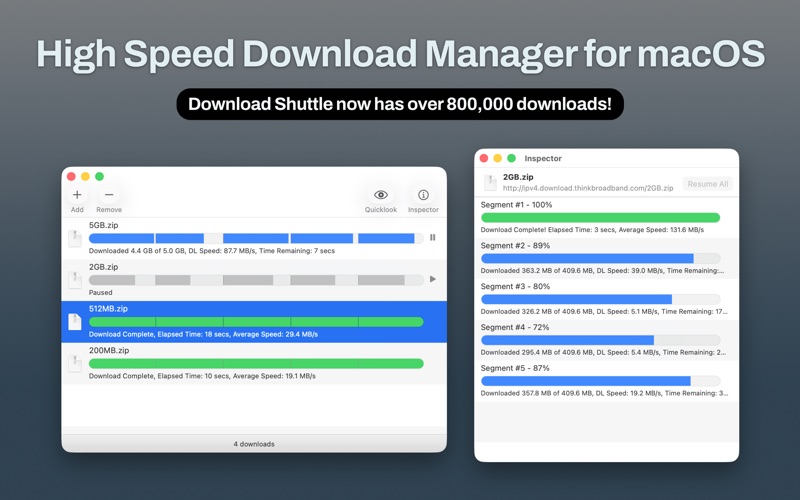
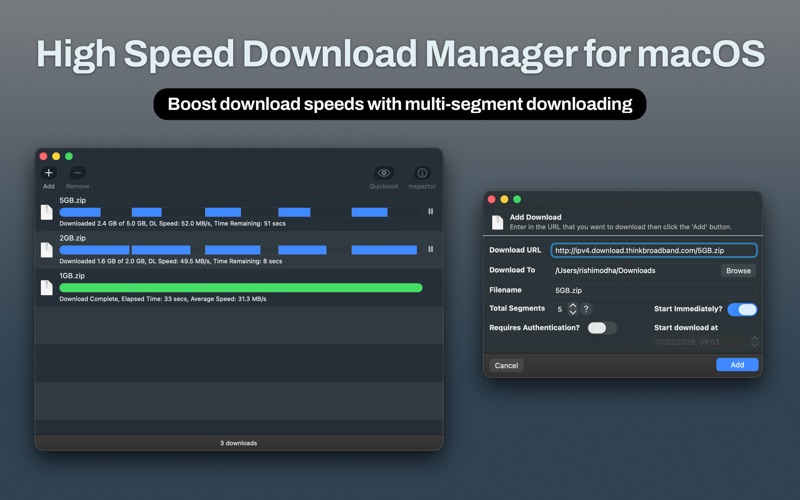
Download Shuttle accelerates your downloads by splitting files into multiple segments and downloading them simultaneously, maximizing your available bandwidth.
Why Download Shuttle?
- Multi-segmented downloads that fully utilize your connection speed
- Automatic retry on network interruptions; downloads recover on their own
- Smart disk management; finalizes large files without needing double the disk space
- Full dark mode support with a clean, native macOS interface
Features:
- Unlimited simultaneous downloads
- Schedule downloads for a specific date and time
- Pause and resume support
- HTTP/HTTPS with authentication support
- Drag and drop download links from any browser
- Quick Look preview for downloaded files
We hope you love our app, please do leave us a review and support Download Shuttle!
Quoi de neuf dans la dernière version ?
- Updated for macOS Tahoe
- App icon now supports Liquid Glass
- Improved download speeds with connection pooling; all download segments now share a single optimized connection
- Downloads automatically retry on network interruptions (up to 3 attempts) instead of stopping
- Reduced disk space needed to finalize downloads from 2x to 1x file size
- Full dark mode support throughout the app
- Modern UI
- Bug fixes and stability improvements
- Minimum supported version is now macOS 13
Please support us by leaving a review!