Morph - PSD File Converter
macOS / Utilitaires
Morph is the fast, native way to turn Photoshop files into the formats you actually need — one file or a whole folder at a time.
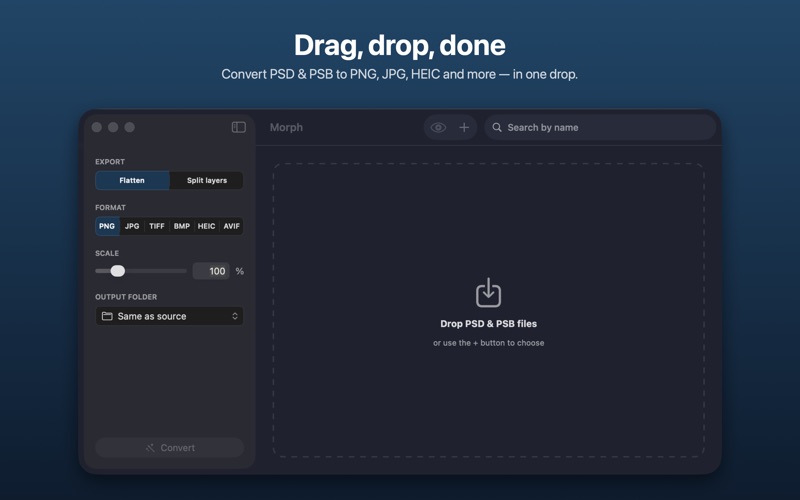
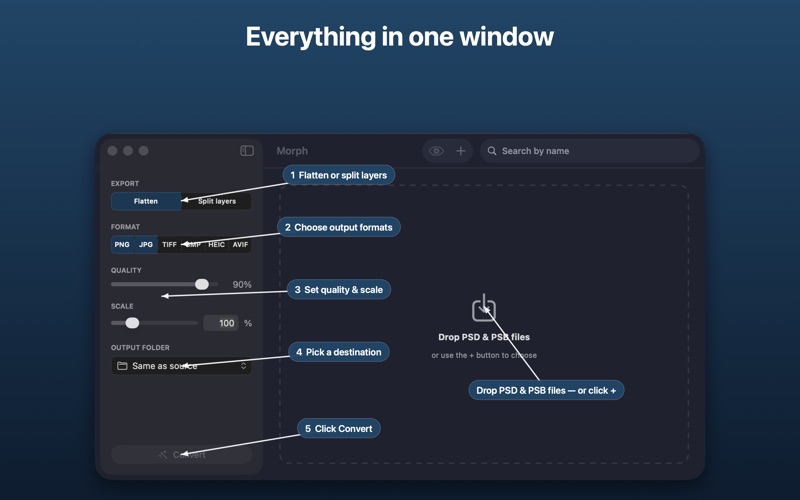
Drop in your PSD and PSB files and Morph converts them to PNG, JPG, HEIC, TIFF, BMP or AVIF, with full control over quality and scale. Need the individual pieces, not the flattened image? Turn on Split Layers and Morph exports every layer as its own file.
CONVERT ANYTHING
• PSD and PSB (large document) support
• Export to PNG, JPG, HEIC, TIFF, BMP and AVIF
• Adjustable quality and output scale
• Opens files saved without “Maximize Compatibility” — the ones other converters choke on
SPLIT LAYERS — NEW
• Export every layer of a PSD or PSB as a separate image
• Each layer saved at full document size, in a tidy folder per file — ready to drop into any editor
• Works with RGB, Grayscale and CMYK documents
BUILT FOR BATCHES
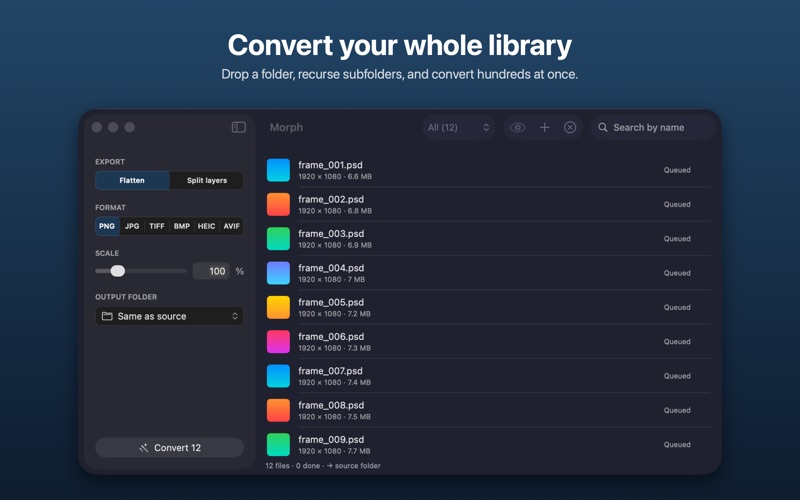
• Drag in dozens of files, or a whole folder (subfolders included)
• Search your queue and filter by status
• Live per-file progress and results
• A specific reason whenever a file can’t be converted — no silent failures
NATIVE & PRIVATE
• A clean, modern Mac app that follows Light and Dark mode
• Everything runs on your Mac — your files never leave it
Morph 2.0 is a ground-up rewrite: faster, more reliable, and ready for your whole library.
Quoi de neuf dans la dernière version ?
Morph 2.0 is a complete, ground-up rewrite — faster, more reliable, and packed with new features.
• NEW — Split Layers: export every layer of a PSD or PSB as its own image file (RGB, Grayscale and CMYK)
• Reliable conversion of layered files, including those saved without "Maximize Compatibility"
• New output formats: HEIC and AVIF, alongside PNG, JPG, TIFF and BMP
• Quality and output-scale controls
• Drop whole folders and recurse subfolders; search and status filters for large batches
• Clear per-file status, with a specific reason when a file can't convert
• Full Light and Dark mode support
• A new "What's New" overview so you can see what changed at a glance