Present
macOS / Utilitaires
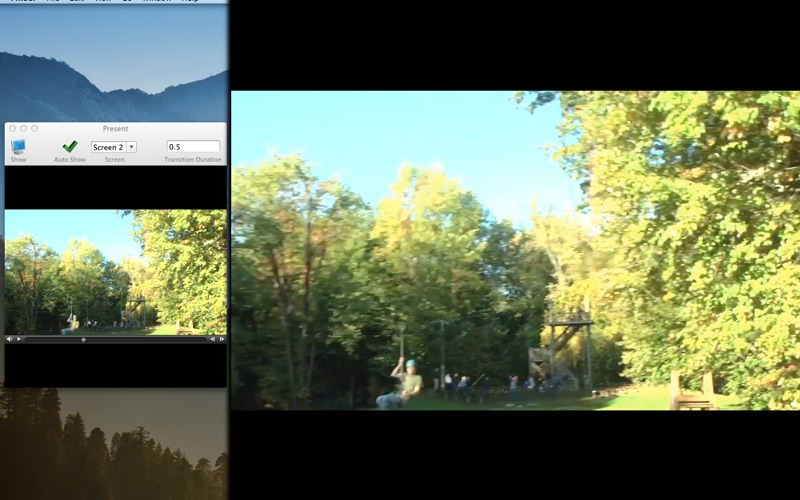
Present's purpose in life is to allow you to be able to present images and movies on a secondary display without undue hassle.
Present's features make it easy to present graphics:
• Present on any display connected to the system
• Drag-and-drop simplicity
• Movie playback controls are kept on the main window so they don't show on the secondary display
• Movies can be looped
• Option to automatically present when the item is dropped
• PDF files can be presented. Simply drop it in and then select the pages to show
• Right-click images in Safari and send them directly to Present, with enabled Safari extension
• You can use a URL prefix to send URLs to Present.
For example, you can enter the URL "present:http://example.com/video.m4v" in Safari to present a movie.
• It works on a single-display computer as well—video controls and mouse will automatically show and hide
Quoi de neuf dans la dernière version ?
Added option to loop movies.
Safari extension has been updated for Catalina and is now included with the app.