Portal Messenger Pro
iOS Universel / Medecine
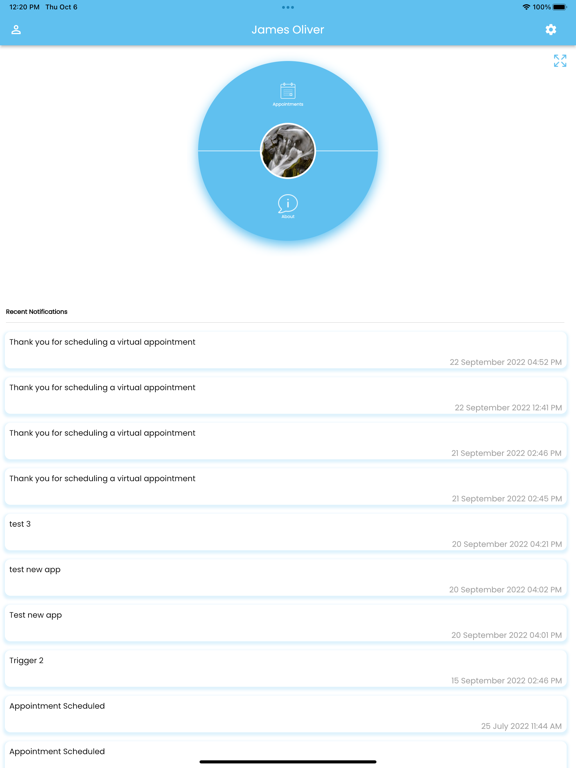
Our vision is to enable every health and wellness practice regardless of size, to leverage technology to its fullest, achieving high operational efficiency to deliver more connected and personalized care.
Our App requests access to your Health Kit should you decide to share your vitals with your provider. You can add or remove these permissions at any time.
https://fxmedsupport.com/privacy-policy/
Quoi de neuf dans la dernière version ?
**What's New in Version 20.8.2**
**New Features**
* Added a **Snooze Calls** toggle for providers, letting you temporarily pause incoming VoIP calls right from the home screen.
* Introduced a new **VoIP Configurations** page under Settings for managing incoming call preferences.
* Redesigned mood tracking with an inline, expandable "Log mood" panel on the home screen — no more popups.
**Improvements**
* Improved session reliability with automatic token renewal, reducing unexpected sign-outs during active use.
* Refreshed the Settings page with clearer grouped sections (Communications, Preferences, Support, Account).
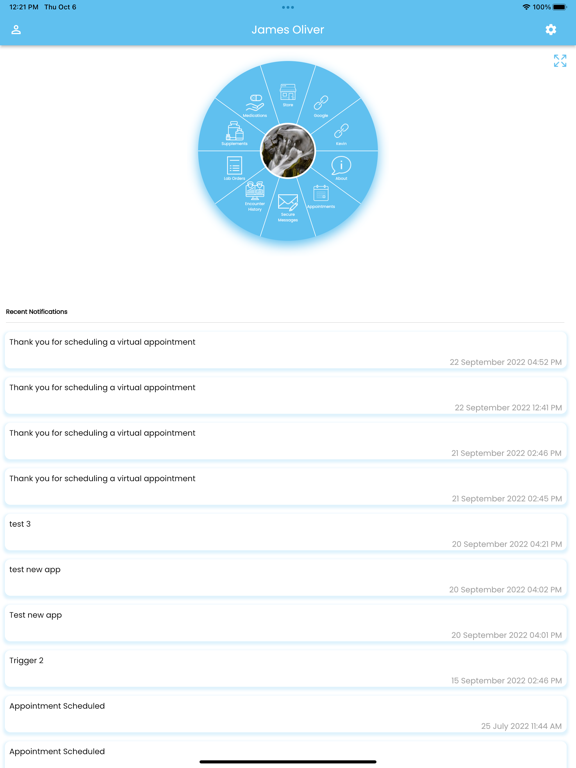
* Redesigned the Configure Menu screen with a cleaner list layout and simple on/off switches.
* Patient search now accepts a plain numeric ID (no need to type "id:" prefix).
* Refined appointment time-slot legend icons for better readability.
**Bug Fixes**
* Fixed an issue where incoming calls could continue to ring after switching between provider and patient views.
* Resolved cases where call registration state could become out of sync after logout or account switching.
**Other Updates**
* Snooze and VoIP settings automatically reset on logout and account switching for a consistent experience.
* General stability and performance improvements across calling and mood tracking flows.