Hacaro - StroopTest
iOS Universel / Medecine
– Description
The Stroop Test is widely known as a cognitive task related to attention and decision-making, and it is thought to be associated with brain functions such as the frontal lobe and the anterior cingulate cortex.
This app provides two types of tasks.
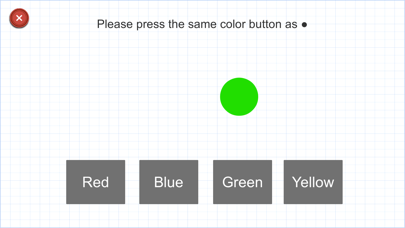
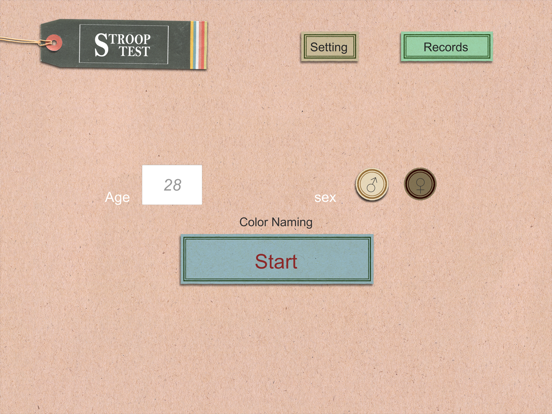
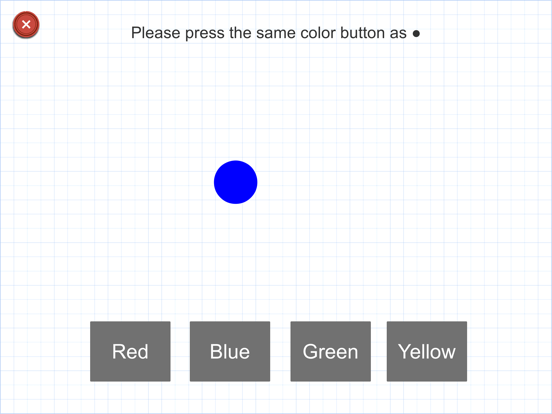
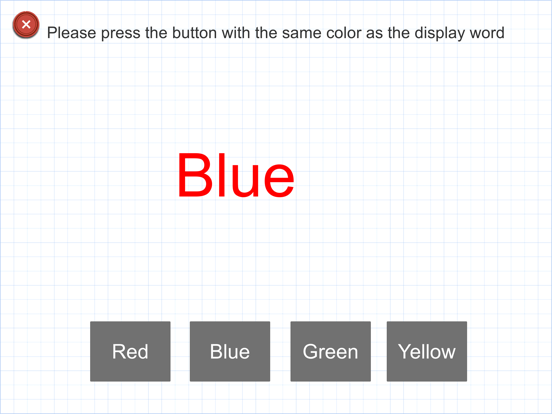
In the first task, you are asked to identify the colors red, blue, green, and yellow as accurately and quickly as possible (Color Naming Task).
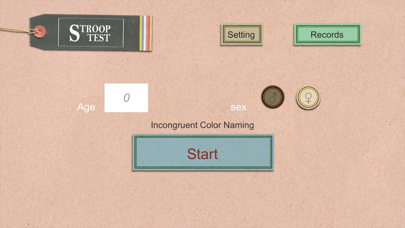
In the second task, even when the meaning of the word and the color of the ink do not match, you are asked to answer based on the ink color, not the word itself (Incongruent Color Naming Task).
It is known that responses tend to be slower when the color information and the word meaning are inconsistent compared to when they match. This phenomenon is called the Stroop Effect.
This is thought to occur because the processes of recognizing colors and reading words work simultaneously and interfere with each other, which increases the time required for information processing.
Each task consists of 20 questions, and after completion, the number of correct answers and the elapsed time will be displayed.
The task display language is available in 11 different languages.
– Data Sharing
Past records can be saved to your device in CSV format or shared with other apps, such as by sending them via email.
– Selecting a Mode When Starting the App
When launching the app, you can choose from three modes:
1: Hacaro Series Account Mode
By logging in with a user account, all past data can be stored securely in the cloud.
Even if you change devices, you can access and share your data by logging in with the same account.
For more details, please tap “Learn more about the Hacaro Series Account” on the app’s home screen.
2: Guest Mode
Up to 30 records are stored locally on the device.
Older records will be deleted automatically as new data is added.
Even if you log in using another mode later, the 30 guest records will remain stored on the device.
3: Researcher Mode
Records are managed using a Subject ID rather than age or gender.
At the start of each session, a subject ID selection screen will appear.
As with Guest Mode, up to 30 records can be stored.
Quoi de neuf dans la dernière version ?
-Expanded 11-language support introduced in Ver. 1.3.
Instructions on the measurement screen are now fully supported in 11 languages, along with the task words.
-Fixed an issue with the "Save to Files" feature in the data sharing tool added in Ver. 1.3.
-Minor bug fixes and improvements.