MedHub
iOS Universel / Medecine
View Calendar, Complete Evaluations, Submit Work Hours and Log Procedures on the go.
*This app is a companion to MedHub solutions for existing trainee and faculty users*
Extend the benefits of MedHub to your iPhone while you’re on the go! Simply download now and login with your existing account to start completing tasks.
Features Include:
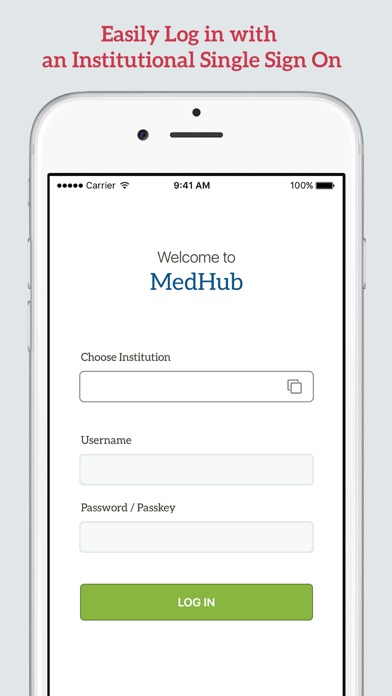
•Access with institutional Single Sign-On credentials
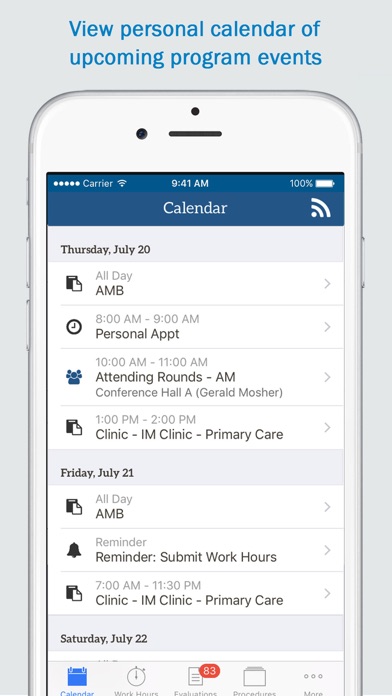
•View Calendar, Conferences and Schedule information
•Send and complete Evaluations
•Access Evaluation summaries and performance progression
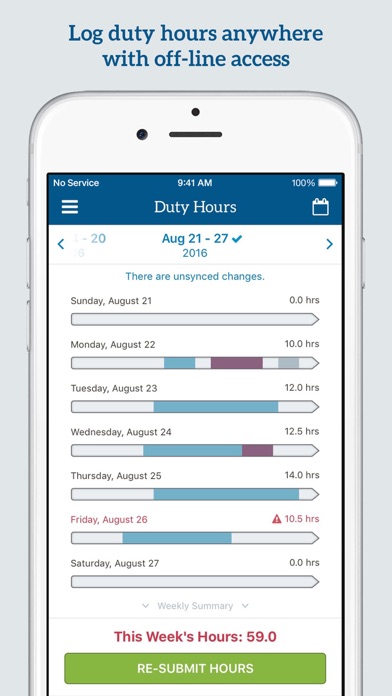
•Submit Work Hours and view weekly compliance summaries
•Log Procedures and review requirements progress
•Procedure Verification for Faculty & Residents
•Receive helpful reminders and push notifications
•Use iOS dictation to submit Evaluation feedback
User Requirements:
•Valid MedHub trainee or faculty user account
Additional features that will simplify trainee and faculty tasks are in currently in development and scheduled for release in 2020, including:
•Messaging
•Program Resources
Quoi de neuf dans la dernière version ?
Enhancements:
• [GME/UME] All User Types - Improved accessibility on the Procedures New Case Log screen so text now supports larger font sizes without losing content or functionality, and screen elements follow a logical focus order for smoother navigation with assistive technologies
• [GME/UME] All User Types - Improved accessibility on the Procedures Reports History screen so text now supports larger font sizes (up to 200%) without losing content or functionality
• [GME/UME] All User Types - Improved accessibility on the Procedures History screen so text can scale for larger font sizes without truncation and interactive elements now have clear, unique accessibility labels
• [GME/UME] All User Types - Improved accessibility on the Procedures Patients by Gender Age screen so text can resize without being cut off and interactive elements now follow a logical focus order
• [GME/UME] All User Types - Improved accessibility on the More Resources screen so text can scale up to larger font sizes without losing content, interactive buttons now have clear accessibility labels, and items follow a logical focus order
• [GME/UME] All User Types - Improved accessibility on the More Review Records screen so text can scale up to larger font sizes (up to 200%) without losing content or functionality
• [GME/UME] All User Types - Improved accessibility on the More Directory Programs screen so text can scale up to larger font sizes without losing content, interactive buttons now have clear accessibility labels, and items follow a logical focus order
• [GME/UME] All User Types - Improved accessibility on the More > Directory > All Users Screen 1 by adding clear, descriptive accessibility labels to interactive buttons and controls, and interactive elements now follow a logical focus order
• [GME/UME] All User Types - Improved accessibility on the More > Directory > All Users Screen 2 so text now supports larger font sizes (up to 200%) without losing content or functionality and text can be resized without truncation
• [GME/UME] All User Types - Improved accessibility on the Evaluation Competencies screen so interactive buttons now have clear, meaningful accessibility labels
Updates:
• Support Ticket - 258820 - [GME] Resident - Resolved an issue within Work Hours in the mobile app that prevented residents from entering hours for partial weeks at the beginning or end of their training.