PSYONIC Ability Hand
iPhone / Medecine
Welcome to the ultimate personalization platform for the Ability Hand - the world’s fastest, incredibly durable, and first ever touch-sensing bionic hand.
KEY FEATURES
• Your Activity, Your Grips: Easily build and organize dedicated collections of grips for your favorite daily activities. For even more customization, use the advanced Grip Editor to design, fine-tune, and save completely custom finger positions.
• Touch Sensing: Adjust sensory feedback and vibration intensity so you can choose how you feel the world around you.
• Fine-Tune Control Signals: View real-time muscle signals and adjust various settings to get to the ideal physical synergy.
• Wireless Updates: Keep your bionics on the cutting edge. Update your hand’s firmware wirelessly and over-the-air the moment new features drop.
BUILT FOR COLLABORATION
For clinicians, the PSYONIC app provides a fast, precise toolkit to configure and calibrate the Ability Hand for patients during fittings. For users, it provides the independence to adjust, experiment, and optimize their device for the lifestyle.
Quoi de neuf dans la dernière version ?
This update introduces Low Battery Alerts, Hand Avatar, and a refreshed app experience across the Home Screen, connection flow, Camera Control, firmware update process, and System Details. It also includes improved battery reading stability and bug fixes.
Release Notes:
Low Battery Alerts - NEW FEATURE
• Added a new Low Battery Alerts feature that notifies you when your Ability Hand battery is running low
• Alerts can be delivered through vibration, the Power Switch light, or phone notifications
• Low battery alerts can be dismissed directly from the Power Switch
Hand Avatar - NEW FEATURE
• Added a new Hand Avatar feature that lets you personalize the hand shown on the home screen
• You can choose a left or right hand avatar and select your preferred grip from the available options
• Hand Avatar can be changed by going to Settings > Hand Avatar, or by tapping the hand avatar once to reveal the pencil edit icon
Home Screen Redesign
• Refreshed the home screen look and feel
• Redesigned feature icons for better visual clarity and consistency
• Improved feature names and descriptions to better explain what each section does
• Updated the battery icon to dynamically reflect the current battery level
Renamed and Reorganized Features
• Renamed Demo to Grip Preview and moved it higher to group it with other Grips features
• Renamed Control System to Input System
• Renamed Hand Demo to Camera Control
Camera Control Redesign - Formerly “Hand Demo”
• Added instructions for easier feature operation
• Updated the overall look and feel
Connection Experience Redesign
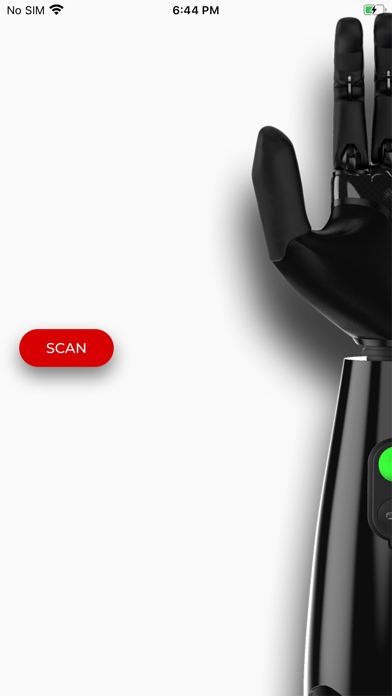
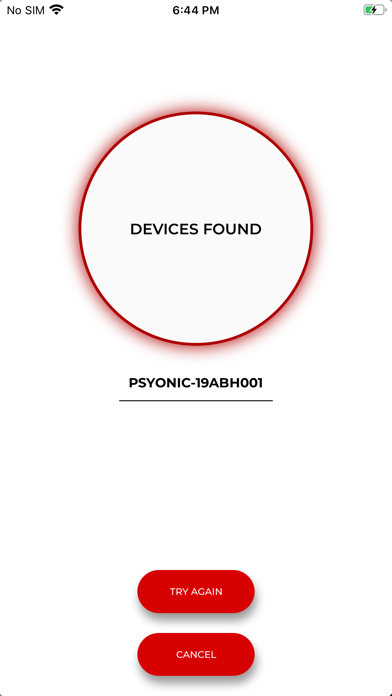
• Redesigned the splash screen and connection flow to better reflect PSYONIC’s blend of technology, optimism, and human-centered design
• Added rotating general, time-based, and holiday-based greeting messages
Firmware Update Process
• Redesigned the firmware update flow to provide clearer guidance during the update process
• Added additional instructions to help prevent common firmware update mistakes
System Details
• Updated the System Details page to better communicate firmware and hardware version status
Grip Editor
• Added a warning when finger positions are set below 10°, with guidance to adjust the position if movement is inconsistent
• Removed Inward and Outward labels from the thumb rotator setpoint controls
Bug Fixes
• Removed PULLSTRING CONTROL as a menu option
• Fixed a bug that prevented installation from continuing after the Ability Hand installation was interrupted
• Prevented I/O board data fetching from impacting other features
• Fixed an issue where the app incorrectly prompted users to enable Bluetooth when Bluetooth was already enabled