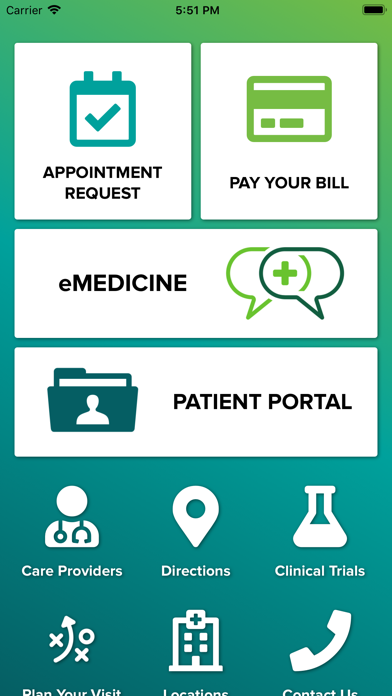
UAB Medicine
iPhone / Medecine
The patient portal can be used to:
• Communicate with your health care providers
• Request renewals for currently prescribed medications
• View results of select lab work or other tests
• View and/or download portions of your medical record
• View clinical visit summary
• View your active medication list, allergies, immunizations and more
• View your upcoming appointments
• Connect health management apps to your health record
Signing Up
Registering for the patient portal is easy and begins with a short form you can complete online.
Just visit our Self Enrollment page at uabmedicine.org/me and follow the instructions provided.
Registration Step-by-Step
Once your health care provider confirms your email address and initiates the sign-up process, you will receive an email with instructions on how to create your myUABMedicine account. If you do not receive your email invitation, please call UAB Guest Services at 205.934.CARE (2273).
Step 1: Watch your email inbox for the invitation. You must create your myUABMedicine account within 90 days of receiving the invitation or you will need to request a new invitation. If you do not want to create a myUABMedicine account, just delete the email.
Step 2: In the email invitation you receive, click on the link provided. The link in the email invitation will take you to a page with quick steps on how to get started.
Step 3: Next you will be asked to verify your information. You will need to verify your date of birth and answer a security question.
Step 4: From there you will be taken to the Sign-Up page where you will create a unique username and password. You will need to check the box to accept the Terms of Use and select "Create Account."
Step 5: Your information will then be placed in the portal and you may begin interacting with your UAB providers.
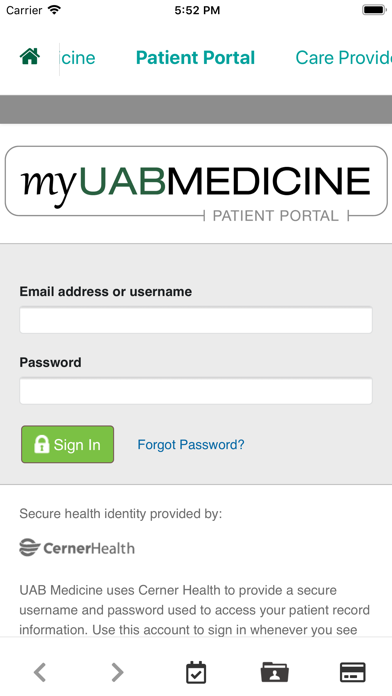
Step 6: To access the myUABMedicine Patient Portal in the future, just visit uabmedicine.org/me and click on the login button.
Quoi de neuf dans la dernière version ?
Updated link to clinical trials