XW Calc - Crosswind Calculator
iOS Universel / Météo
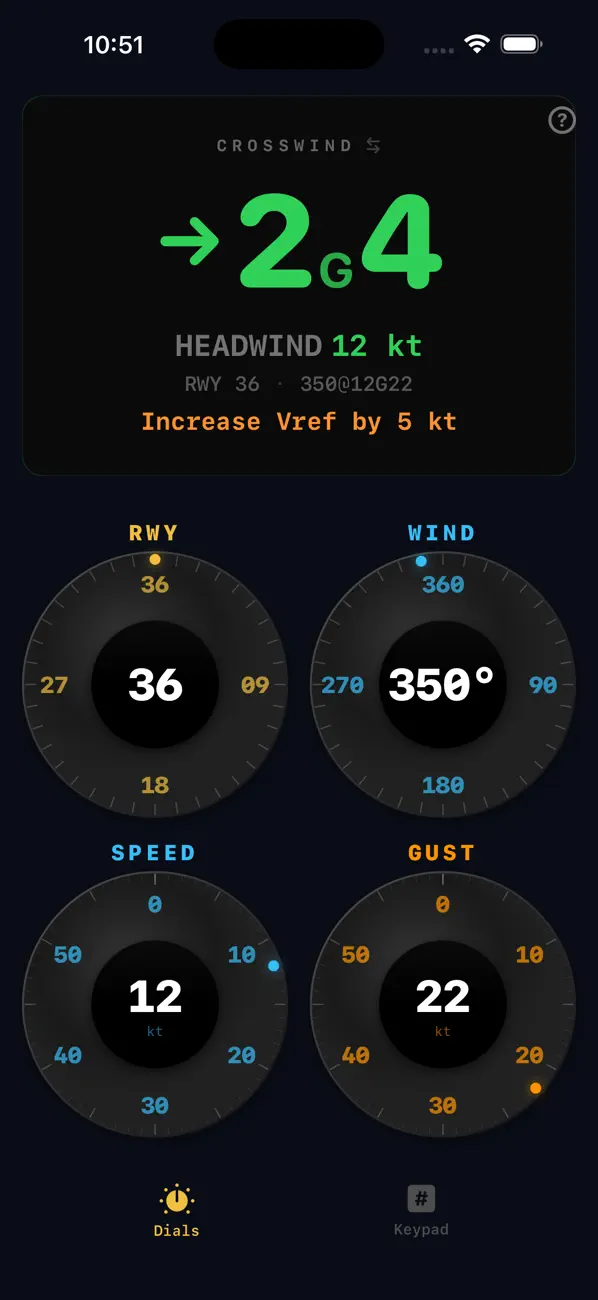
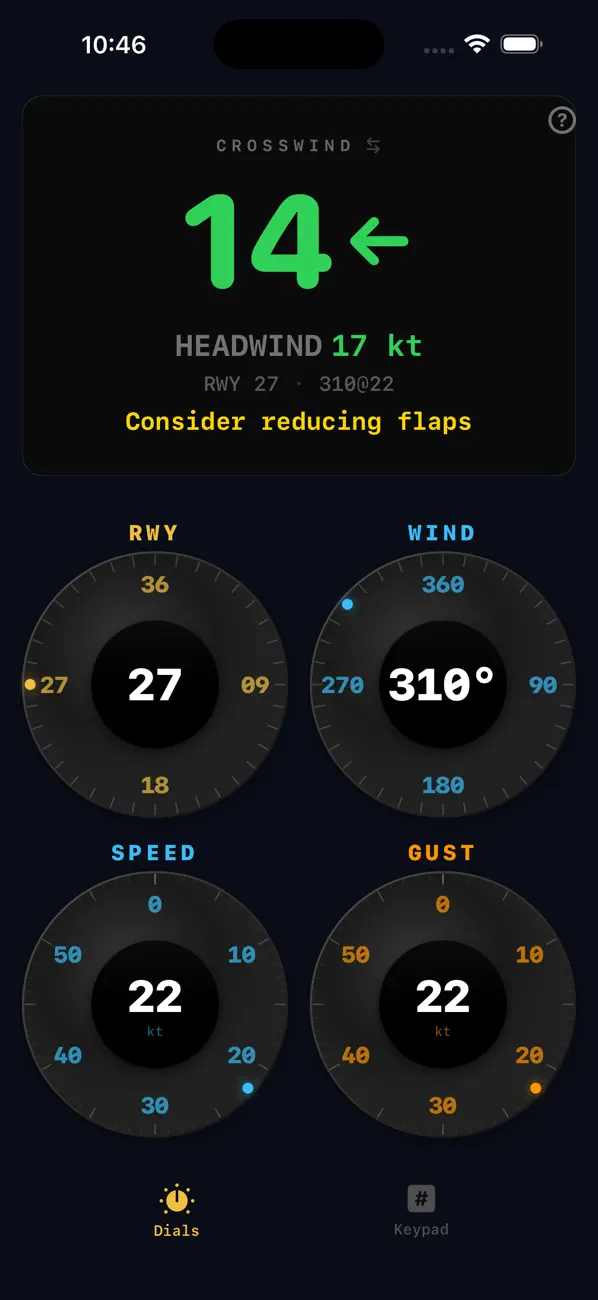
Crosswind calculations shouldn't require a keyboard. XW Calc uses four rotary knobs — runway, wind direction, speed, and gusts — to give you an instant, always-current answer. Designed for one-handed cockpit use.
Rotary Knob Controls
Touch any dial directly on the value you want, then drag to fine-tune. Four knobs for runway heading, wind direction, wind speed, and gust. No typing. No menus. Results update as you move.
Keypad Mode
Prefer numbers? Switch to the keypad view for direct numeric entry. Same instant results, different input style. Both modes are always one tap away.
Instant Crosswind
Crosswind and headwind components update in real time as you adjust any parameter. Color-coded severity at a glance — green when you're well within limits, amber when it's worth thinking about.
Gust Factor Aware
Separate gust speed input with automatic Vref adjustment advisories. Know exactly how much extra speed to carry for gusty conditions before you turn final.
Pilot Advisories
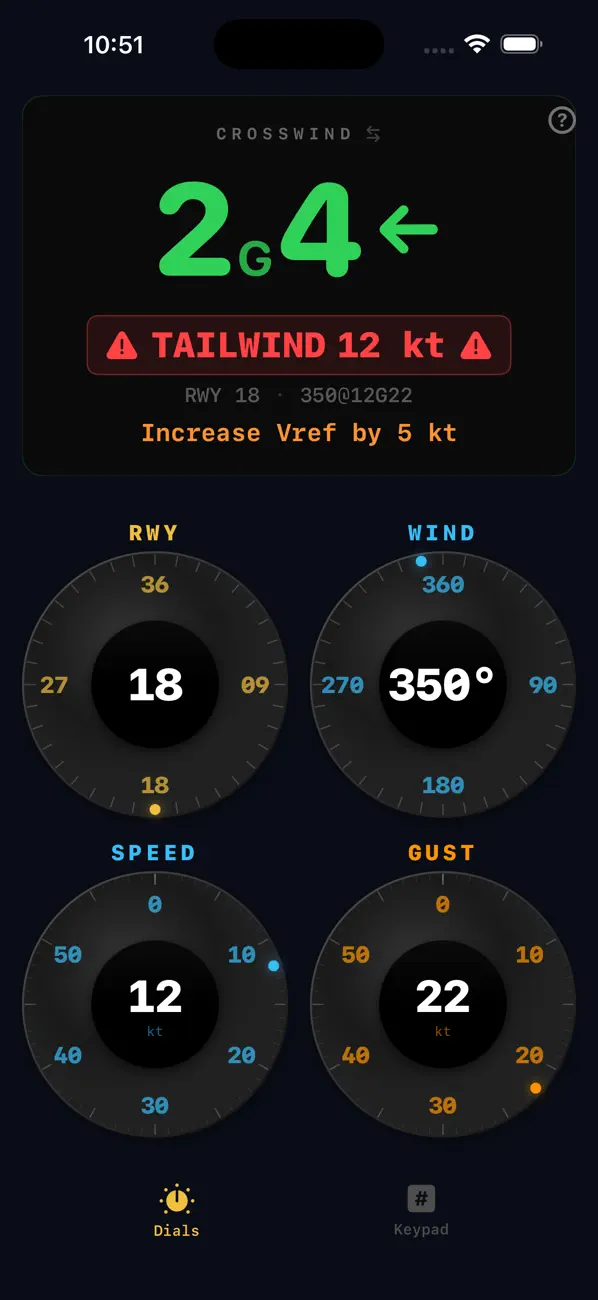
Automatic recommendations for flap reduction when crosswinds are significant. Tailwind warnings with Vref adjustments. Directional indicators show which side the wind is hitting — no math required.
Flip the Runway
Tap the runway number in the readout to instantly switch to the opposite end. Perfect for non-towered fields where you're deciding which direction to use — see both options in seconds.