Audible Reality - Vibes
iOS Universel / Musique
Your music. Your vibe.
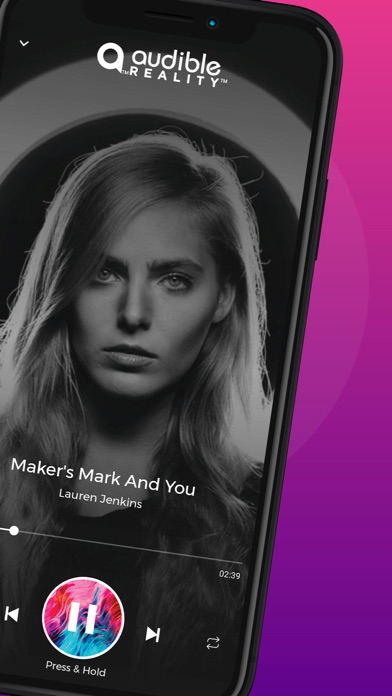
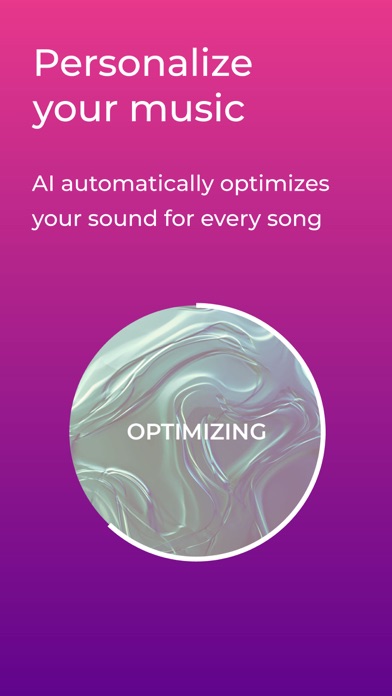
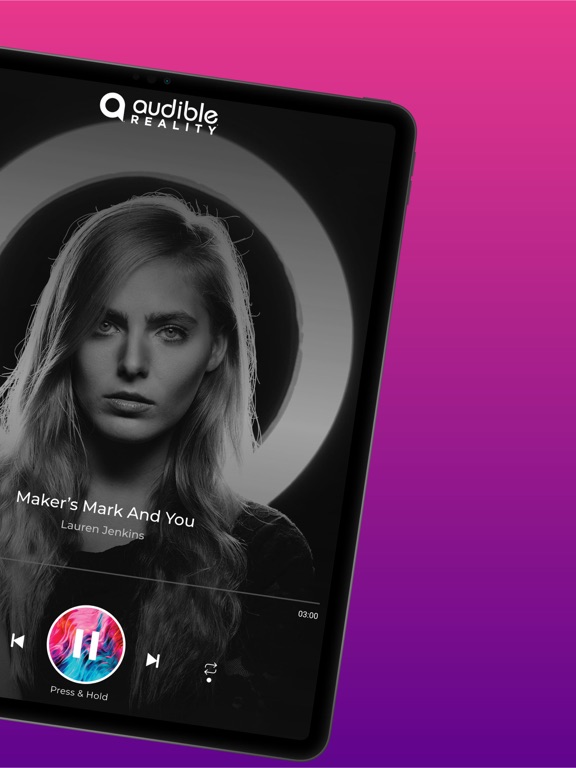
Break free from the limitations of stereo music with Audible Reality and experience music in three dimensional immersive audio. Choose from a variety of sonic landscapes to fit the environment, song or device. Discover Vibes that set just the right mood for listening at home, in the car, or at the gym. Or set the Smart Vibe to allow our AI to automatically personalize the vibe to you. No matter where you listen to music, make it your own with Audible Reality.
Quoi de neuf dans la dernière version ?
Please accept and install new updates as they come out to ensure the best performance and user experience.
Improvements and Bug Fixes in this version include:
• Updates to Vibe capabilities
• Minor bug fixes
FAQs:
Q - What streaming services are currently supported in Audible Reality?
A - Audible Reality currently supports playback from Spotify Premium (but not with Spotify free). You can also play music from your phone that has been purchased AND downloaded through iTunes/Apple Music. More services coming very soon!
Q - Why can't I see all of my Apple Music under the "Local Music" tab?
A - Due to Apple Music's DRM restrictions at this time, we cannot apply Vibes on streaming Apple Music or on offline downloads from the Apple Music streaming service. We can only apple Vibes to music you've directly downloaded or imported to your iPhone/iPad. This includes music you've purchased as direct downloads from iTunes/Apple Music, or music you've directly added to your device from your computer. To see more tracks in Local Music, you can either add tracks locally to your device by syncing with your computer, or by opening Apple Music on your device and downloading the tracks you've already purchased. Once downloaded, they will appear in the Local Music tab.
Q - Where can I find/add Artist Vibes?
A- You can add Artist Vibes through 3 methods:
1. by browsing the Vibe Carousel page.
2. by clicking on the "Add More Vibes" option in the More Menu of the app. This will take you to our site where you can select from a list of Artist Vibes. Tap on the Artist Vibe image and it will send you a Vibe Share Link to your app. Once the link opens in your app, you can click to add it to your carousel and start playing that Vibe!
3. by opening the Browse tab and selecting Spotify, you will be presented with a top list of playlists called "Audible Reality Daily Vibes". Tap any song inside a Daily Vibe Artist playlist to add that Vibe to your carousel.
Q - Why don't I see the vibe share icon when playing from Local Music?
A - Right now, the vibe share feature is only available when using Spotify Premium playback.A - Right now, the vibe share feature is only available when using Spotify Premium playback.
Q - How do I refresh my Vibes list and/or see the Vibes I created with AR Pro?
A - Login to the app, go to the Vibe carousel page and hit the refresh icon at the top right to update your carousel with the latest Vibes.