Chopin: Ballades
iOS Universel / Musique
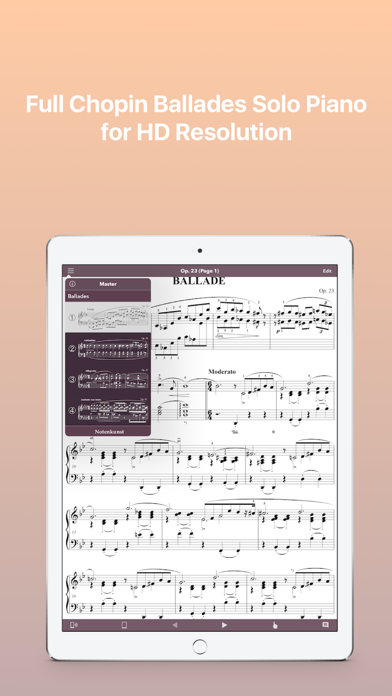
The app is developed specifically for serious music students and musicians. Besides accessing music scores, users can also annotate their own fingerings that are specifically tailored to fit their very scenario.
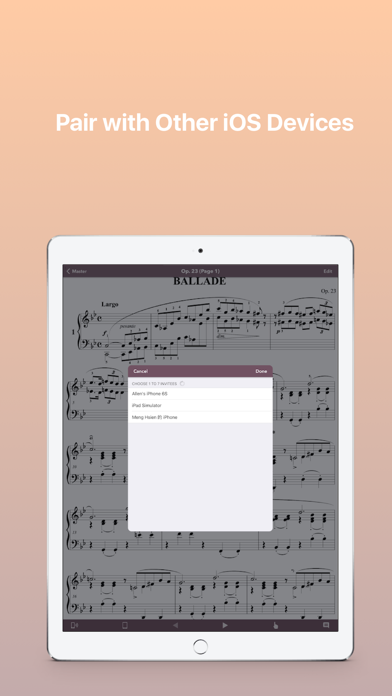
Additionally, different devices can pair with each other to build connection. It expands possibilities to allow users have synchronous page display or combine LEFT + RIGHT pages display to accomplish dual page display on multiple devices.
Download “Chopin: Ballades” now to collect the masterpieces of classical music.
Feature Highlights
- Created Based on First Edition and Autograph
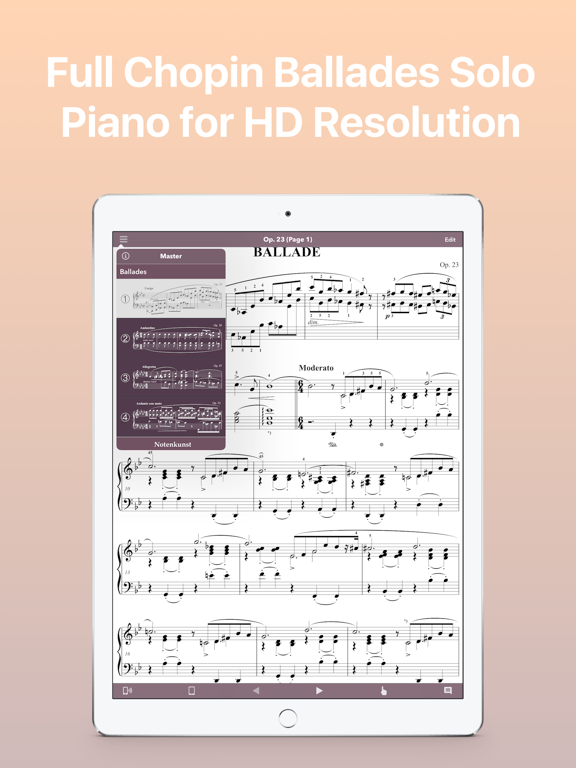
- Drawing for super high resolution displays
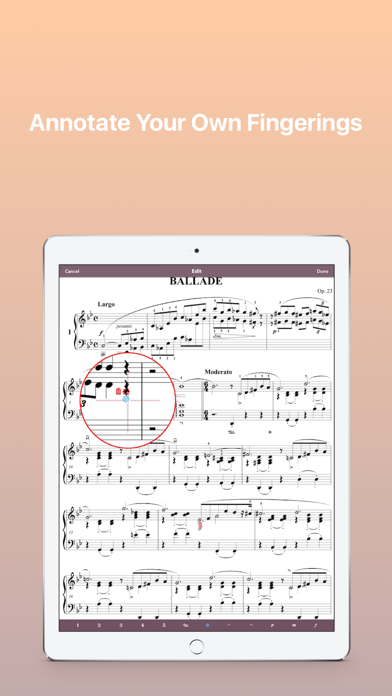
- Annotate Your Own Fingerings on iPad
- Pair with Other iOS Devices
- With Two iPads, Set "Left Pages Only" and "Right Pages Only" Respectively to Apply Dual-Page Mode
- Turn Pages Remotely with other Paired iOS devices
Fingering Annotation [iPad Only]
- Tap Edit Button to Enter Fingering Edit View
- Add a Fingering: Drag Magnify Glass to a Specific Place and Tap a Fingering Symbol Button in Tool Bar
- Edit an Annotated Fingering: Highlight a Fingering by Placing Magnifying Glass on it and Tap a Fingering Symbol Button which is NOT Highlighted
- Erase an Annotated Fingering: Highlight a Fingering by Placing Magnifying Glass on it and Tap a Fingering Symbol Button which is Highlighted Already
- Add a Chord Fingerings: Drag Magnify Glass to a Specific Place and Tap Fingering Symbol Buttons Continuously. Ex, Tap “1”, “3” and “5” without Moving Magnify Glass
Gestures
- Pinch & Spread to Zoom In/Zoom Out Music Scores
- Swipe with One Finger to Turn Next/Previous page
- Single Tap to enter/exit full screen
- Double Tap to Restore the Original Scale of Music Scores
Announcement
Besides the app “Chopin: Ballades”, “Mozart: Piano Sonatas I Nos. 1-9”, “Mozart: Piano Sonatas II Nos. 10-18”, "Chopin: Scherzos" & “Bach: Inventions & Sinfonias BWV 772-801” are also live and can be downloaded. There will be more to be released soon!!!
Quoi de neuf dans la dernière version ?
This app has been updated by Apple to display the Apple Watch app icon.
- fix score error