Classic Tempo
iOS Universel / Musique
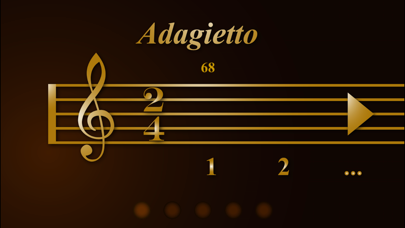
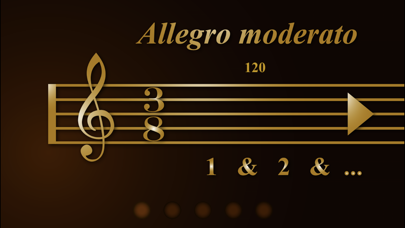
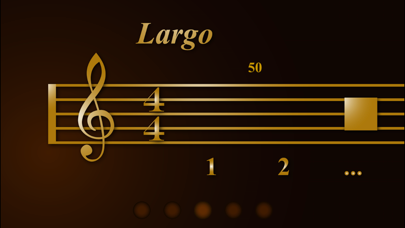
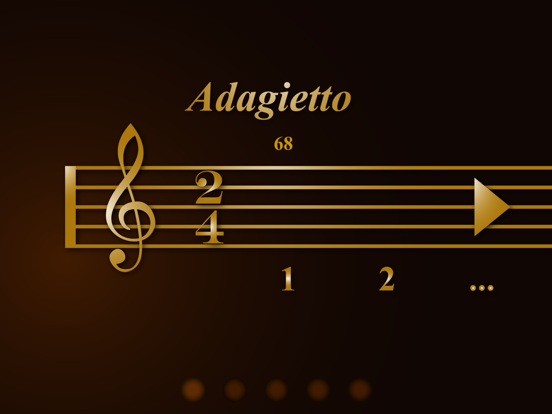
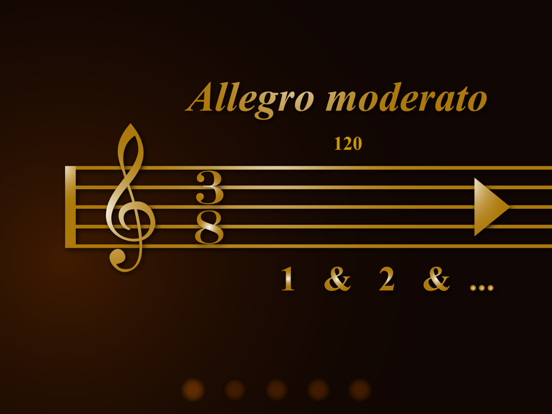
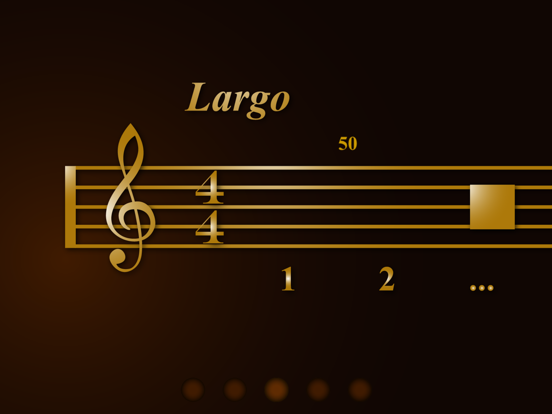
Finally, there is a metronome that looks like sheet music. Class Tempo is thus as easy to use as copying the tempo & time signature markings on your sheet musics.
Made by music beginner for music beginners
== Tempo Markings to BPM ==
As a piano beginner, one of the most frustrating experiences is to setup our metronome (beat counter) correctly according to all the tempo markings & time signatures on the sheet musics...
How fast is "Moderato"? How about "Largo"?
What is the corresponding BPM (beats per minute)?
Can I play it slower?
How slow is still acceptable?
Classic Tempo automatically suggests a commonly used BPM counting speed according to your tempo marking. So you don't have to search for the Tempo-BPM conversion tables every now & then anymore. You can also drag the BPM number to the left or right to adjust the BPM within the lower & upper range commonly accepted for your tempo marking.
== Intuitive & Aesthetic Interface ==
When you look for metronome (what a difficult word to spell btw) apps, almost every one looks like a piece of complicated machine, making it difficult to associate the markings on the sheet musics with all those sophisticated metronome settings.
And be honest, most of these metronome beat counters look too engineering (if not ugly) next to our musical instruments or on our pianos.
After experiencing all these frustration, we believe that the world needs a beat counter that is more intuitive to use and aesthetically pleasing to the eyes as music to our ears.
== Number Counting ==
As beginners, we often lost count soon enough in the middle of the first few bars with just “tick tick tock”. Classic Tempo counts by reading numbers aloud. You can easily pick up you pace even if you got lost in the middle of a long bar!
== Save Multiple Settings (upgrade via in-app purchase) ==
You can save up to 5 tempo settings for 5 different songs. This allows you to practice different songs conveniently without changing tempo setting every time.
== Key Features ==
Sheet Music User Interface
- Extremely intuitive setup interface
- Setup time signatures & tempo markings directly on a sheet music style interface
Ease to Use
- Swipe left/right on the Tempo markings to change Tempo (ordered from the lowest bpm to the highest)
- Drag BPM number horizontally (below Tempo Marking) to fine tune BPM
- Tap to change time signatures
- Tap on the counting label "1 2 ..." or "1 & 2 & ..." to toggle subdivision counting
- Tap the triangle/square button to start/stop counting
Tempo to BPM Conversion
- Sets commonly used bpm automatically for you according to your choice of tempo marking
- BPM for each tempo can be fine tuned within commonly used range
19 Built-in Tempo Markings
- Larghissimo
- Grave
- Lento
- Largo
- Larghetto
- Adagio
- Adagietto
- Andante moderato
- Andante
- Andantino
- Moderato
- Allegretto
- Allegro moderato
- Allegro
- Vivace
- Vivacissimo
- Allegrissimo
- Presto
- Prestissimo
Voice Counting
- Voice counting allows you to pick up your pace quickly if you ever get lost in the middle of your music scores.
- Option for counting with subdivision
Multiple Settings (Upgrade via In-App Purchase)
- Save up to 5 different tempo settings for quick access
Classic Tempo - metronome that makes sense.
Quoi de neuf dans la dernière version ?
Improved voice timing