Decibel Meter - Analyzer Pro
iOS Universel / Musique
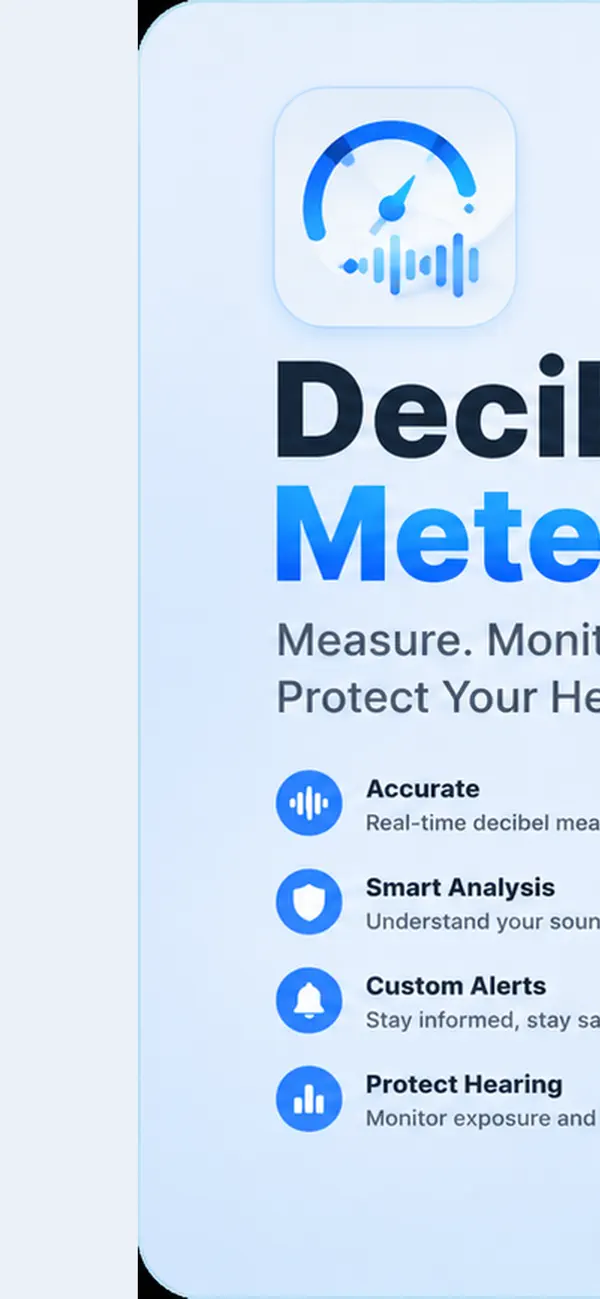
Your ears deserve better than guesswork. Decibel Meter - Analyzer Pro is a professional-grade sound level meter built for people who need clarity, accuracy, and confidence—whether you are protecting your hearing, documenting noise complaints, tuning a studio, checking workplace compliance, or simply understanding the world around you.
Unlike free apps that show a bouncing number with no context, this is a complete measurement toolkit designed to feel serious from the first second you open it. Real instrumentation logic. Real charts. Real records you can export and share. And best of all: one simple payment. No subscription. No monthly fees. No hidden upsells. You buy it once, you own it forever.
Professional measurement you can trust
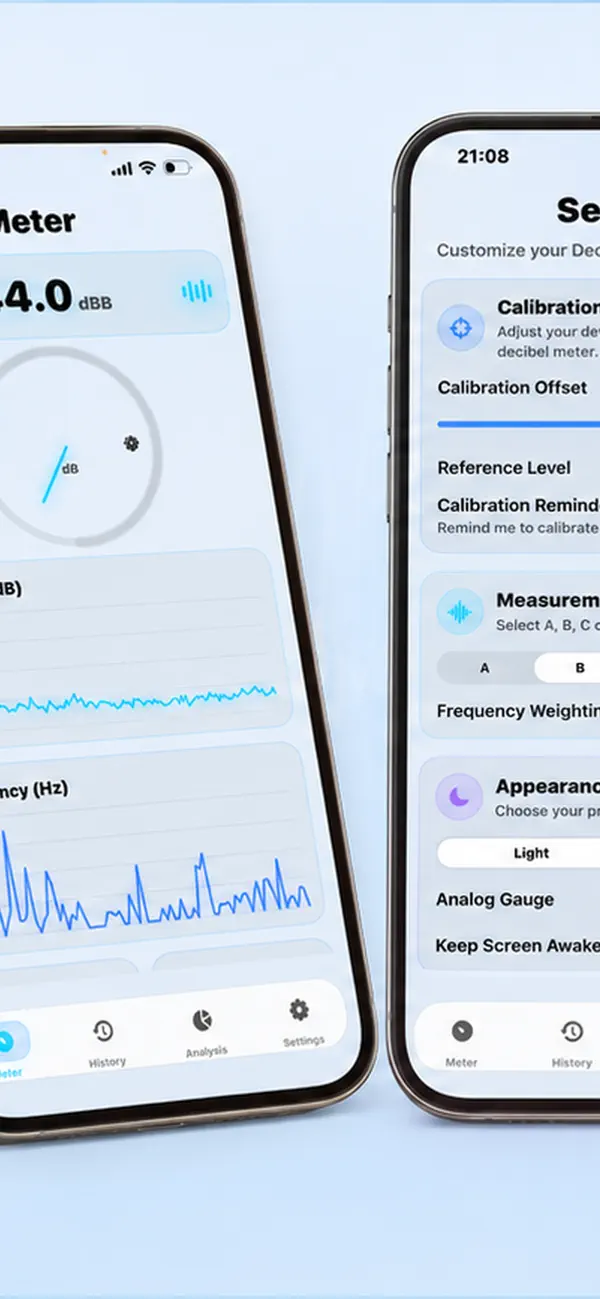
Decibel Meter Analyzer Pro is built around the standards professionals expect. Choose IEC 61672 frequency weighting—A, B, C, or ITU-R 468—plus selectable time weighting (Fast, Slow, Impulse) so your readings match how sound is actually measured in the field. A precision calibration offset lets you align the app with a reference meter, because credibility matters when the numbers need to stand up to scrutiny.
The live meter gives you everything at a glance: instant level, Leq, peak, max, and min—displayed on a responsive analog gauge and a sharp digital readout. You are not staring at a vague animation; you are watching a instrument-style interface that updates in real time as the environment changes.
See sound, don’t just hear it
Numbers alone are not enough. That is why the app visualizes your environment with separate Decibel (dB) and Frequency (Hz) charts, each with clear axis scales so you can interpret trends instantly. Identify loud spikes, track tonal content, and understand whether noise is low-frequency rumble or sharper midrange energy—critical for musicians, engineers, parents, tenants, inspectors, and anyone who needs more than a single digit on screen.
Need deeper analysis? Open the FFT spectrum analyzer and explore the frequency landscape in detail. Switch views, inspect dominant frequency, and build a fuller picture of what is happening in the room, on the street, or on the job site.
Record, review, and prove it
When a moment matters, tap Record and capture a full measurement session with a name you choose. Your History library keeps everything organized—review waveforms, histograms, and detailed stats anytime. Swipe to delete, open full-screen views, and export your data as CSV, PNG, or PDF when you need documentation for a landlord, employer, neighbor dispute, insurance claim, or personal archive.
The built-in Noise Analysis dashboard breaks down your daily exposure into Safe, Caution, and Danger zones—turning raw data into actionable insight about hearing health. The Dosimeter tools help you monitor exposure over time like a serious occupational hygiene workflow, not a toy timer with a microphone icon.
Built for daily use, not demo day
Dark and light themes, a clean tab-based layout, and a interface that stays readable under sunlight or in a dim studio. Keep the screen awake during long sessions. Background recording support when you need continuous monitoring. Reference guides for common dB levels help you interpret results without leaving the app. Every detail is tuned for repeat use: fast launch, smooth charts, and a workflow that respects your time.
Why one-time payment changes everything
Most “meter” apps hook you with a free download, then charge forever for exports, history, calibration, or basic features you assumed were included. Decibel Meter Analyzer Pro takes the opposite approach: pay once, unlock the full professional toolkit permanently.
No subscription anxiety. No “Pro tier” surprise after you have already relied on the app. No recurring charge for something you use occasionally but need critically when it counts. One purchase. Full access. Future-focused value without a meter running on your credit card.
Quoi de neuf dans la dernière version ?
Bug Fixes