iAnalyzer
iOS Universel / Musique
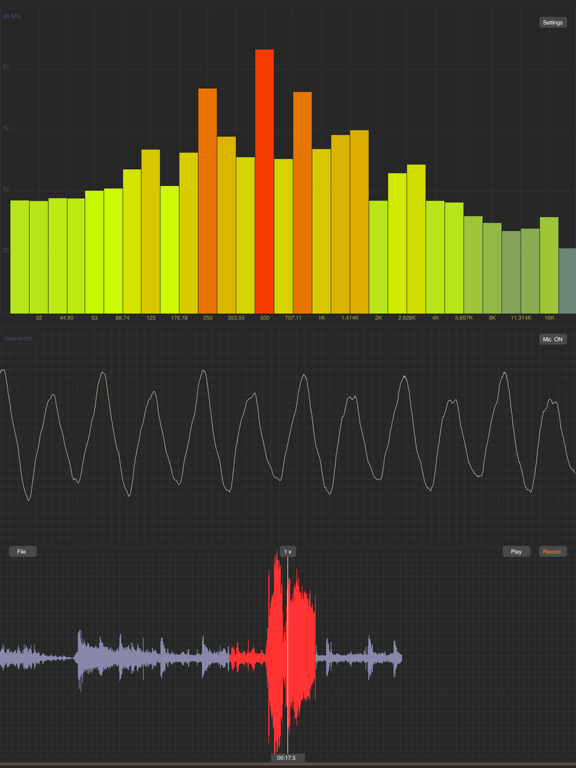
iAnalyzer is a FFT based professional software to analyze the audio signals for iPhone, iPod Touch and iPad.
After 10 years of good sales all over the world, we are glad to see that iAnalyzer has gradually become the industry standard in audio analyze field, due to it's very high quality of course. This is definitely a Must Have app for every musician or sound engineer.
We also released the Mac version, you can download it from "Mac App Store".
Features:
-High performance software design for Real Time Analyzing(RTA) and complex graph displaying.
-Works on 44K sample rate, 20~20k Hz frequency output.
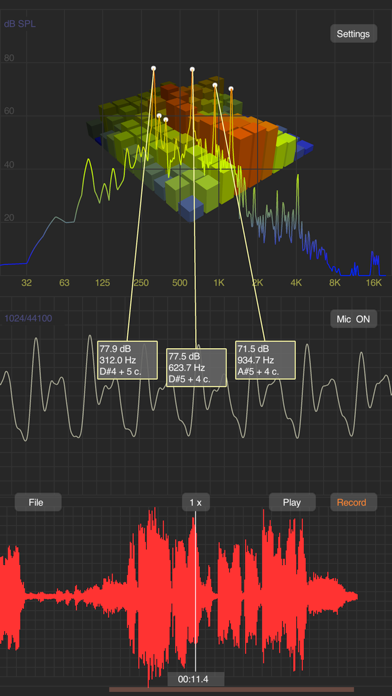
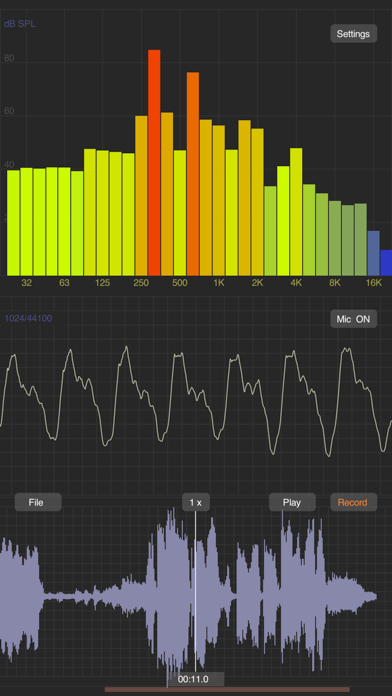
-FFT spectrum, Octave and 1/3 Octave result display.
-Colored curve depend on the dB value.
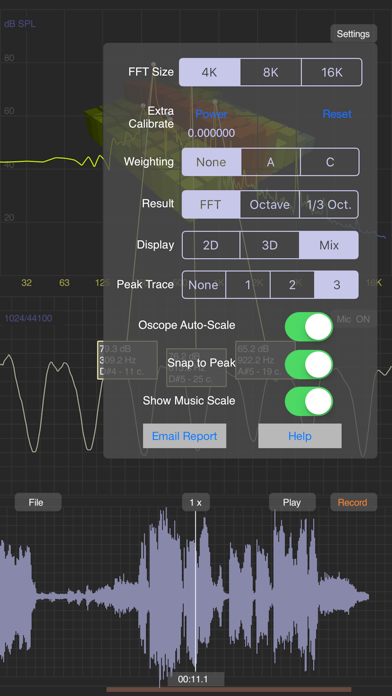
-Flex FFT size, 4K, 8K, or 16K.
-Reference Pressure configurable.
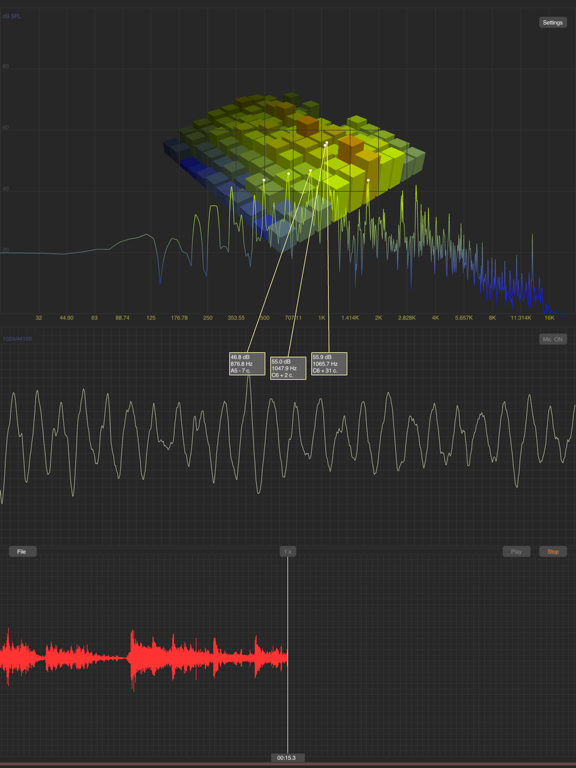
-2D or 3D or Mix 2D&3D display.
-History result display while in 3D mode.
-High precision peak frequency computation, average-error lower than 0.1%.
-Auto peak frequency tracing, up to 3 peaks can be displayed simultaneously and each one be linked from text to the graph clearly.
-Frequency to music scale converter, you can use iAnalyzer as a professional instrument tuner, or to test if any sound is tuneful.
-Powerful synthesizer to allow you replay the audio with different speed, from 1/8 to 4x. With this feature, you can listen to your recoding very slowly. (Require iPhone 4S and later, iPad 2 and later which shipped with multiple cores processor.)
-VGA output support. Sync display on your device and extern screen. (iPhone 4, iPod touch 4 and iPad required)
-Current waveform display and summary waveform display.
-Record at any position and red color to mark the latest recording, unlimited recording time.
-Play back the recording.
-Oscope Auto-Scale: Enable you to view more details for low level signal.
-Snap to Peak: Find peak more easily while using measure line.
-File Manager: Recording in wave format, create new files, delete exist files, etc.
-Wifi Transfer and Data exporting: Download wav files with your browser, including screen shot, FFT result in txt file.
-Touch in the result area to use the measure line, bordered label means where is a peak.
-Move in the waveform area or touch on the bottom of the area to change the current position, iAnalyzer re-compute and update graph automatically. You can also change the position while playing.
Note:
-The internal mic of iPhone first generation can only works on 8K sample rate, you need head-set to achieve 44k.
-Press "File" button to see the HTTP address, it is in the bottom of the window.
-For more information, Please visit http://phyar.cn .
How to Use:
-Touch and move in the result area with one finger to use the measure line.
-Touch and move in the result area with 3 fingers to rotate the 3D graph.
-Touch and move in the summary waveform area to move the current position.
-Tap in the scroll bar area(bottom of screen) to re-seek the current position.
Terms of Use: https://www.apple.com/legal/internet-services/itunes/dev/stdeula/
Privacy Policy: http://phyar.cn/pp/
Quoi de neuf dans la dernière version ?
Update for iOS 18.