Ocean State Media
iOS Universel / Musique
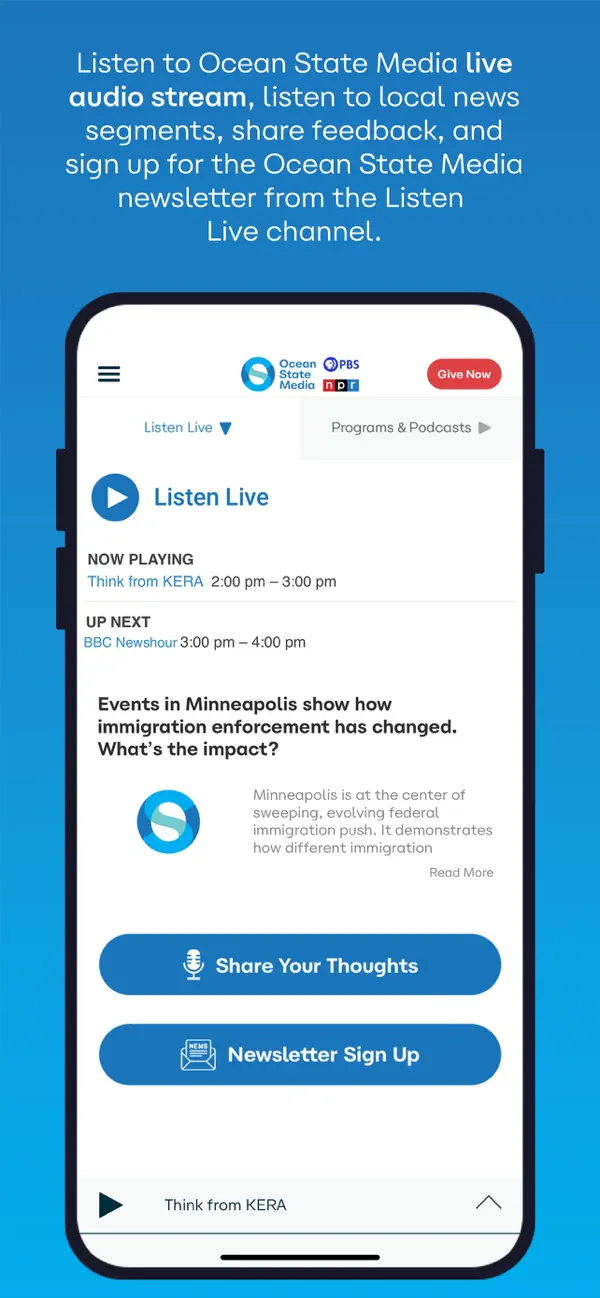
The Ocean State Media App allows you to listen to Ocean State Media Radio, pause and rewind the live audio, and view the program schedule for Ocean State Media all at once! You can explore and listen to On Demand content whenever you want, share stories with your friends and wake up to Ocean State Media with the alarm clock!
Live Streaming
• DVR-like controls (pause, rewind, and fast forward). You can pause the live stream to have a conversation and pick up right where you left off! Or rewind to catch a comment you just missed!
• Listen to live stream from Ocean State Media even while traveling! Start the app and your favorite station starts playing.
• Integrated program schedules for the Ocean State Media stream!
• Listen to Ocean State Media in the background while browsing the web or catching up on your emails!
On Demand
• Access Rhode Island Public Radio’s past programs easily and quickly.
• DVR-like controls. Pause, rewind and fast forward your program with ease.
• When listening to programs, individual segments (when available) are listed so you can review and choose one or listen to the entire program.
Additional features
• Easily share stories and programs with family and friends via the “Share” button.
• Access to the full Rhode Island Public Radio schedule.
• A built in Sleep Timer and Alarm Clock allows you to go to sleep and wake up to your favorite station.
• Share audio or video feedback directly with the station via the “Share Your Thoughts” feature.
Ocean State Media App is brought to you by the people at Rhode Island Public Radio and Public Media Apps. We work to provide our valued listeners with great solutions to find what you want, when you want it, on whatever device you have!
Please support Ocean State Media by becoming a member today!
https://www.oceanstatemedia.org
http://www.publicmediaapps.com
Quoi de neuf dans la dernière version ?
Performance enhancements and bug fixes
Your feedback helps us make our app better for everyone. Please send us your suggestions via the "Settings and Help" section of the app!