withU - Music Share (Free Version)
iOS Universel / Musique
►► Free version limits number of displayed items in each list.
You can use iPhone & iPad as music server!
You can also listen music from other media servers!
withU is Music Streamer & Music Streaming Player over Wi-Fi connection!
(UPnP/DLNA compatible)
withU lets you stream your iPod Music Library to
● iOS Devices (iPhone, iPad, iPod Touch)
● Gaming Consoles (XBox 360, PS3)
● Web Browsers (Safari, Chrome)
● PC Applications (Windows Media Player , Plex, XBMC, etc.)
withU also helps you listen Music from Windows 7 PC or PC applications such as Plex, XBMC Media Server, PlayStation Media Server, MediaTomb.
======== USEFUL TIP ========
● When you use withU as 'Music Server' in Background, you have to re-launch withU every 10 minutes.
● If you don't want this, use 'Silent Mode'. (withU ► Settings ► Silent Mode)
======== HOW TO USE ========
● To Share Music, Connect your iOS Devices, Xbox, PS3 and PC to the same Router(or Hotspot).
● Launch withU
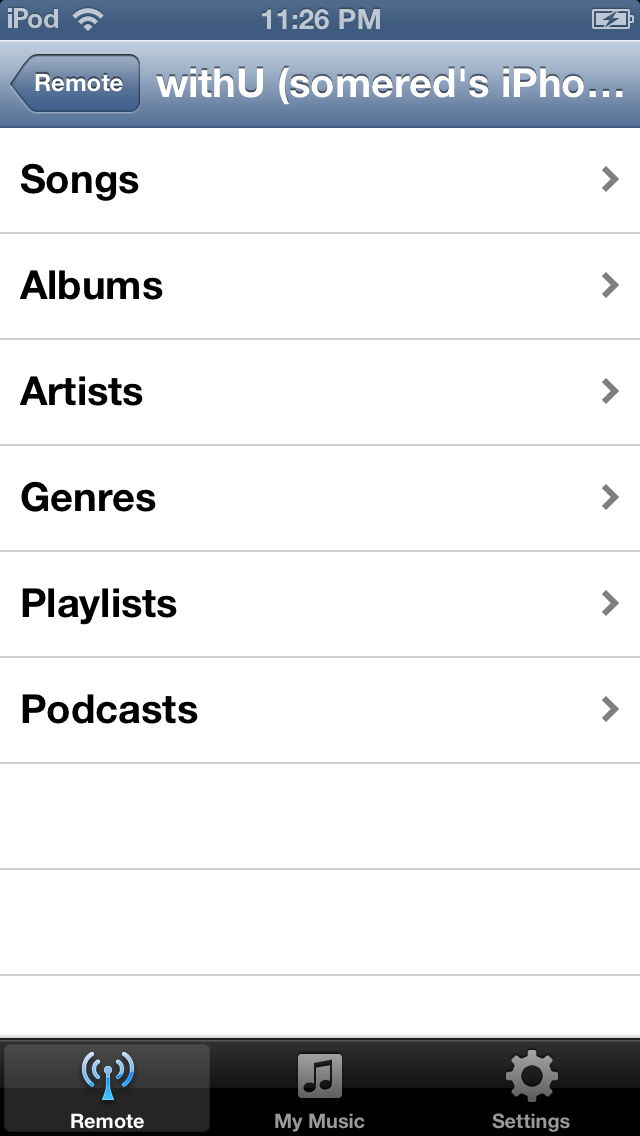
● withU ► withU : Select other iOS devices under "Remote Devices"
● withU ► Xbox : Turn on Xbox, and select "App ► My Apps ► Music Player ► withU"
● withU ► PS3 : Turn on PS3, and select "Music ► withU"
● withU ► Windows 7 PC : Start "Windows Media Player", and select "withU" under 'Other Library'
● Windows 7 PC ► withU :When streaming Music saved on Windows 7 PC to withU , if you can't see any song files, start Windows Media Player and choose "Stream ► Turn on media streaming ► Select the device you want to be allowed to access your files". In the case that "Stream" is not shown, choose "Control Panel ► HomeGroup ► Stream my pictures, music and videos to all devices on my home network".
● You can share your music in background state after pressing home button. But if you are not listening Music through withU, you have to "Re-Launch" withU every 10 minutes to keep sharing your Music.
======== FEATURES ========
● withU requires minimum 100MB(0.1GB) of iOS Device free space to work efficiently.
(You can check your free space under : Settings ► General ► About ► Available )
● On iOS devices or PC, music can be streamed both ways.
● On Xbox or PS3, music can only be streamed from your iOS device to your gaming device.
● DRM songs might be limited to use.
Quoi de neuf dans la dernière version ?
- bug fix