iPhoneAddict Apps
  • Actualités
  • Accueil Apps
  • iPhone
  • iPad
  • Universelles
  • Mac
  • Apple TV
KG KultureGeek
App
iPhone / iPad Télécharger iAddict v5 Mac Télécharger iAddict Mac
  • Actualités
  • Accueil Apps
  • iPhone
  • iPad
  • Universelles
  • Mac
  • Apple TV
  • Archives keynotes
  • Firmwares & iTunes
  • Contactez-nous
  • Comparateur de prix
  • KultureGeek
Accueil » Liste des Apps » Apps Universelles » Navigation » NYC Bus in 3D City View
L'application n'est plus disponible sur l'App Store français
20.20 iOS €1,99€ Jufen Chang 0 0 In the past, 3D Modeling requires state-of-the-art computing machines and advanced graphic programming for a building or object. With Apple Map flyover, 3D Cities and Places around the worlds are now available on your latest iOS devices. The Next...
NYC Bus in 3D City View

NYC Bus in 3D City View

iOS Universel / Navigation

1,99€ au lieu de 2,49€
Acheter sur l'App Store
Facebook X E-mail

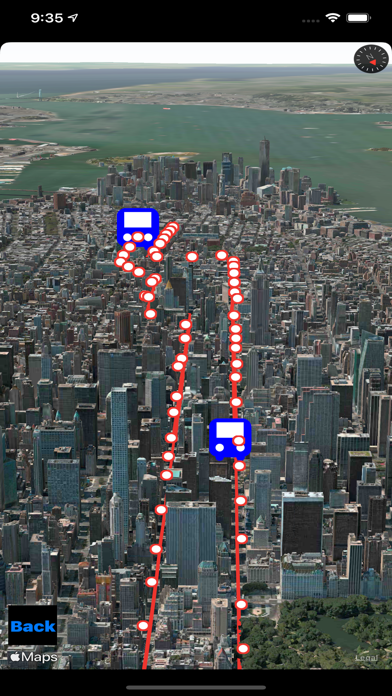
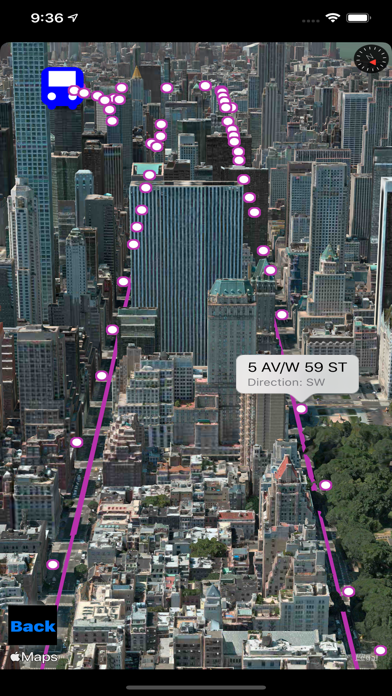
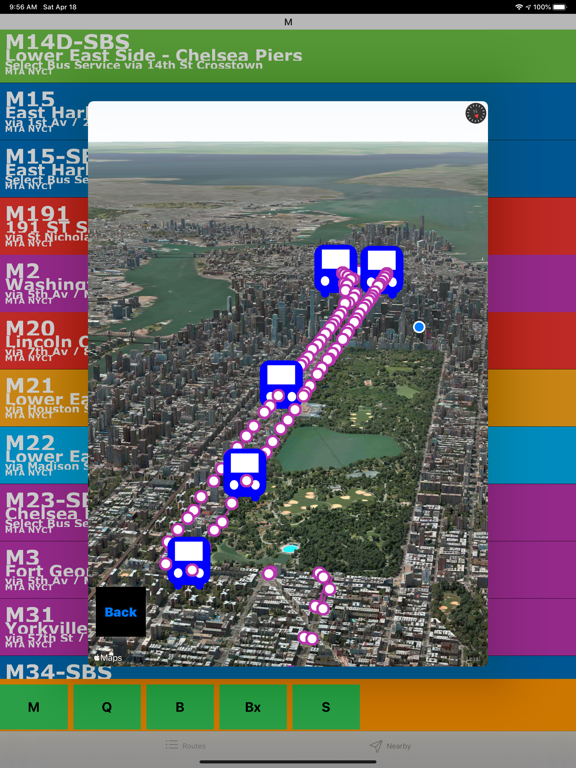
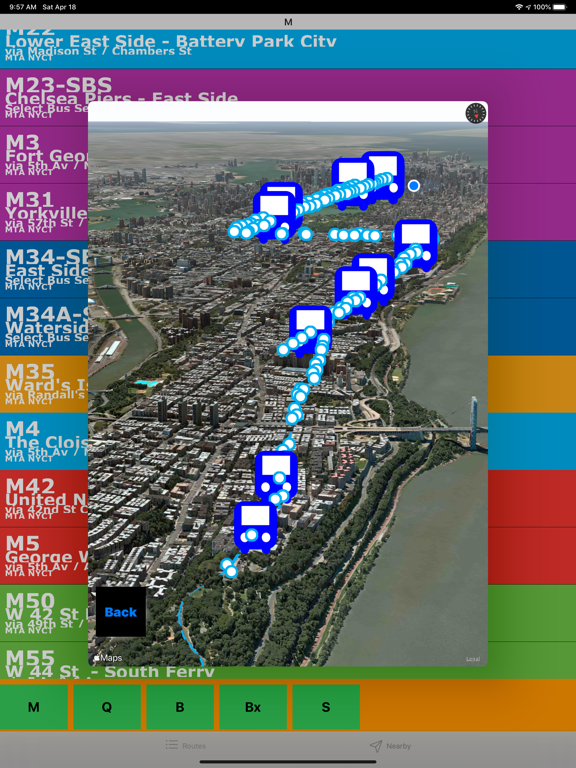
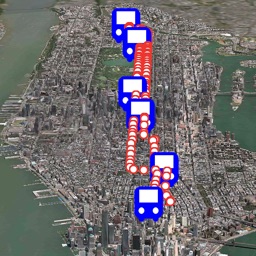
In the past, 3D Modeling requires state-of-the-art computing machines and advanced graphic programming for a building or object. With Apple Map flyover, 3D Cities and Places around the worlds are now available on your latest iOS devices.

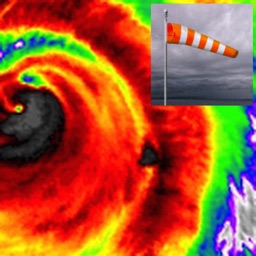
The Next Generation of 3D Bus app with NOAA Radar is here. Taking a bus and ready to see everything around you in 3D and check out the real time weather. In addition, this is the first bus app with built-in NOAA Radar support (zoom in/out to see the regional radar).

iOS App Quick Started:
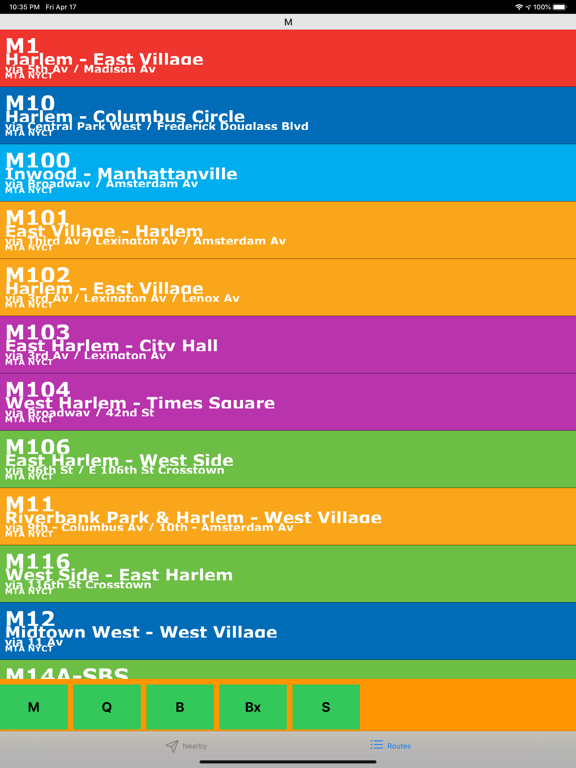
- By default, Manhattan M1 is selected. Click on the route menu or the right side bar to select a different route. Click on the direction menu or left side bar to select a different direction.
- Select "M" for Manhattan, "B" for Brooklyn, "Bx" for Bronx, "Q" for Queens and "S" for Staten Island.
- Select a bus stop to see the schedule.
- Use the slide bar to navigation through the stops.

> To see the city 3D View, follow the steps below:
- Make sure Flyover is selected.
- Click on the "3D" button to see the 3D rotation view. Click on the "3D" button again to stop rotation.
- Zoom in/out and use the "3D" button for the 3D Map
- Use two fingers up or down to see the 3D View.

En voir plus...

Quoi de neuf dans la dernière version ?

Redesign the app to work with iPhone and iPad.

  • Screenshot #1 pour NYC Bus in 3D City View
  • Screenshot #2 pour NYC Bus in 3D City View
  • Screenshot #3 pour NYC Bus in 3D City View
  • Screenshot #4 pour NYC Bus in 3D City View
  • Screenshot #5 pour NYC Bus in 3D City View
  • Screenshot #6 pour NYC Bus in 3D City View

D'autres applications du développeur

US NOAA Radars 3D ProUS NOAA Radars 3D ProiOS UniverselUS NOAA Radars 3D LiteUS NOAA Radars 3D LiteiOS UniverselInstant NOAA Buoys 3DInstant NOAA Buoys 3DiOS Universel3D Cities and Places Pro3D Cities and Places ProiOS Universel3D Cities and Places3D Cities and PlacesiOS UniverselInstant NOAA Alerts 3D EliteInstant NOAA Alerts 3D EliteiOS UniverselVoir toutes les apps

Note

(0 note)

Détails sur l'application

Version
20.20
Taille
6.8 Mo
Version minimum d'iOS
13.0
Dernière mise à jour
18/04/2020
Publié par
Jufen Chang

Newsletter App Store

Recevez chaque jour les meilleures promos

Actualité Apple

Image Dopamine 3, le jailbreak pour iOS 26 sur iPhone, est disponible
Dopamine 3, le jailbreak pour iOS 26 sur iPhone, est disponible
Image L’App Store est en panne pour plusieurs utilisateurs, selon Apple
L’App Store est en panne pour plusieurs utilisateurs, selon Apple
Image Apple Music : la traduction des paroles en français est en cours de déploiement
Apple Music : la traduction des paroles en français est en cours de déploiement
Image Apple teste iOS 26.6.1 sur iPhone pour des correctifs
Apple teste iOS 26.6.1 sur iPhone pour des correctifs
iPhoneAddict Apps

Le catalogue iPhoneAddict pour suivre les nouveautés, mises à jour et baisses de prix de l’App Store.

Apps

Toutes les apps iOS iPhone iPad Universelles Mac Apple TV

iPhoneAddict

Actualité Apple Archives keynotes Contact À propos KultureGeek

Suivez-nous

©2009-2026 i2CMedia. Tous droits réservés.