E-Flux by Road
iOS Universel / Navigation
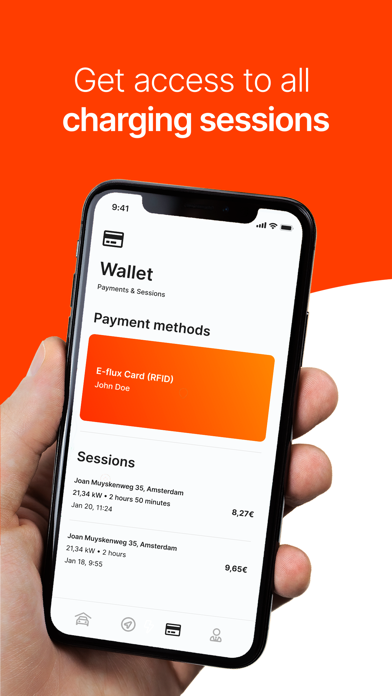
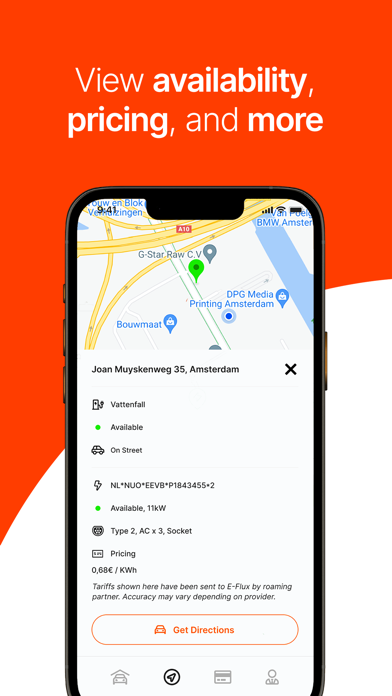
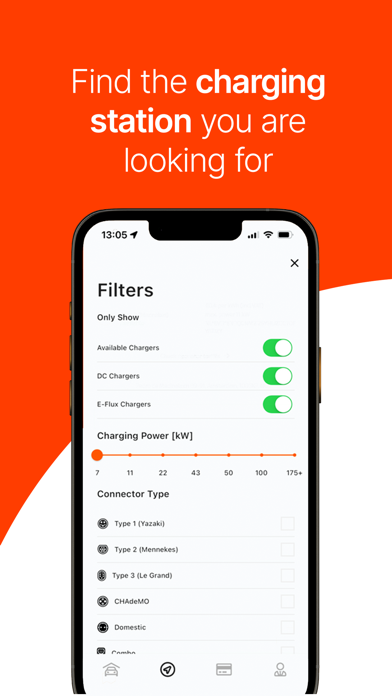
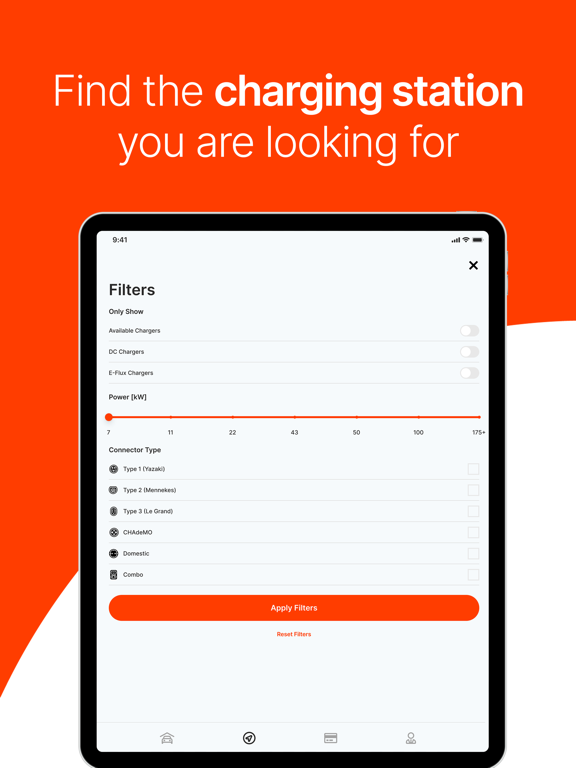
Quickly find charging stations across Europe, complete with details on connectors and charging capacity. Use filters to locate the right charging stations and instantly check rates, including peak and off-peak hours, helping you make the most cost-effective choice. Navigate to over 500,000+ public charging stations across 35 countries using Google or Apple Maps, while easily keeping track of all your charging activities. Access data and insights to lower costs and charge more efficiently. Easily optimize every charging session with the E-Flux by Road app!
Key features:
* Easily find charging location
* Compare prices and find the most cost-efficient charging station near you
* Navigate to a charging station of your choice
* Get access to your charge history
Quoi de neuf dans la dernière version ?
Session aggregation overview
In the Wallet, we added a new aggregated session overview showing the total cost, time, kWh, and sessions based on your selected filters.
The overview is in line with the overview we did on the web, providing users with the same experience.
Updated completed session overview
The session completion overview now includes a map of the location, its name and the charger’s name. This information is graphically designed to align with session aggregation, providing the driver with the best possible overview.
Location discovery
The location discovery screen has been improved by grouping locations by connectors. Additionally, we’ve added support for physical references, which are displayed in the list for providers who wish to use them as defaults. The EVSEID will default to being used as a physical reference when none is provided.
Apple Carplay and Android AutoApple Carplay and Android Auto
We’ve added filter options and the ability to save favourite locations.
We’ve also mapped the location from the list for easy identification on the map.
The location now includes availability and price info.
Finally, we’ve extended the Highway Mode with three options: auto (default), disabled and always on. This last option is useful for drivers in the highway who encounter traffic. The auto feature simply turns on or off.