Navigraph Charts
iOS Universel / Navigation
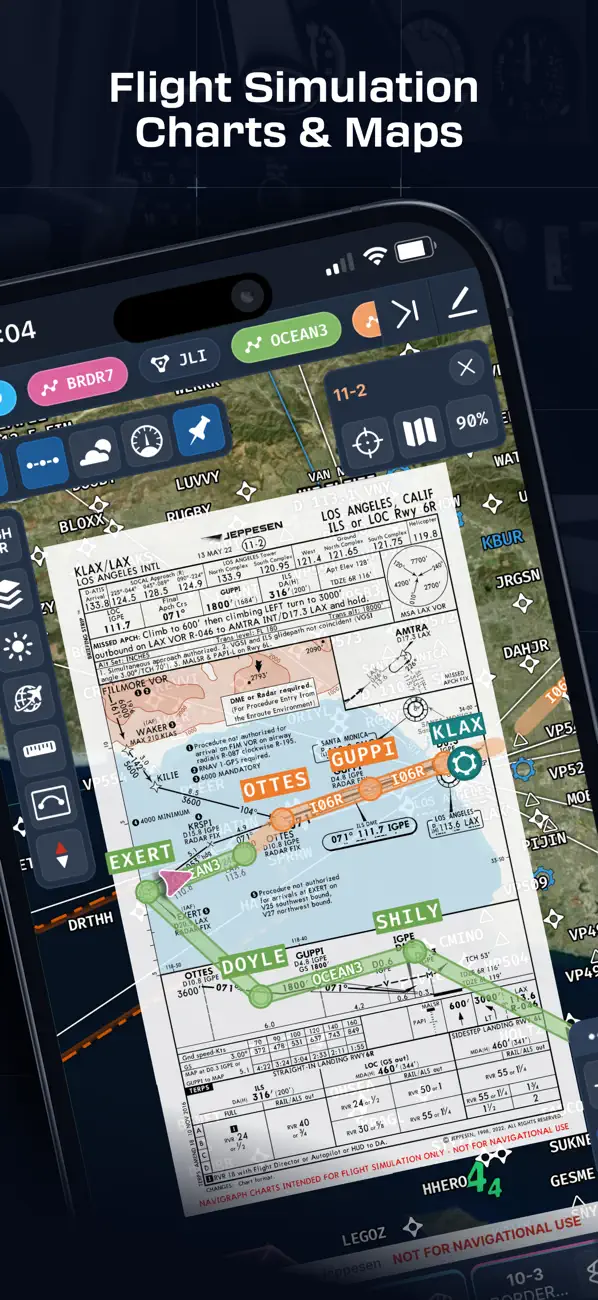
Looking for the most comprehensive software solution for flight simulation? Navigraph Charts is your co-pilot.
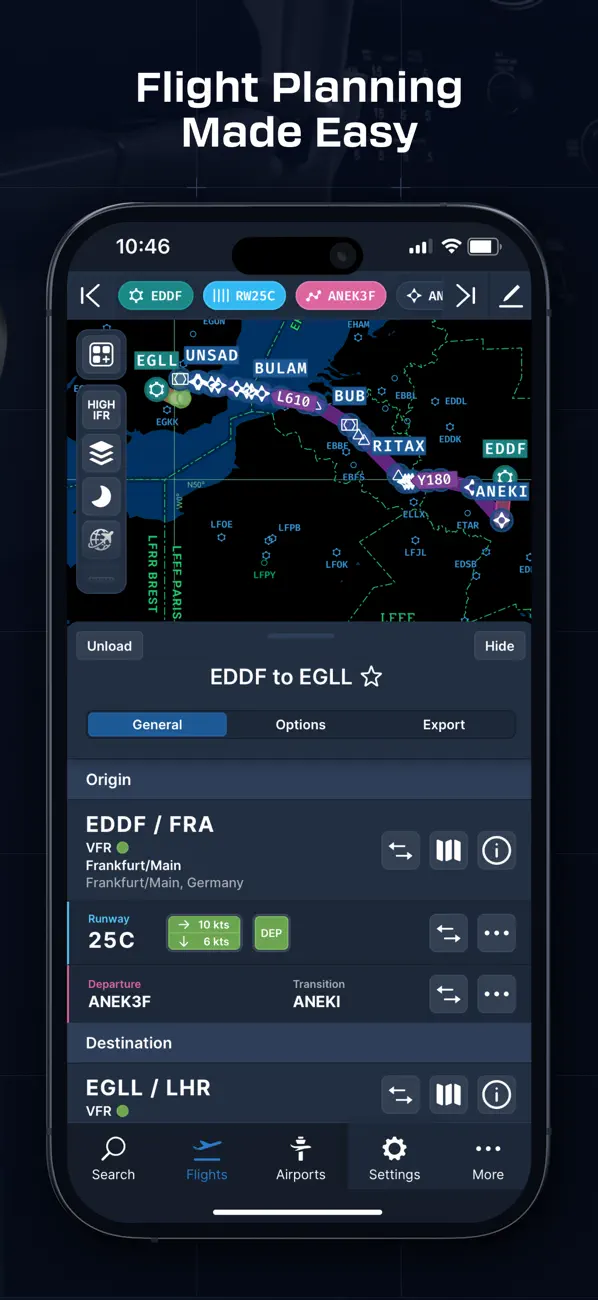
Navigraph Charts 8 has been developed with emphasis on delivering a seamless and intuitive experience, reducing the pilot workload in all phases of the simulated flight.
Why you'll always want Navigraph Charts with you in the cockpit:
- Only provider of Jeppesen charts and navigation data for flight simulation.
- Access to IFR chart coverage at over 7,000 airports worldwide.
- Charts and data sourced from Jeppesen and updated every 28 days according to the AIRAC calendar.
- Largest dataset of its kind in the world.
- Most up-to-date and modern navigation software for flight simulation.
- Simulator sceneries, flight plans, charts, navigation systems, and addon software are all in sync with data from the same source.
- Great support.
New features in Navigraph Charts 8:
- Worldwide VFR Charts powered by Jeppesen VFR data
- Seamless Zoom
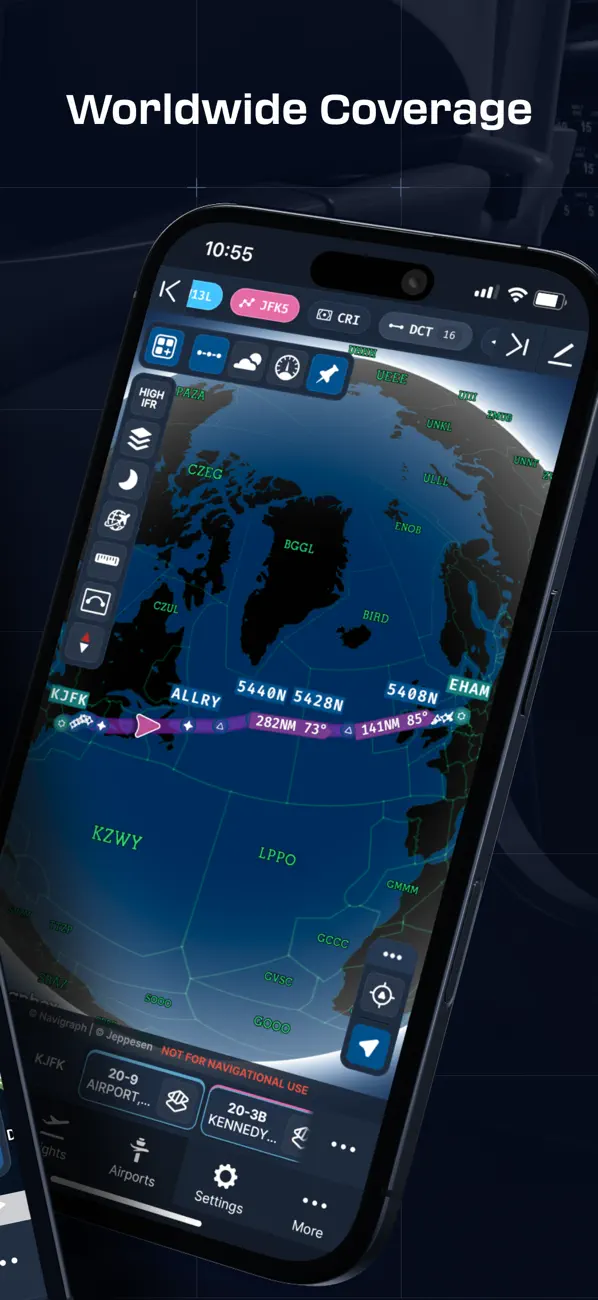
- 3D Globe Projection
- Autopinning of Procedure Charts
- Runway Crosswind and Airport Weather Information
- Vector Charts
- Weather overlays including radar and winds
- ATIS
- NOTAM
- Annotate and draw on charts and SimBrief operational flight plan
- VATSIM and IVAO traffic and ATC sector display
Navigraph Unlimited features:
- Moving Maps
- Zoom all the way down to gate level.
- 3D globe projection helps visualize Great Circle distances and polar routes.
- Saves time and effort by automatically organizing relevant airport charts to pinboard.
- Weather information including runway crosswinds updated in real-time.
- No commitment - cancel any time you like.
Moving Maps compatible with Microsoft Flight Simulator, X-Plane and Prepar3d.
Quoi de neuf dans la dernière version ?
Highlights
- Oceanic Tracks now available for the North Atlantic and Pacific Oceans
- Traditional paper-style VFR Charts now available for Brazil, Southeast Asia, and the Middle East
Features
- Oceanic Tracks are now available as a layer and enabled by default on IFR High
- Brazilian VFR Charts provided by DECEA are now available as a preset and layer
- South East Asia & Middle East VFR Charts provided by AED Aero are now available as a preset and layer
- Day/night mode is now available for reading SimBrief OFPs
Bug fixes & improvements
- Improved autoroute behavior
- Improved autoroute error handling
- Updated telemetry widget styling
- Updated map icons and fonts for improved readability
- Updated component colors for improved readability
- Updated default layers for FAA Heli
- Improved map positioning and camera behavior across platforms