RideStory
iOS Universel / Navigation
RideStory is a GPS tracking app designed to record your routes and turn them into visual stories you can relive and share.
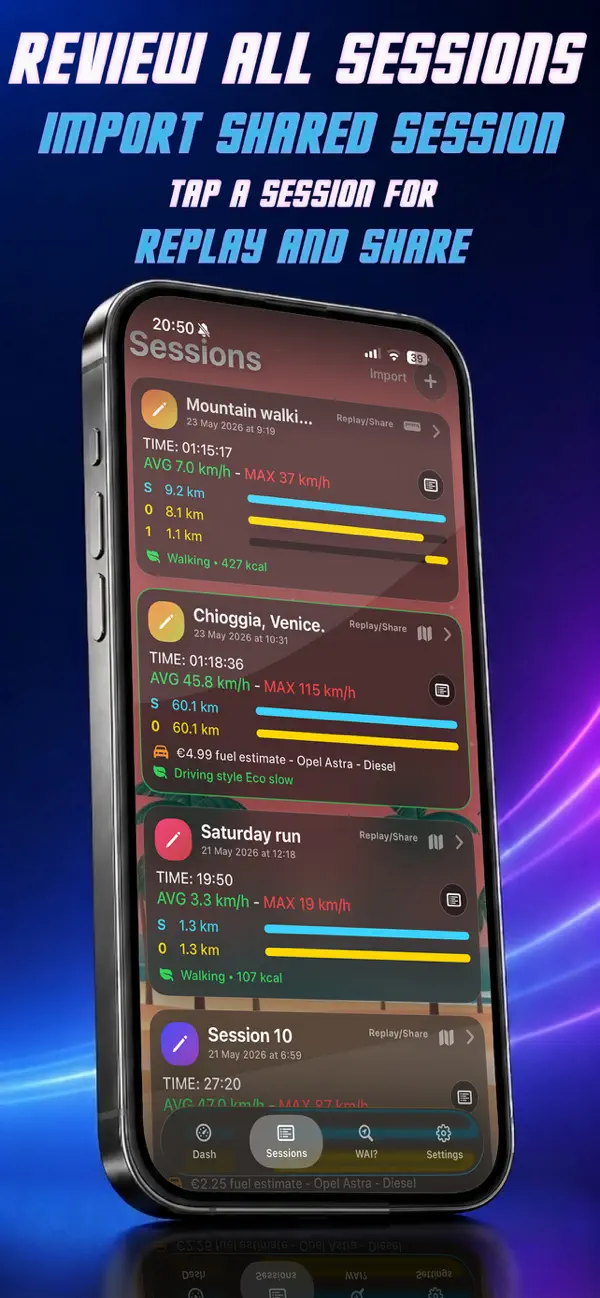
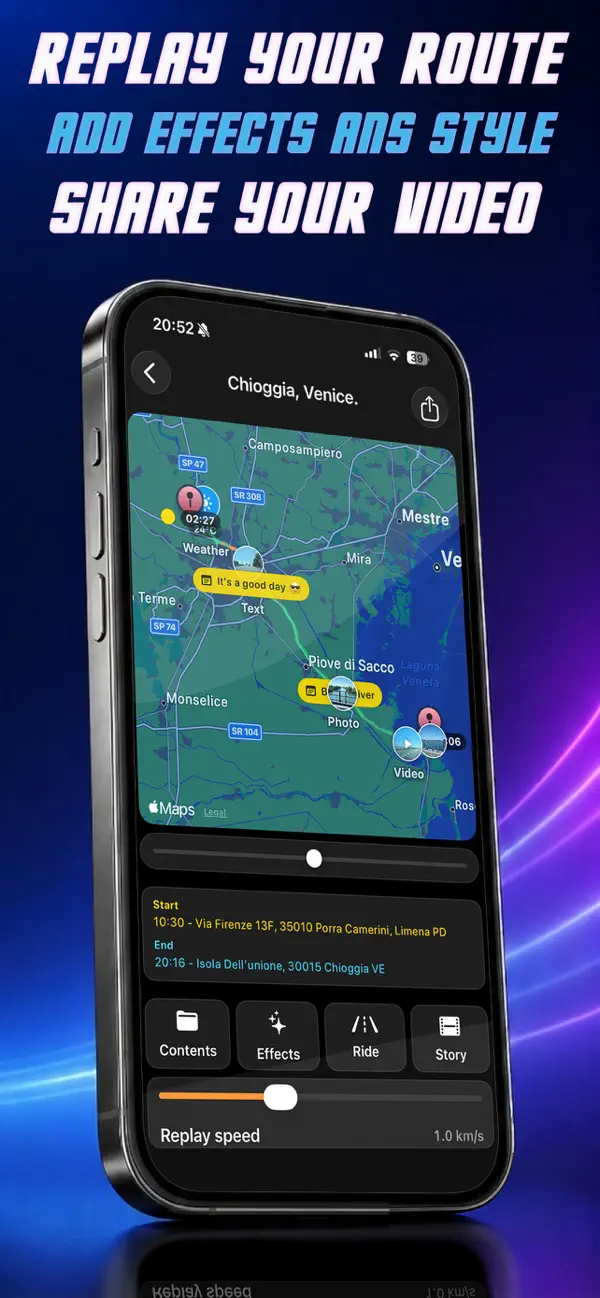
Track your sessions by car, motorcycle, bike or on foot, then review every route through an interactive map replay. RideStory lets you follow the path again, customize the replay style, add titles and effects, choose a specific section of the route, and export a shareable video of your ride or story.
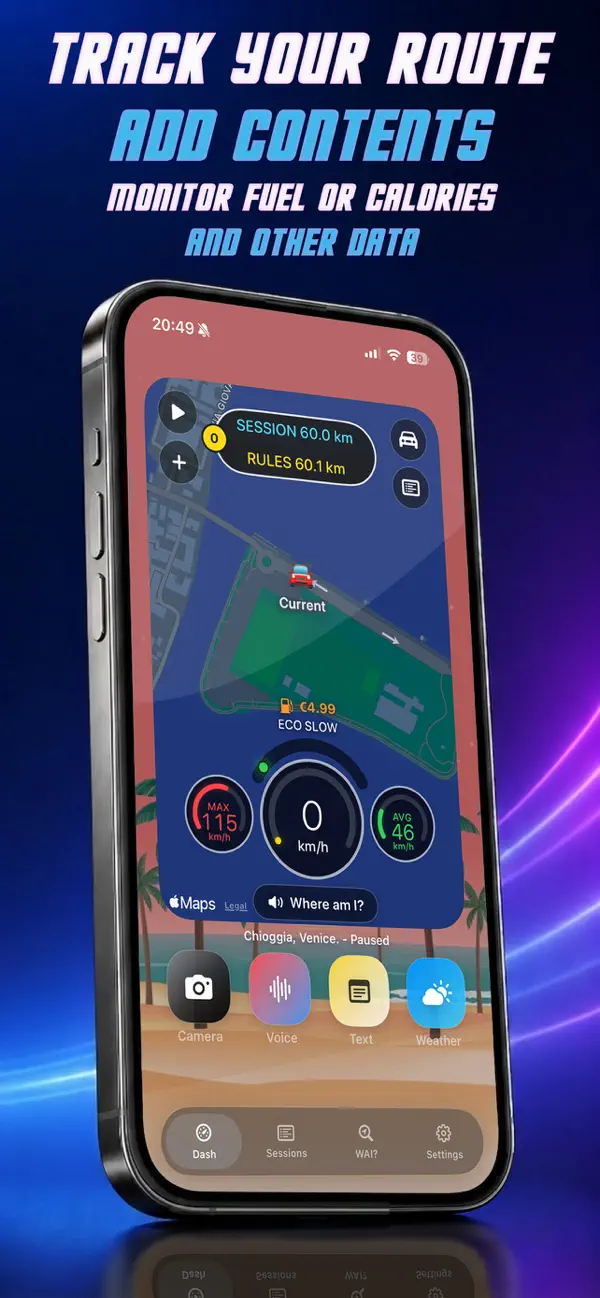
During tracking, RideStory records distance, speed, average speed, maximum speed, route sections, location points and session time. Depending on the selected activity, it can estimate fuel cost for car and motorcycle sessions or calories for walking and bike sessions.
You can enrich your route with photos, voice notes, short text notes and “Where Am I” points, then find them again inside the session replay and summary.
RideStory also supports Live Activities and iOS widgets, so you can view key session information such as speed, distance, average speed, route sections, fuel cost, calories and current location from supported iOS surfaces.
Technical Features
GPS tracking for car, motorcycle, bike and walking sessions
Interactive route replay with Ride, Story and Real-style modes
Shareable video export of session replays
GPX export for compatible map and route tools
RideStory session export/import for saving or moving complete sessions
Session content with photos, voice notes, text notes and saved location points
Fuel cost estimation for car and motorcycle activities
Calorie estimation for walking and bike activities
Live Activities and Home Screen widgets
Support for kilometers/miles and localized voice feedback
Custom replay effects, titles, map styles and replay section selection
Important Safety Notes
For CarPlay widget use, RideStory must remain in the foreground with the screen active.
NOTE:
The app includes its own screen protection mode to reduce distractions and help preserve battery while tracking.
During an active tracking session, RideStory automatically shows a driving protection screen when a certain speed is exceeded, helping reduce distractions while on the road. For safety, stop in a safe place before adding photos, voice notes or text notes to your route.