TorqueTrailPulse
iOS Universel / Navigation
TorqueTrailPulse — Driving Telemetry
TorqueTrailPulse turns your iPhone into a lightweight driving telemetry companion. Capture live driving stats, understand how your car responds, and review your runs — all in a clean, distraction-free interface designed for use before and after a drive.
Whether you’re curious about acceleration, braking, or road smoothness, TorqueTrailPulse gives you simple, visual insights using your device’s sensors. Allow background recording so your drive continues tracking even when your phone sleeps.
Now supports:
- CarPlay support
- Apple Watch app
- Live Activities
- Siri automation
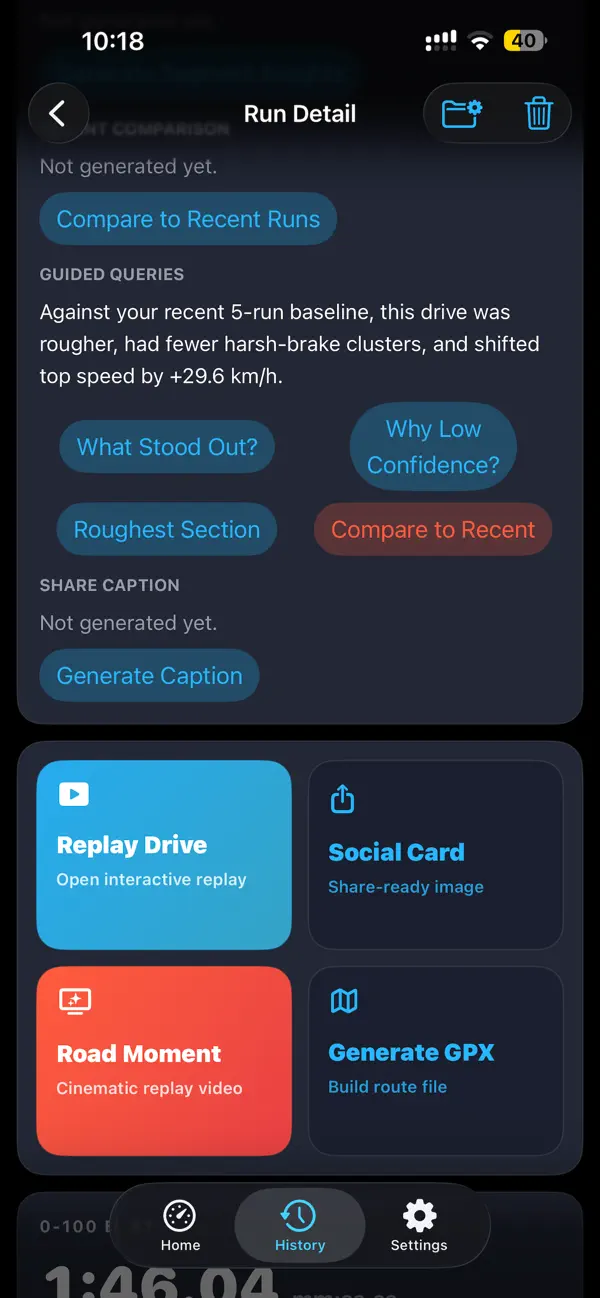
- AI-generated insights
- Video highlight generation
- Encrypted backups
- Driver persona based off past drive data
- iCloud sync
Key Features
Live Telemetry
• Real-time speed
• Acceleration (longitudinal G)
• Cornering force (lateral G)
• Road smoothness score
Performance Metrics
• 0–100 acceleration timing
• Braking distance estimates
• Run duration and distance
Drive History
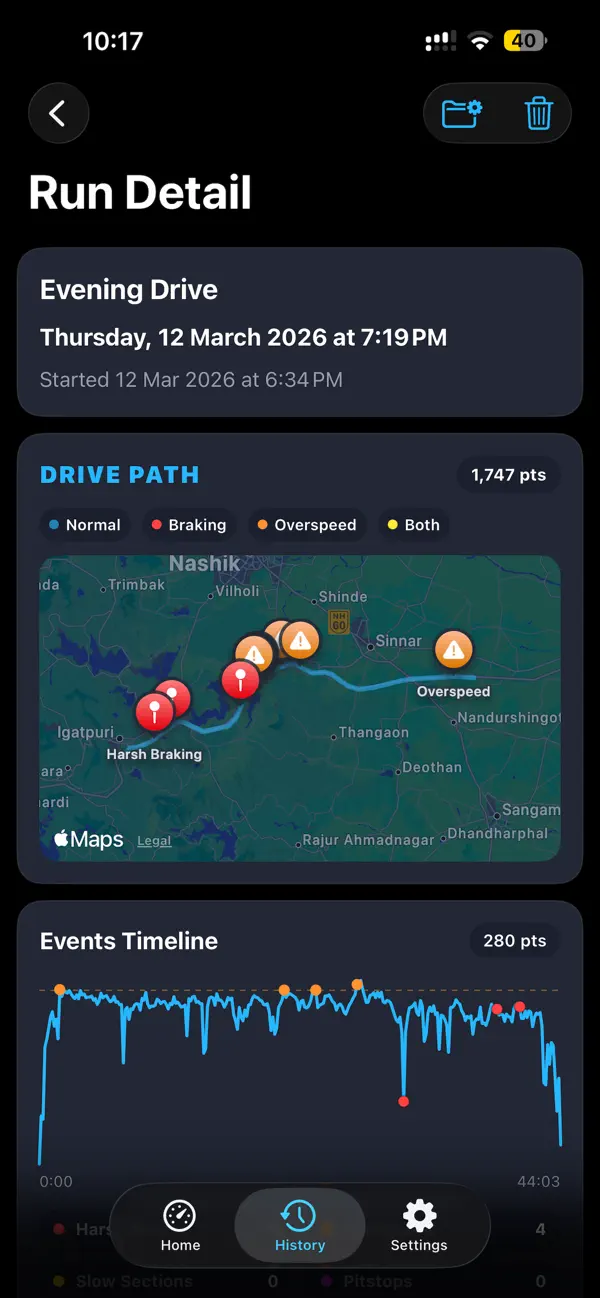
• Automatically saves completed runs
• Review past sessions with clear summaries
• Compare smoothness and performance over time
Lock Screen & Live Activity
• Optional live status on Lock Screen and Dynamic Island
• Glanceable speed and recording state
Privacy-First
• Runs are stored locally by default
• No account required to start using TorqueTrailPulse
• Location and motion access are used only to compute driving metrics
Battery-Aware
• Background recording is optional
• Adaptive sensor sampling to reduce battery usage
• You control when recording is active
Private iCloud Backup
Create a private iCloud restore point for your run library.
Encrypted Export
Create a passphrase-protected backup file you can save and import later.
If enabled, private iCloud backup stores your backup in your personal iCloud account for restore. The app developer does not access this private iCloud backup data.
Designed for Drivers
TorqueTrailPulse is built for:
• Car enthusiasts
• Track-day practice (non-competitive use)
• Smoothness monitoring on long drives
• Curious drivers who want deeper insight into their driving patterns
The interface is optimized for clarity and safety. Interactions are kept minimal while driving, and detailed analysis is available when stopped.
Important Notes
• Telemetry accuracy depends on device sensors and mounting position.
• Road conditions, vehicle suspension, and phone placement affect readings.
• Continuous GPS and motion tracking may increase battery consumption.
• TorqueTrailPulse is not a navigation app and does not replace your vehicle’s instrumentation.
Permissions Explained
TorqueTrailPulse requests access to:
• Location — to calculate speed and distance
• Motion & Fitness — to estimate acceleration, braking, and smoothness
• Notifications (optional) — to show run status
These are used only to provide core app functionality.
Quoi de neuf dans la dernière version ?
- Performance improvements
- CarPlay support
- Apple Watch app
- Live Activities
- Siri automation
- AI-generated insights
- Video highlight generation
- Encrypted backups
- Driver persona based off past drive data
- iCloud sync